4
|
Operating instructions
|
OTC3208
|
en
575512 REV A | 05.2015 Bosch Automotive Service Solutions Inc.
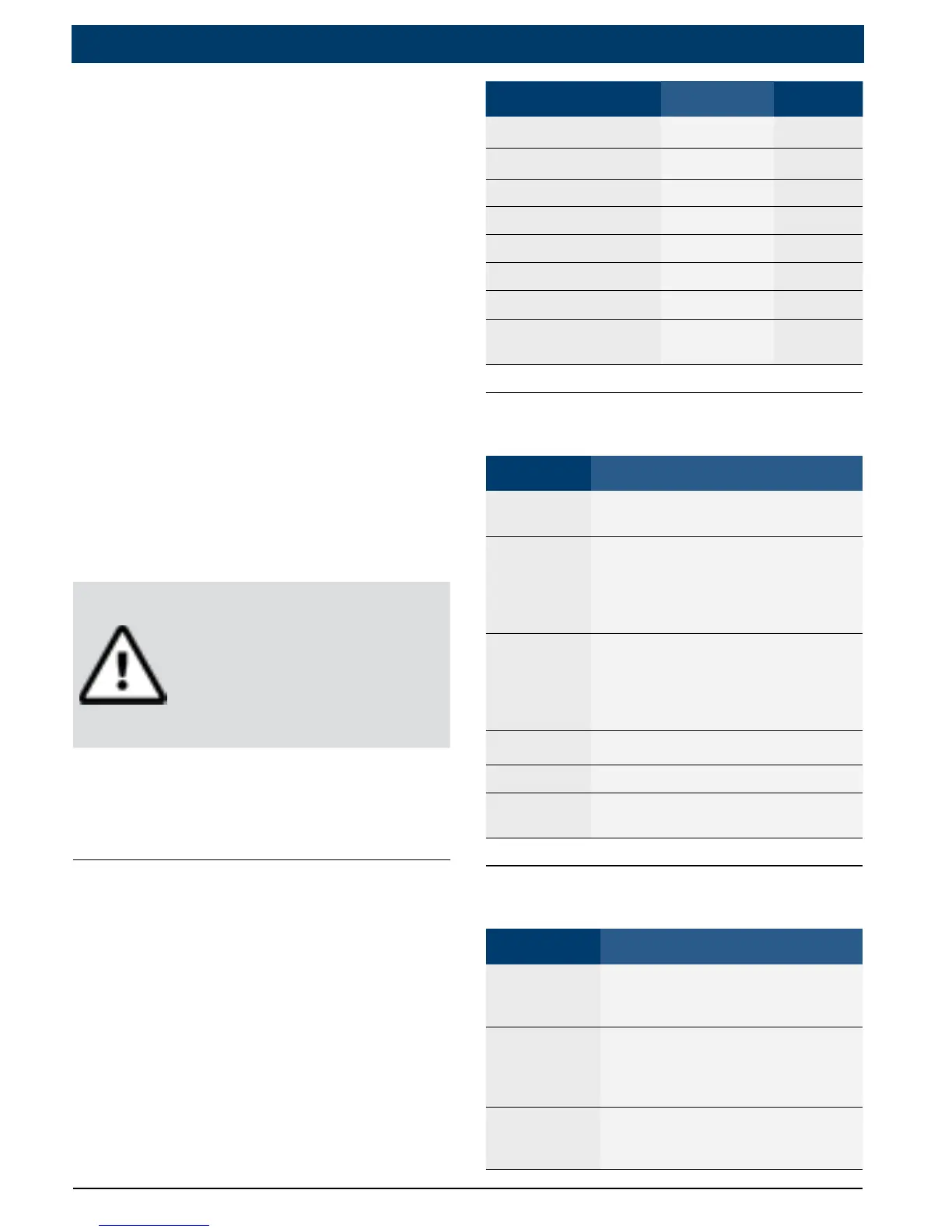
• Do not use the tool if internal
circuitry has been exposed
to moisture. Internal shorts
couldcauseareanddam-
age the vehicle or tool.
• Always turn the ignition
key OFF when connecting
or disconnecting electrical
components unless other-
wise instructed.
• Most vehicles are equipped
with airbags. Follow vehicle
service manual precautions.
Serious injury or death
could result from an unin-
tended deployment.
WARNING!
A vehicle airbag can
open for several min-
utes after the ignition
has been turned off.
• Always follow vehicle manu-
facturer’s warnings, cautions,
and service procedures.
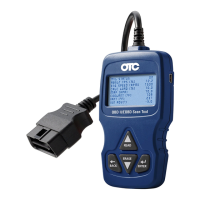
About the Tool
The tool allows you to retrieve
and erase / reset diagnostic data
from the vehicle control module.
The diagnostic data can be used
to help determine the cause of a
vehicle malfunction.
Use the tool to perform the fol-
lowing functions:
Codes / Data Erase / Reset Retrieve
Confirmed Codes Erase •
Pending Codes Erase •
Permanent Codes — •
ViewData — •
MIL Status — •
I / M Monitors Reset •
ViewFreezeData Erase •
VIN(VehicleIdentifi
-
cation Number)
— •
Tool Parts
Part Description
LCD
display
8 line by 21 character mono
-
chrome backlit LCD.
READ
Performs the Read Codes func
-
tion and scrolls back through
the screens. Press this key when
an up arrow (#) appears on the
display.
ERASE
Performs the Erase Codes func
-
tion and scrolls forward through
the screens. Press this key when
a down arrow ($) appears on
the display.
ENTER Selects displayed item.
BACK Returns to the previous screen.
OBD II
Connector
Connects the tool to the vehicle
connector.
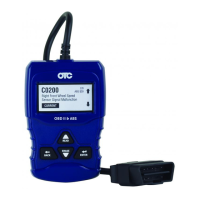
Icons
Icon Description
$
Indicates additional informa
-
tion is available on next screen
by using the ERASE key.
#
Indicates additional information
is available on previous screen
by using the READ key.
CONFIRMED
Confirmed codes are reported
when a component is indicat
-
ing a malfunction is present.


 To Next Page