|
OTC3208
|
Operating instructions | 5
en
575512 REV A | 05.2015Bosch Automotive Service Solutions Inc.
PENDING
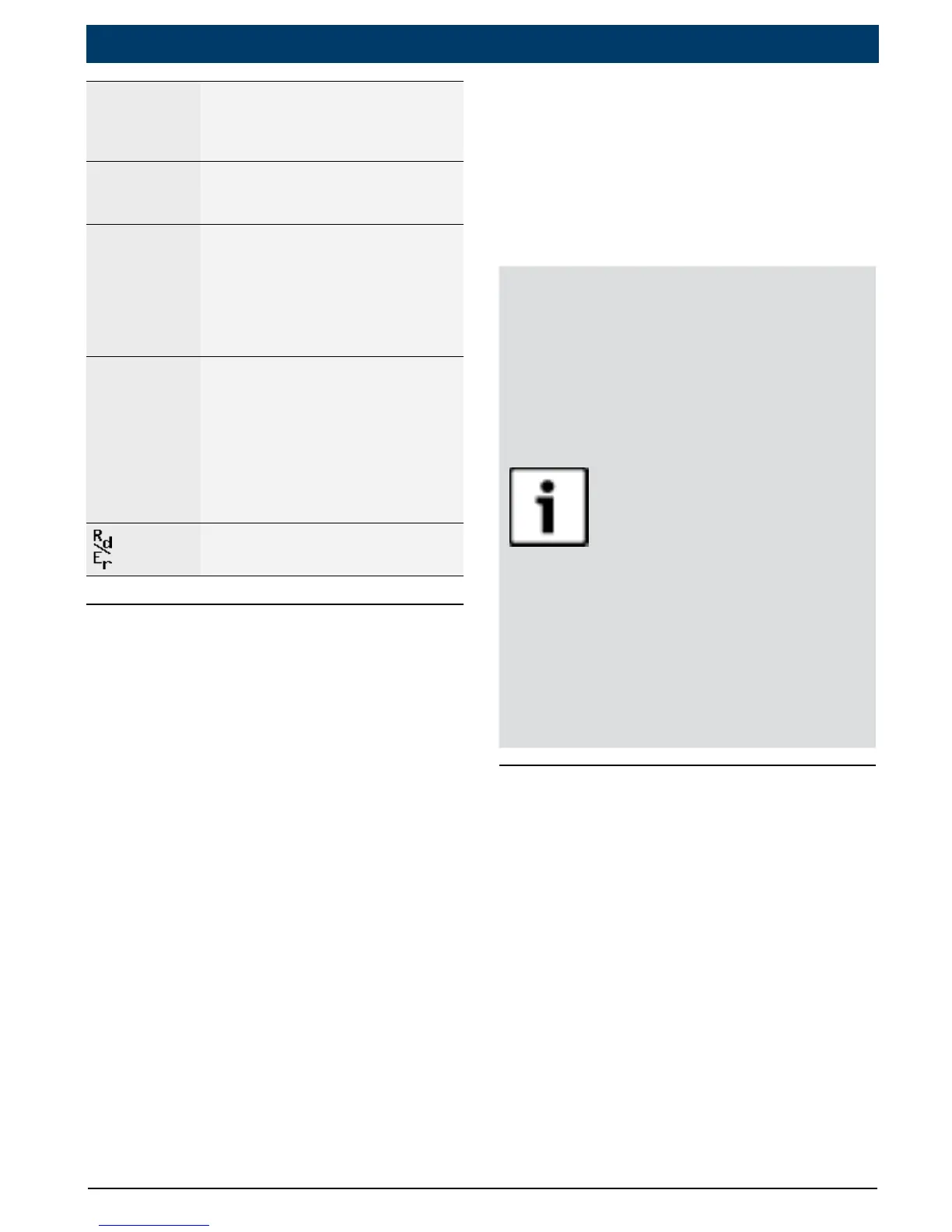
Pending codes are reported
when a problem occurs during
the current or last completed
drive cycle.
PERMANENT
Permanent codes are a special
type of confirmed code that
only the vehicle can erase.
x / y
Appears only when view
-
ing codes. Indicates code se-
quence and quantity (code x
of y). For example, “2 / 9” indi
-
cates that the 2nd of 9 codes
reported by the computer mod
-
ule is being viewed.
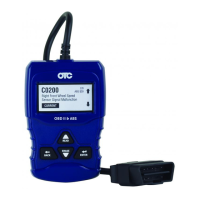
ABS $##
Mod $##
Appears only when viewing
codes. Indicates the computer
module that reported the code.
ABS will appear if the code is
an ABS code. Mod $## appears
when the code is a powertrain
code. The Mod $## is the name
assigned to the vehicle control
module reporting the code.
Indicates that the READ and
ERASE hot keys are active
Connect the Tool
To connect the tool to the vehicle:
1. Locate the OBD II connector
under the steering column. If
the connector is not there, a
label should be there indicat-
ing the whereabouts of the
connector. For more informa-
tion on OBD II connectors, go
to http://www.obdclearing-
house.com/oemdb.
2. If necessary, remove the cover
from the vehicle connector.
3. Turn the ignition switch to
the ON position. Do not start
the engine.
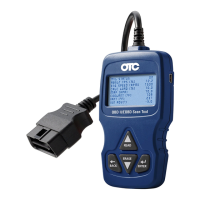
4. Plug the OBDII connector
attached to the tool into the
vehicle connector.
The Tool automatically reads
Codes and displays the data.
When done viewing data,
press
ENTER key to return
to Diagnostic Menu.
NOTICE
If the vehicle returns a
manufacturerspecic
code, the tool will ask
if you wish to select
the vehicle and then
read ABS codes.
If the vehicle doesn’t
return a manufacturer
speciccode,thetool
will ask if you wish
to select a vehicle to
read ABS codes. ABS
is not supported for
all vehicles.
Diagnostic Menu User
Interface
To select functions:
1. From the Diagnostic Menu,
press the
READ or ERASE
arrow key until the desired
function is highlighted, then
press
ENTER to retrieve and
display the results.


 To Next Page