The Oticon CROS transmitter coupled with a compatible Oticon hearing aid is a
solution for people with single-sided deafness (SSD).
A CROS fitting is appropriate when hearing on the better ear is normal, whereas a
BiCROS fitting is appropriate when hearing on the better ear is impaired and hearing
loss must be compensated for.
In this guide, both fitting scenarios are described in a few simple steps.
For more information on CROS transmitters go to: oticon.com/solutions/cros
1. Place the transmitter and receiving hearing aid within 20–30 cm (8–12 inches) of
each other on a table or on the client’s ears.
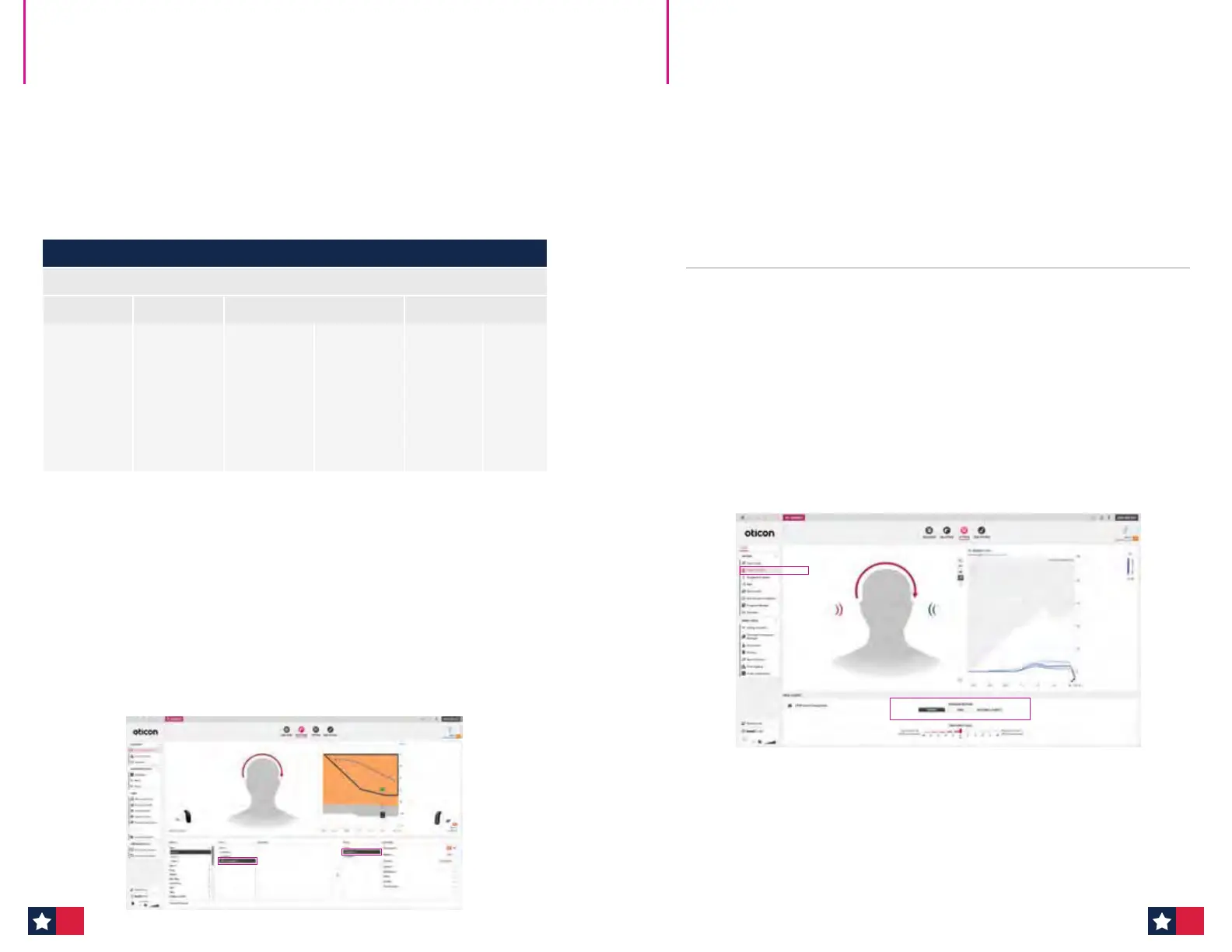
2. Family/Selection step:
Detect the hearing aid on the better ear. If the hearing aid family and/or style
supports a CROS fitting, the CROS transmitter will appear for selection in the
Style list for the other ear.
The CROS transmitter exists as a miniRITE T and miniRITE R style.
Oticon CROS & CROS PX
Quick Fitting Guide
Oticon CROS Family Compatibility
Oticon CROS (312 zinc-air) and Oticon CROS PX (rechargeable)
Sirius Polaris R Polaris Velox S
Oticon Intent
miniRITE R
Oticon Real
miniRITE R
Oticon More
miniRITE R
Oticon Play PX
miniRITE R
Opn S
miniRITE R
Opn S
BTE PP
Oticon Real
miniRITE T
Oticon More
miniRITE T
Opn S
miniRITE T
Xceed
BTE SP
Oticon Real
miniBTE R
Oticon More
miniBTE R
Opn S
miniRITE
Xceed
BTE UP
Oticon Real
miniBTE T
Oticon More
miniBTE T
Opn Play
miniRITE T
3. Selection step:
Select CROS transmitter for the non-hearing aid ear. The CROS transmitter and
receiving hearing aid will pair once you proceed with the fitting session.
Please Note: The CROS transmitter is not detected or connected to the software,
but it is actively streaming throughout the fitting. Make sure both devices have
fresh batteries (or are fully charged) and are turned on.
4. Fitting step:
The patient can now hear streamed sound from the CROS transmitter in the
receiving hearing aid.
Check active streaming by running your finger along the transmitter microphone
and listen for the microphone activity in the receiving hearing aid.
5. Fitting step:
Go to the CROS/BiCROS tab in the left taskpane to select a mode: BiCROS, CROS, or
No CROS/BiCROS.
The selection of mode controls which microphones are in use. It is possible to
create several programs in the hearing aid, each with its own mode.
Oticon CROS & CROS PX
Quick Fitting Guide (cont'd)
26 27












 To Next Page