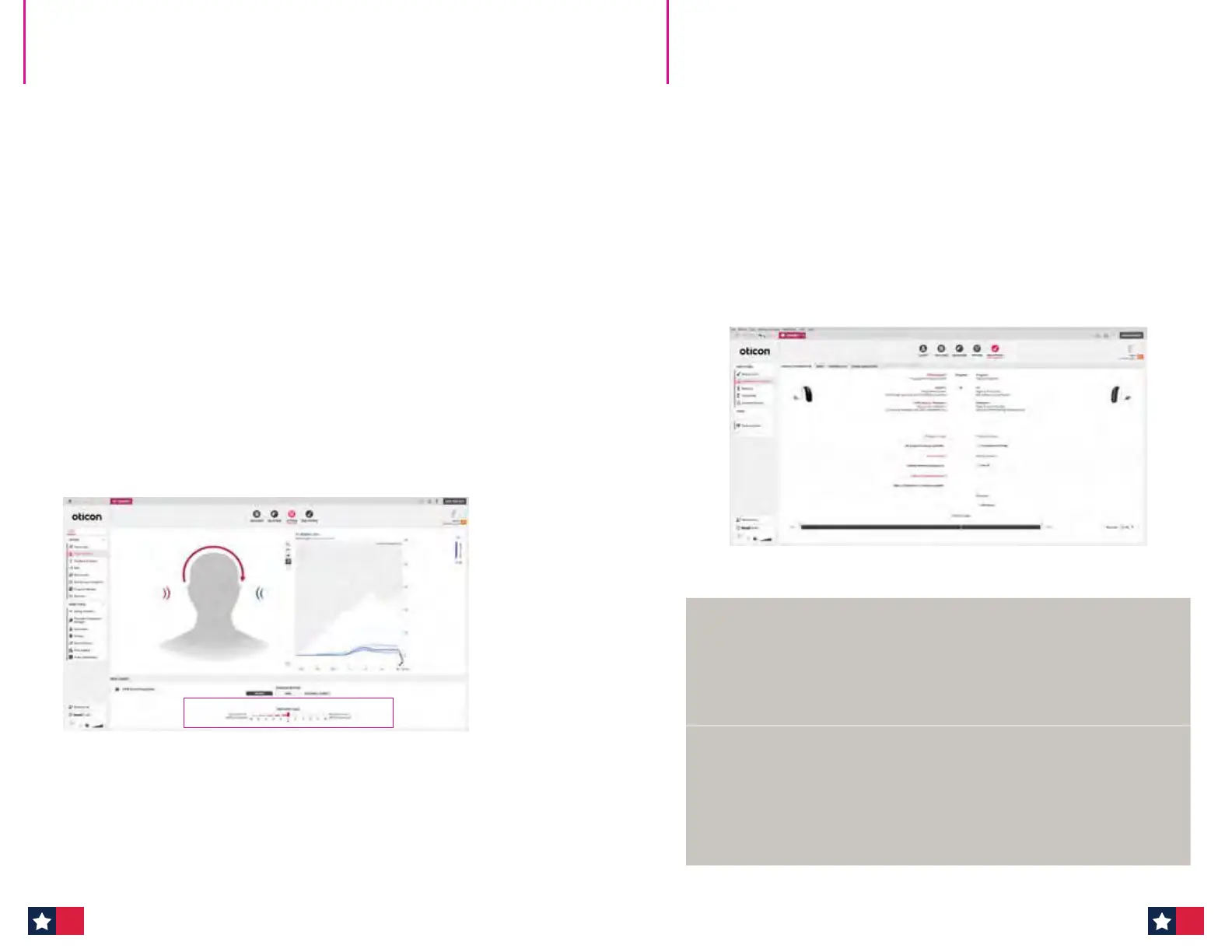
6. Fitting step, CROS mode:
Ask your patient to listen to the sound coming from the right
and left sides to determine the appropriate transmission level. In CROS mode,
the hearing aid microphone is off by default.
In Fine-tuning, choose an appropriate adaptation step (1, 2 or 3) and adjust the
overall gain of the transmitted signal as needed.
Go to step 8.
7. Fitting step, BiCROS mode:
It is possible to adjust the CROS input level or balance of sound coming from the
CROS transmitter versus the receiving hearing aid where the microphone is on
by default.
The balance trimmer adjusts the CROS transmitter input level in 2 dB steps.
As a default, it is set to 0, meaning equal sound from the transmitter and receiver,
respectively, enters the ear canal.
The receiver input level is fixed but can be adjusted in the overall gain in the
Fine-tuning tab.
Oticon CROS & CROS PX
Quick Fitting Guide (cont'd)
8. End Fitting step:
It is not possible to configure buttons and indicators for the CROS transmitter,
but under the Operate Push-button tab, it is possible to see how buttons are
configured on the transmitter.
Be aware that beeps are configured to be High Frequency for transmitter alerts,
whereas receiving hearing aid alerts are Medium Frequency by default.
If no changes to beeps are made by the hearing care professional, beeps
will sound different from the transmitter versus receiver to help the patient
distinguish between the two more easily.
9. Save and Exit.
Genie 2 features without CROS transmission
When performing Feedback Analyzer, In-situ Audiometry and Technical
Measurements,the CROS transmission is not available to ensure that the
transmission does not interfere with the measurements.
CROS transmission continues after exiting these functions in Genie 2.
Oticon CROS ttings and Real Ear Measurements (REM)
To objectively verify how the CROS transmitter is functioning and overcoming
the head shadow effect, it is possible to run a REM measurement within the
REM AutoFit tool in Genie 2 with the transmitter actively streaming.
If an active transmitter is not desired during REM, mute or shut down the
CROS device.
Oticon CROS & CROS PX
Quick Fitting Guide (cont'd)
28 29












 To Next Page