Outgoing calls
How to make a call
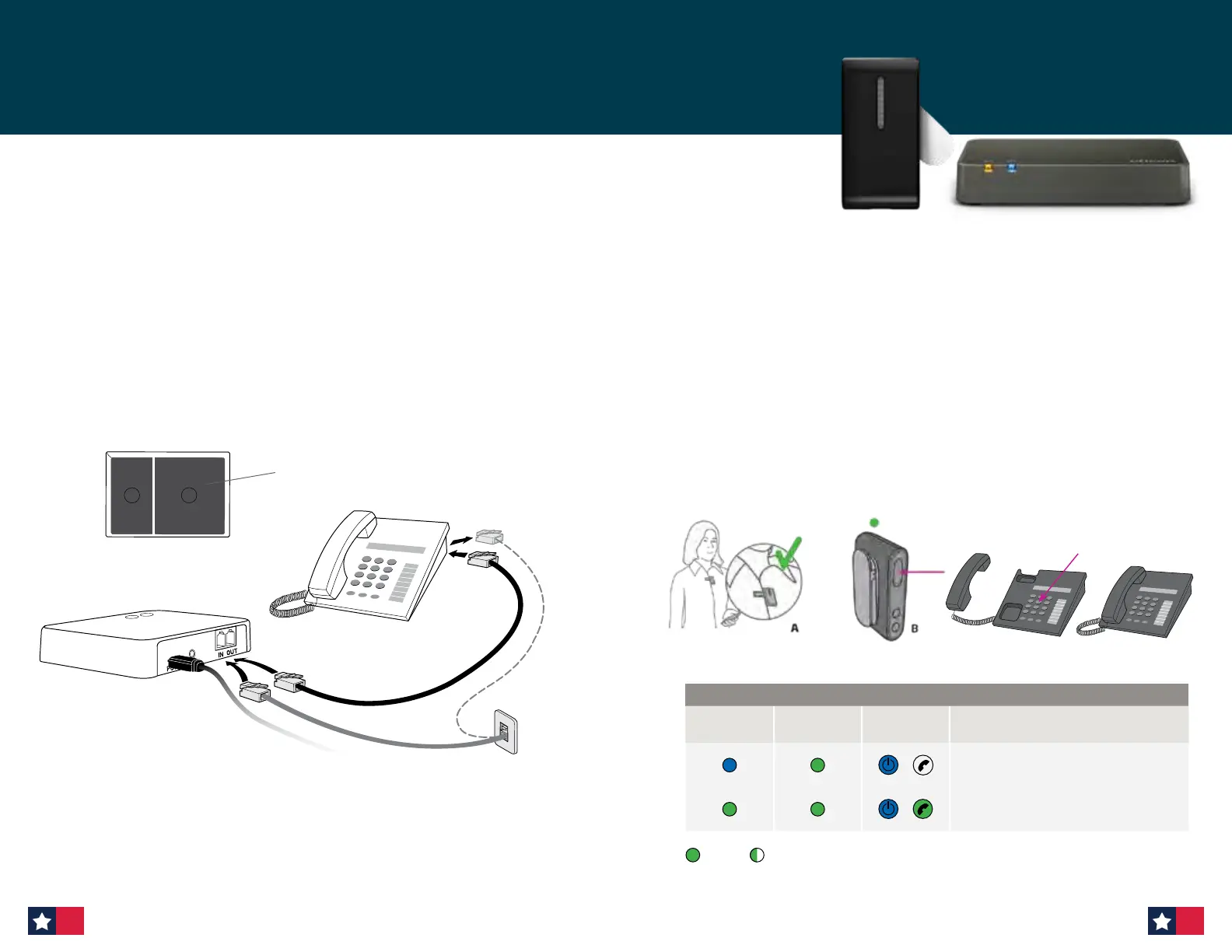
Make sure that your patient is able to speak into the ConnectClip microphone (A).
1. To make a call press the ConnectClip multibutton briefly (B). The hook is now off and
you will hear a dial tone in the hearing aids. The status indicator on the ConnectClip
and the phone indicator on the Phone Adapter will turn steady green.
2. Pick up the handset on the landline phone (or press “Call” on the portable phone) and
dial the phone number (C) as you normally do to make a call.
3. After a short while your patient will hear the call tone in the hearing aids indicating
that the call is now connected through the ConnectClip and hearing aids.
You can now put the handset back on (or press “end call” on the portable phone).
To end the call, simply press the multibutton on the ConnectClip briefly.
Note: Make sure to put the handset correctly back on the phone — otherwise the phone line will block
for incoming calls.
C
Making a call
ConnectClip
Status
ConnectClip
Power
Phone
Adapter
Description
ConnectClip and Phone Adapter
are connected
Press the multibutton on the ConnectClip
briefly and you will hear a dial tone in the
hearing aids
Steady Blinking
Connecting to a phone line and landline phone
Place the Phone Adapter in a suitable spot near the landline phone or base station.
1. Unplug the phone line from the landline phone (or base station).*
2. Plug the phone line from the wall outlet into the Phone Adapter “IN” connector.
3. Plug the phone cable from box 2 in the Phone Adapter “OUT” connector.
4. Plug the other end of the phone cable into the landline phone (or base station).*
Lift off the handset from the landline phone — the dial tone should be audible from the
handset speaker.
* If the main phone or base station does not have a detachable plug for the landline connection,
try using an alternative phone or a technician must be contacted to complete the installation.
1 2
Box 2
3.
2.
1.
4.
Phone Adapter with ConnectClip (cont’d)
62 63












 To Next Page