26
Volume control (Optional)
Only when using two instruments a volume control can be activated. The volume control
allows you to adjust the volume in specific listening situations to the level you feel
comfortable with.
When pressing the push-button on one instrument, the volume is adjusted in both
instruments simultaneously.
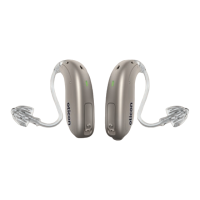
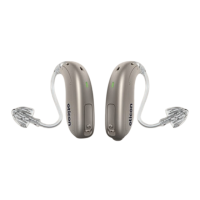
To increase volume, shortly press the push-button on the RIGHT ear instrument.
To decrease volume, shortly press the push-button on the LEFT ear instrument.
When the hearing instrument is turned on, it starts up at a preferred volume level.
When adjusting the volume control to the preferred level, this is indicated by a beep.









 To Next Page