34 35
About Start up Handling Options Warnings Tinnitus Additionals
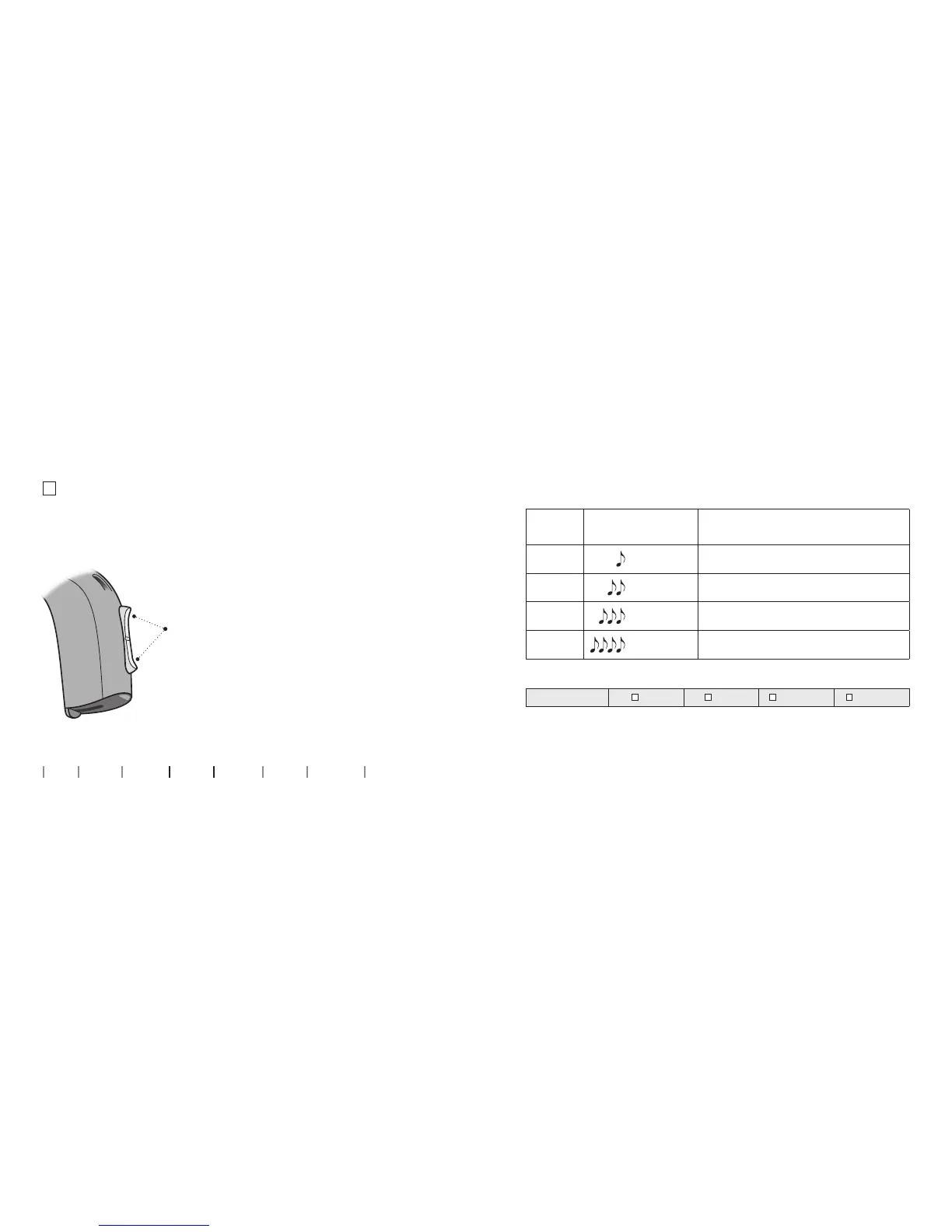
Press up or down
between programs
Note that you can change continuously
between programs - both up and down
in the program order. If for example you
want to go from program 1 to 4, you can
press the down button once instead of
pressing the up button 3 times.
Change programs (optional)
Your hearing instrument can have up to 4 dierent programs.
These are programmed by your Hearing Care Professional.
To be lled out by the Hearing Care Professional
Program Sound you will hear
when activated
When to use
1
“1 beep”
2
“2 beeps”
3
“3 beeps”
4
“4 beeps”
Program change:
LEFT RIGHT Short press Long press



 To Next Page