58 59
About Start up Handling Options Warnings Tinnitus Additionals
Volume adjustments with Tinnitus SoundSupport
When you select a hearing instrument program where Tinnitus
SoundSupport is activated, the push button on your hearing
instrument works as a volume control only for the sound produced by
Tinnitus SoundSupport.
Your Hearing Care Professional will set the volume control for the
sound generator in one of two ways: 1) Changing volume in each ear
separately or 2) Changing volume in both ears simultaneously.
1) How to change Tinnitus SoundSupport volume in each ear
separately
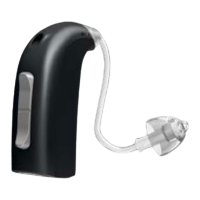
To increase volume, use a short press on the upper part of the push-button.
To decrease volume, use a short press on the lower part of the push-button.
You hear a click when you increase or decrease the volume.
2) How to change Tinnitus SoundSupport volume in both ears
simultaneously
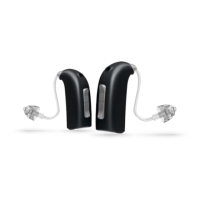
You can use one instrument to increase/decrease the sound in both
instruments. When changing the volume in one instrument, the
volume on the other instrument will follow.
To increase volume, use a short press on the upper part of the push-button.
To decrease volume, use a short press on the lower part of the push-button.
You hear a click when you increase or decrease the volume.
Mute
If you are in a program where Tinnitus SoundSupport is activated, the
Mute functionality will mute both the environmental sounds and the
sound from Tinnitus SoundSupport.
See “Mute the hearing instrument” under section “Options” for how to
mute the instrument.



 To Next Page