EasyManua.ls Logo

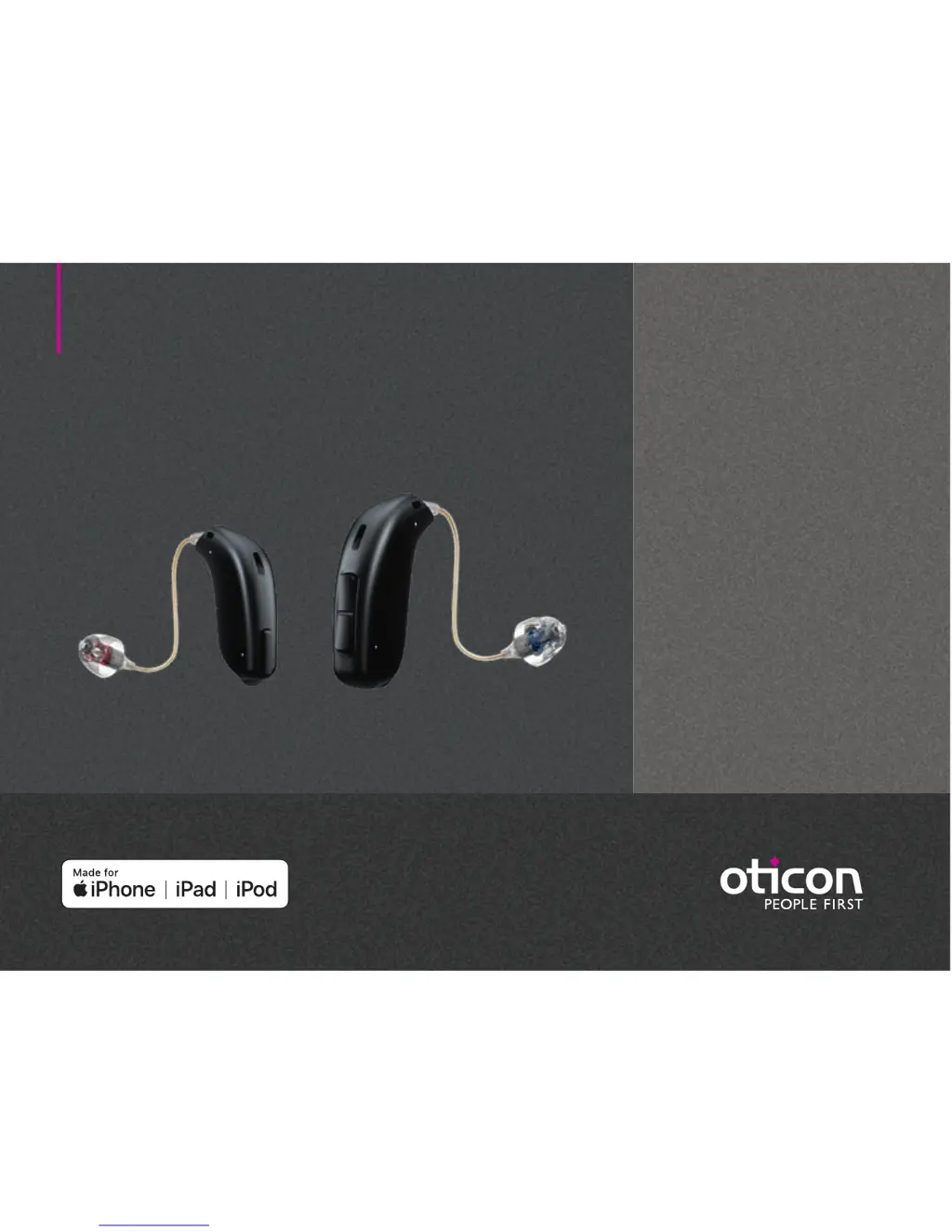
oticon Siya 2 miniRITE - User Manual

oticon Siya 2 miniRITE
42 pages
Print Icon
To Next Page IconTo Next Page
Loading...
Instructions for use
miniRITE
miniRITE T
Oticon Opn
Oticon Siya

Questions and Answers

  • J
    James BarnesAug 6, 2025
    How to fix oticon Hearing Aid with no sound?
    • M
      Michelle WelchAug 6, 2025
      If your Oticon Hearing Aid isn't producing any sound, the most likely cause is a dead battery, so try replacing it. Alternatively, the earpieces (dome, Grip Tip, or mold) might be clogged; in this case, replace the wax filter, dome, or Grip Tip. Finally, check if the hearing aid microphone is muted and unmute it.
  • B
    Brandon FieldsAug 10, 2025
    Why my Oticon Hearing Aid has no sound?
    • J
      Jordan McmillanAug 10, 2025
      If your Oticon Hearing Aid has no sound, first, replace the battery. If the issue persists, the earpieces (dome, Grip Tip, or mould) might be clogged; in that case, replace the wax filter, dome, or Grip Tip. Also, ensure that the hearing aid microphone is not muted, and if so, unmute it.
  • J
    Jordan CraigAug 15, 2025
    What to do if my oticon Siya 2 miniRITE has intermittent sound?
    • R
      Rebecca RamosAug 15, 2025
      If your Oticon Hearing Aid has intermittent or reduced sound, it might be due to a clogged sound outlet. Clean the mould or replace the wax filter, dome, or Grip Tip. Another potential cause is moisture; if this is the case, wipe the battery with a dry cloth.
  • R
    Richard JohnsonAug 18, 2025
    How to fix oticon Siya 2 miniRITE Hearing Aid pairing issue with Apple device?
    • K
      keithfullerAug 18, 2025
      To address pairing issues with your Oticon Hearing Aid and an Apple device: 1) Unpair your hearing aid by navigating to Settings?General?Accessibility?Hearing Devices?Devices Bluetooth connection failed ?Forget this device. 2) Turn Bluetooth off and then on again. 3) Open and close the battery drawer on the hearing aid. 4) Re-pair the hearing aid.
  • J
    James EdwardsAug 23, 2025
    What to do if oticon Siya 2 miniRITE Hearing Aid sound is intermittent?
    • B
      Brandon RiveraAug 23, 2025
      If your Oticon Hearing Aid sound is intermittent or reduced, it could be due to a clogged sound outlet. Try cleaning the mold or replacing the wax filter, dome, or Grip Tip. Moisture can also cause this issue; wipe the battery with a dry cloth. Also, check the battery; a dead battery can cause intermittent sound, so replace it if necessary.
  • A
    Anne GuerreroAug 27, 2025
    Why is my oticon Siya 2 miniRITE Hearing Aid making a squealing noise?
    • K
      Kaylee YangAug 27, 2025
      If your Oticon Hearing Aid is making a squealing noise, it might be because the earpiece is not inserted correctly. Try re-inserting the earpiece. Another possible cause is earwax accumulated in your ear canal, in this case, you should have your ear canal examined by your doctor.
  • A
    Aaron LaneAug 31, 2025
    How to stop my Oticon Hearing Aid from squealing?
    • M
      Maria MartinezAug 31, 2025
      If your Oticon Hearing Aid is producing a squealing noise, try re-inserting the earpiece, as it may have been inserted incorrectly. If the problem continues, consult your doctor to have your ear canal examined for earwax accumulation.

Summary

Model Overview

About

Startup

Turn the Hearing Aid ON and OFF

Instructions on how to power the hearing aid on and off using the battery drawer.

Handling

How to Replace the Battery (Size 312)

Step-by-step guide for replacing the hearing aid battery.

Put On the Hearing Aid

Provides instructions on how to correctly wear the hearing aid.

Standard Earpieces: Replace Dome or Grip Tip

Instructions for replacing standard earpieces like domes or Grip Tips.

ProWax miniFit Filter

Explains the purpose and replacement of the ProWax miniFit filter.

Options

Pair Hearing Aids with iPhone

Step-by-step guide for pairing hearing aids with an iPhone.

Tinnitus

Warnings

Limitation on Use Time

Advises on safe daily usage duration for Tinnitus SoundSupport to prevent hearing damage.

Warnings Related to Tinnitus

Alerts users to potential concerns and side effects of Tinnitus SoundSupport.

General Warnings

Covers safety precautions for hearing aid usage, battery handling, and potential dysfunctions.

General Warnings - Medical Procedures & Environment

Advises on hearing aid safety during medical procedures, heat, chemicals, and interference.

More Info

General Warnings - Hearing Care Professional & User Notices

Provides warnings for professionals and important notices for users regarding medical evaluation.

Troubleshooting Guide

Provides solutions for common hearing aid issues and symptoms.

Your Individual Hearing Aid Settings

Technical Data

oticon Siya 2 miniRITE Specifications

General IconGeneral
Technology Level2
Wireless ConnectivityBluetooth
Noise ReductionYes
Feedback ManagementYes
Directional MicrophonesYes
IP RatingIP68
Tinnitus SoundSupportYes
StyleminiRITE
ProgramsMultiple (customizable)
Battery Type312

Related product manuals