24
About Start-up Handling Options Tinnitus Warnings More info
Mute
Use the mute function if you need to turn off the sounds temporarily,
while wearing the hearing aid. The mute function only mutes the
microphones on the hearing aid.
Optional LED
Continues orange and green flashes indicate mute.
IMPORTANT NOTICE
Do not use the mute function as an off switch, as the hearing aid still draws
current from the battery in this mode.
To mute the hearing aid
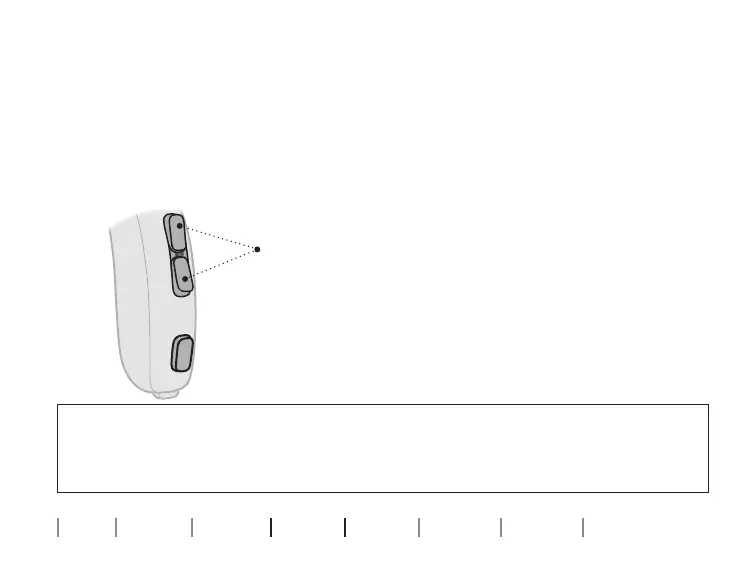
Press either end of the volume button
for at least four seconds.
To reactivate, press either end of the
button briefly.


 To Next Page