45
10.2 From the front
Fold up both footrests for getting into and getting out of the wheelchair from the front (Fig.11).
Fig. 11: Folding up the footplates
Folding up the footplates frees up space for getting into and out of the wheelchair. If need be, the footrests can
also be completely removed. With the assistance of an attendant or by means of a transfer lifter, the user can
then get into or out of the wheelchair from the front. Use of a rotation plate is also possible.
11 Putting into Operation
The wheelchair control can be adapted to your personal requirements. The programming will be carried out by
your authorized dealer.
11.1 Powering on
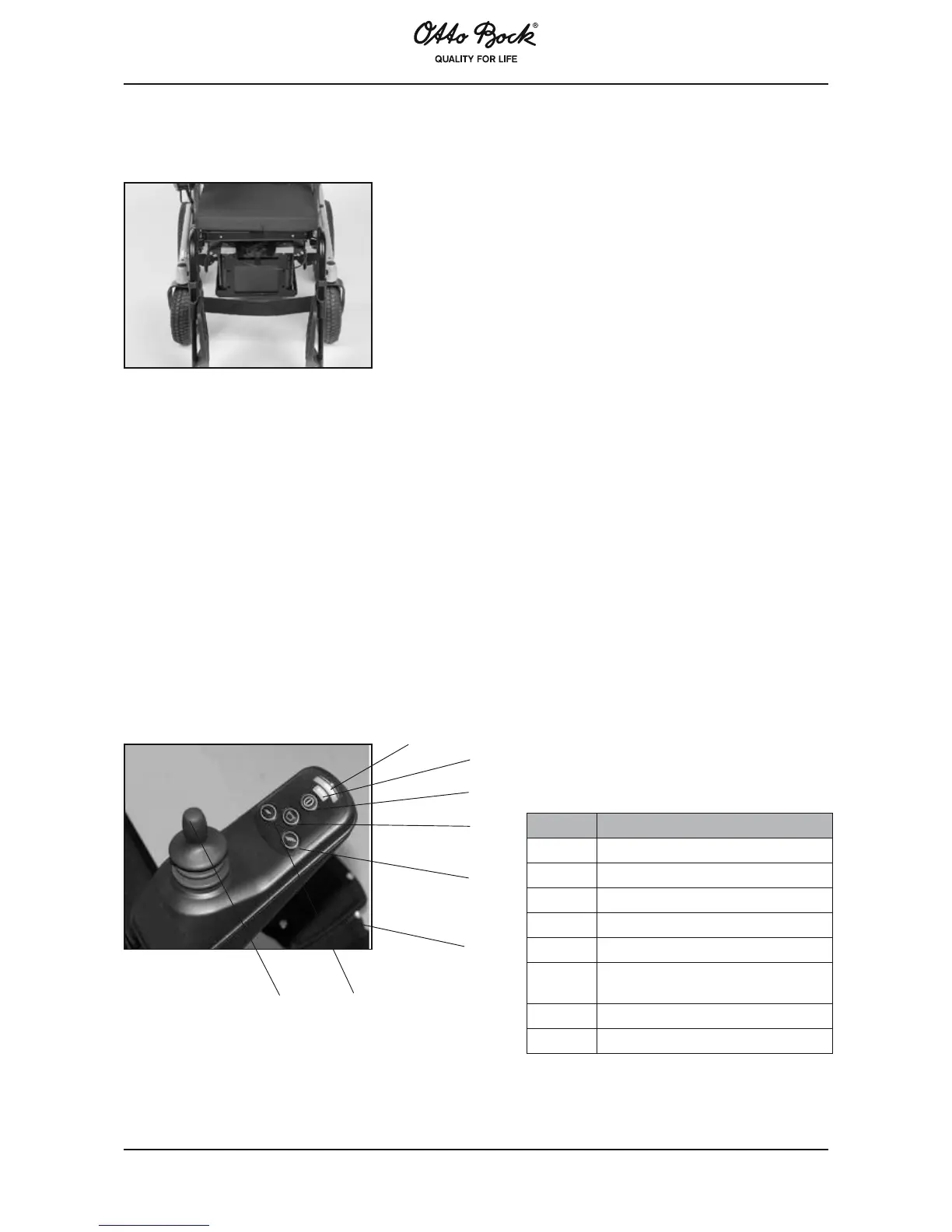
The control turns on by pressing key 1. LED 2 shows the charge status of the batteries. On display 6, between 1
to 5 LEDs are lit depending on the selected speed level. Flashing or sequential flashing of this display indicates
a system error. If the control is not used for 10 minutes, the wheelchair turns automatically off. The control
can be turned off at any time with immediate effect; if this occurs whilst driving, the wheelchair will be braked
immediately.
Fig. 12: Control panel
8
4
3
1
2
6
7
5
Position Description
1 On/Off
2 Battery indicator
3 Horn
4 Increases speed level
5 Reduces speed level
6
Speed level and system error
display
7 Joystick
8 Charging receptacle















 To Next Page