EasyManua.ls Logo

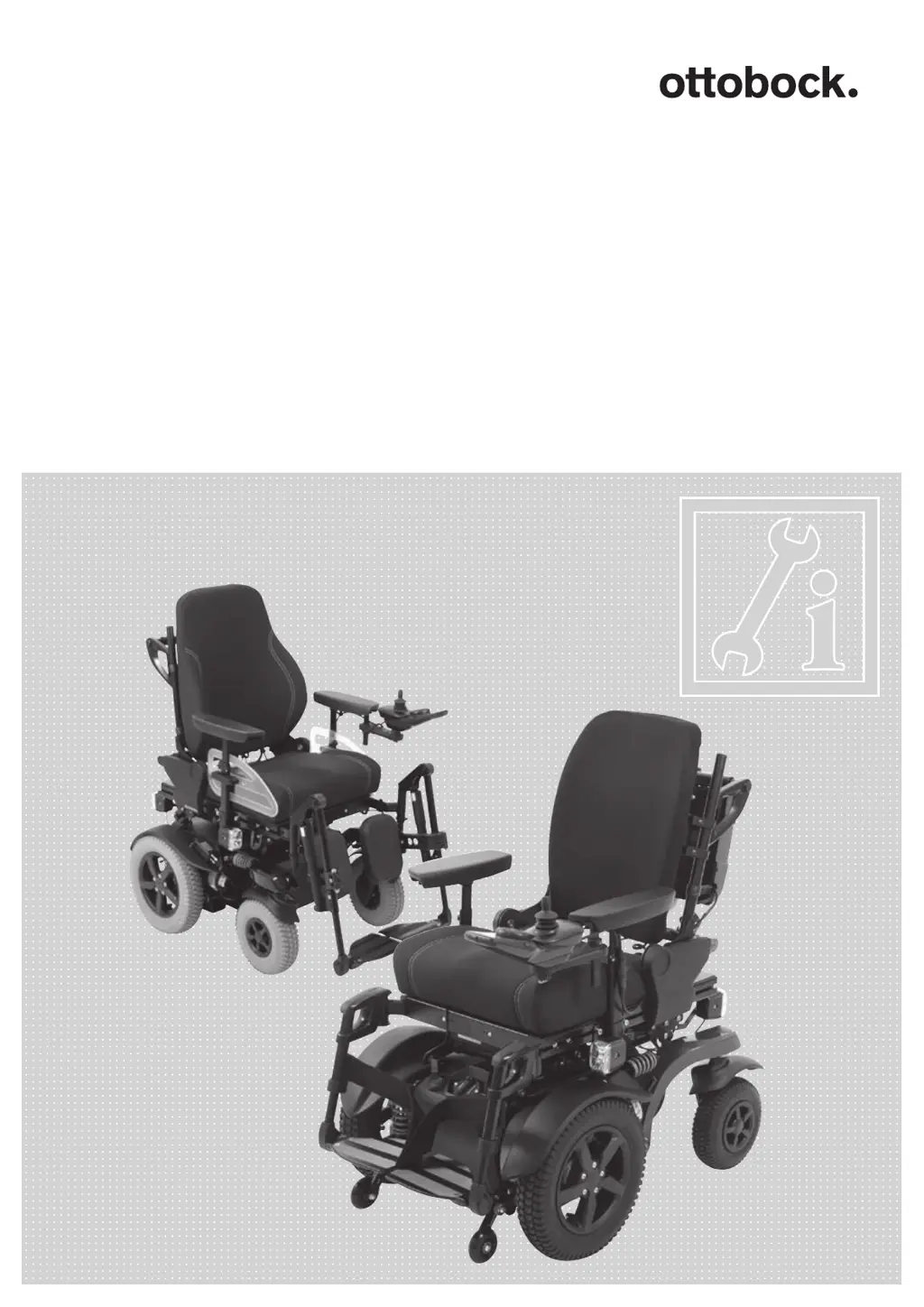
Otto Bock B-Series - User Manual

Otto Bock B-Series
100 pages
Print Icon
To Next Page IconTo Next Page
Loading...
B-Series
Service manual

Table of Contents

Questions and Answers

  • K
    kristen04Sep 23, 2025
    What does PM Memory Error mean on Otto Bock B-Series?
    • L
      Lauren BrownSep 23, 2025
      If your Otto Bock Wheelchair displays 'PM Memory Error', it indicates a memory error in the controller, possibly due to a defective plug connection, cable break, or defective controller. Check all plug connections and cables on the controller. Replace the controller.
  • S
    stonewilliamAug 25, 2025
    What to do if Otto Bock B-Series Wheelchair shows Low Battery?
    • T
      Thomas KentAug 25, 2025
      If your Otto Bock Wheelchair indicates a 'Low Battery' warning, it means the battery voltage is too low. You should charge the battery as soon as possible.
  • J
    Janet WilsonAug 25, 2025
    What to do if Otto Bock B-Series shows High Battery?
    • T
      taylorscottAug 26, 2025
      If your Otto Bock Wheelchair displays a 'High Battery' message, it indicates battery overvoltage. Drive the wheelchair at low speed only and check the cabling and plug contacts. If the error persists, contact the manufacturer.
  • C
    carolyn66Aug 27, 2025
    What to do if Otto Bock B-Series displays Emergency stop error?
    • M
      Michelle CrawfordAug 27, 2025
      If your Otto Bock Wheelchair displays an 'Emergency Stop' error, it indicates a severe malfunction in the controller, handheld control unit, or drive motor. Check the cabling and plug contacts, and then contact a specialist dealer.
  • M
    Mr. Steven ValentineAug 27, 2025
    Why Otto Bock B-Series is not driving straight?
    • S
      sylvia22Aug 27, 2025
      If your Otto Bock Wheelchair isn't driving straight, it might be due to incorrect programming. Adjust the straight compensation in the software.
  • J
    John CalhounSep 15, 2025
    What does Gyro Disconnected mean on Otto Bock B-Series?
    • T
      Trevor GonzalezSep 15, 2025
      If your Otto Bock Wheelchair displays 'Gyro Disconnected', it means the electronic track stabilizer (gyro module) is disconnected from the controller, possibly due to a defective cable connection to the controller or a defective gyro module. Replace the gyro module.
  • R
    Rebecca MullinsSep 12, 2025
    What does Overtemp. (Acts) mean on Otto Bock Wheelchair?
    • J
      James Russell IVSep 13, 2025
      If your Otto Bock Wheelchair displays 'Overtemp. (Acts)', it means the temperature on the actuator circuits on the controller is too high, possibly due to defective plug connections or a defective actuator. Allow a cool down phase. Check the plug connections and cable to the actuator. If it happens again, replace the actuator.
  • F
    Francisco PerezSep 14, 2025
    What does Bad Cable mean on Otto Bock B-Series?
    • N
      Natalie AnthonySep 14, 2025
      If your Otto Bock Wheelchair displays 'Bad Cable', it indicates an error on the communication cables between control modules, possibly due to a defective plug connection or cable break. Check all plug connections and cables on the control modules (including the controller). Replace the cables.
  • E
    ericbeardSep 5, 2025
    What to do if my Otto Bock B-Series displays Brake Lamp Short error?
    • R
      Ronald JohnsonSep 5, 2025
      If your Otto Bock Wheelchair displays a 'Brake Lamp Short' error, it indicates a short circuit in the brake light electrical circuit, possibly due to a defective plug connection, cable break or defective brake light. Check the plug connections and cable to the brake light, and replace the lighting if necessary.
  • S
    Sarah HaleSep 2, 2025
    What to do if my Otto Bock Wheelchair displays M2 Motor Error 3C00?
    • J
      Jason BarronSep 2, 2025
      If your Otto Bock Wheelchair displays an 'M2 Motor Error 3C00', it indicates that the right motor is not connected, possibly due to a defective plug connection or cable break, or the motor is defective. Check the plug connections and cable to the right motor. Also, check the right motor.

Summary

2 Safety instructions

2.1 Explanation of warning symbols

Definition of warning symbols (WARNING, CAUTION, NOTICE) and their meanings.

2.2 General safety instructions

Safety guidelines for handling the wheelchair, preventing suffocation, and avoiding overloading.

2.3 Safety instructions for the use of tools and accessories

Guidelines for using appropriate tools and wearing suitable work clothing during service.

2.4 Safety instructions for service and maintenance tasks

Specific safety warnings for performing service tasks, including pinch points and component handling.

3 Transport and storage

4 Service work

4.4 Required tools

List of tools necessary for service and maintenance tasks.

4.7 Batteries and power supply

Procedures related to the wheelchair's batteries and power supply system.

4.8 Control unit

Procedures for servicing and replacing the wheelchair's control unit components.

5 Troubleshooting

5.1 Diagnostic steps

Steps for efficient and successful troubleshooting of wheelchair issues.

5.2 Display of errors;faults (R-Net control unit)

Explanation of graphical and coded error displays for R-Net control.

5.3 Display of errors;faults (VR2 control unit)

Explanation of visual error displays and coded error messages for VR2 control.

6 VR2 wheelchair control

6.3 Programmable parameters

Overview of programmable parameters and warnings about incorrect settings.

7 R-Net wheelchair control

7.4 Programmable parameters

Overview of programmable parameters and warnings about incorrect settings.

9 Appendixes

Otto Bock B-Series Specifications

General IconGeneral
BrandOtto Bock
ModelB-Series
CategoryWheelchair
LanguageEnglish

Related product manuals