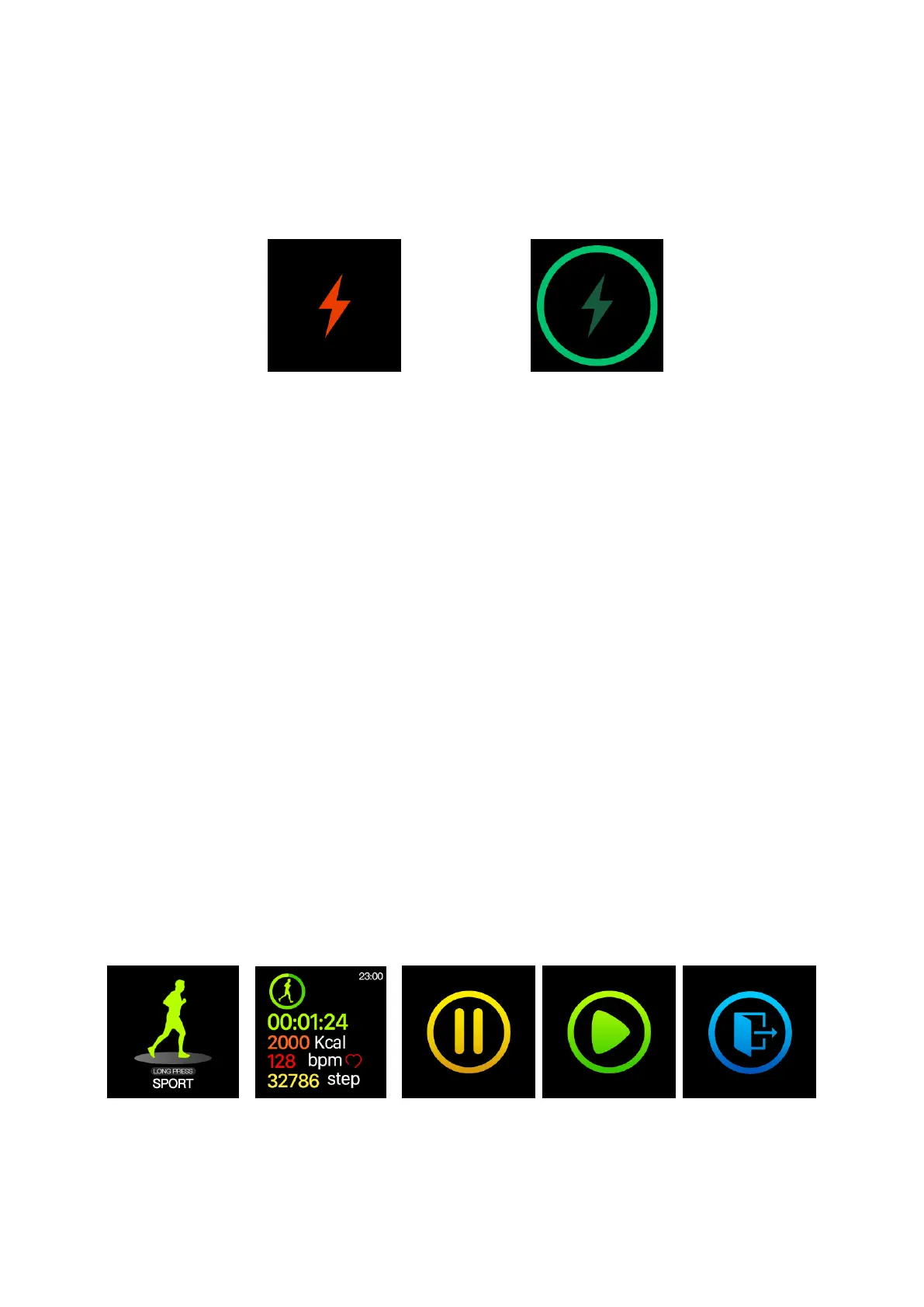
the main interface and flash the battery icon in the main interface. However, the users can only
singly touch to display the main interface during charging and perform no other operations. In
addition, when the watch is shaken during charging, the charging animation will appear as shown in
Figure 1-3-2 and the dark screen will be shown after 8 seconds. When the battery is fully charged,
the flash in the interface will keep bright without blinking.
(Fig. 1-3-1) (Fig. 1-3-2)
4. Firmware Update
When there is a new version of update for the applications in the watch device, the firmware
update will be prompted when connecting with APP.
5. Restore Factory Settings
Users can clear watch data and restore watch factory settings and the methods are as follows:
Open the "H-Band"--> Device connection--> My Device--> Resetting Device Password--> Clearing
Data. All data of watch will be cleared after the operation above and all function switches will be set
as the default.
II. Function Introduction and Operation Instructions
1. Common Functions
1.1 Sports Mode
(1) Function Introduction
a. In the sports mode, the watch can record the time, heart rate, calorie and steps during sports
and to pause and to continue can be selected midway.
b. Automatic exit: During sports. the watch will automatically judge the motion state of the users.
If the watch has determined the current consistence with the conditions of sports exit, and then it will
exit the sports mode automatically.
c. Data storage: The watch only saves the latest 3 sports data
(Fig. 2-1-1) (Fig. 2-1-2) (Fig. 2-1-3) (Fig. 2-1-4) (Fig. 2-1-5)
1.2 Step-counting, Calorie and Mileage
(1) Function Introduction: The watch will display the users' total number of steps, calories,
mileage of the day and the completion of sports goals in the interface and erase the data at 00:00


 To Next Page