EasyManua.ls Logo

Outback FXR2012A - User Manual

Outback FXR2012A
88 pages
Print Icon
To Next Page IconTo Next Page
Loading...
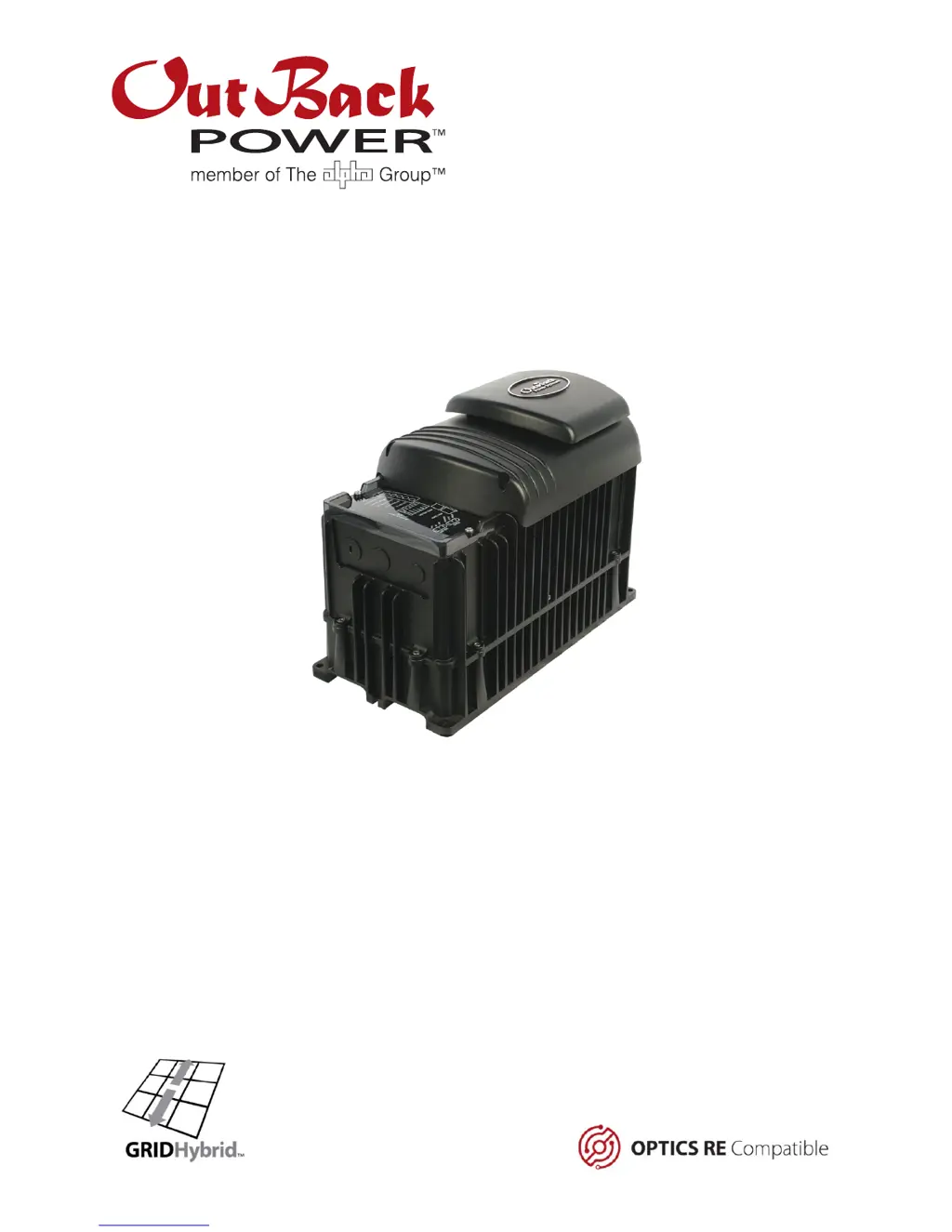
FXR Series Inverter/Charger
FXR2012A FXR2524A FXR3048A
VFXR2812A VFXR3524A VFXR3648A
O
p
erator’s Manual

Table of Contents

Questions and Answers

  • A
    Amanda Robertson DDSAug 11, 2025
    How to fix no AC output on Outback Battery Charger?
    • R
      Renee OrrAug 11, 2025
      If your Outback Battery Charger shows no AC output, start by using a DC voltmeter to check the voltage directly on the DC terminals. If there's no voltage, the problem is external to the unit. If voltage is present, the inverter itself might be damaged, and you should contact OutBack Technical Support. Also, ensure the Inverter ON/OFF jumper is correctly installed as described in the Installation Manual; replace it if it's missing, or install an external switch following the manual's instructions. For initial installations without a MATE3, remove the jumper briefly and reinstall it to reset the unit. If using a MATE3 display, make sure the inverter is set to 'On' and not in 'Search' mode, ensuring the ON/OFF jumper is installed.
  • A
    Antonio WoodAug 27, 2025
    Why does my Outback Battery Charger have no output in a multi-inverter system?
    • J
      Jimmy CoxAug 27, 2025
      If one or more units in your multi-inverter Outback Battery Charger system have no output, but others do, it might be because the unit is in Silent mode as a slave. Using the MATE3 system display, check the Power Save levels in the Inverter Stacking menu and test with loads to see if the inverter activates at the appropriate levels. If this setting was intentional, no action is needed.
  • M
    Manuel SullivanSep 2, 2025
    What to do if Outback Battery Charger has low charge rate?
    • B
      Brittany HardySep 2, 2025
      If your Outback Battery Charger has a low charge rate, begin by checking the DC voltage and charging stage using the MATE3 display or a DC voltmeter to confirm. If the MATE3's DC meter reading is much higher than the actual battery voltage, check the DC voltage on the inverter's DC terminals. If it differs from the MATE3 reading, the inverter might be damaged. Otherwise, verify the DC voltage on the batteries with a voltmeter; a difference here could indicate a DC connection issue. High output loads can also reduce the charge rate, so try turning off some loads. High temperatures can also cause the inverter to reduce the charging current. Check the temperature readings and allow the inverter to cool down, or apply external cooling if necessary.
  • L
    Lauren MaloneNov 17, 2025
    What to do if Outback Battery Charger will not connect to the AC source?
    • J
      Jeff McdowellNov 17, 2025
      If your Outback Battery Charger won't connect to the AC source, first check the AC voltage on the inverter's input terminals. If there's no voltage, the problem lies outside the inverter. If voltage is present, the inverter might be damaged, and you should contact OutBack Technical Support. Using the MATE3 system display, review the Last AC Disconnect screen for disconnection reasons and the Warning menu to confirm the source voltage and frequency meet the requirements. For irregular AC power, switch to Generator input mode. Also, ensure the AC Input Control is set to 'Use' instead of 'Drop'. Check the MATE3's Grid Use Time settings and clock if Grid use function is activated prematurely. Similarly, review settings for HBX mode, Load Grid Transfer mode, and Mini Grid mode if those are in u...

Outback FXR2012A Specifications

General IconGeneral
BrandOutback
ModelFXR2012A
CategoryBattery Charger
LanguageEnglish