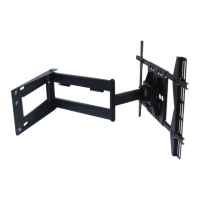
(Fig.7).
Some displays will require the use of a spacer.
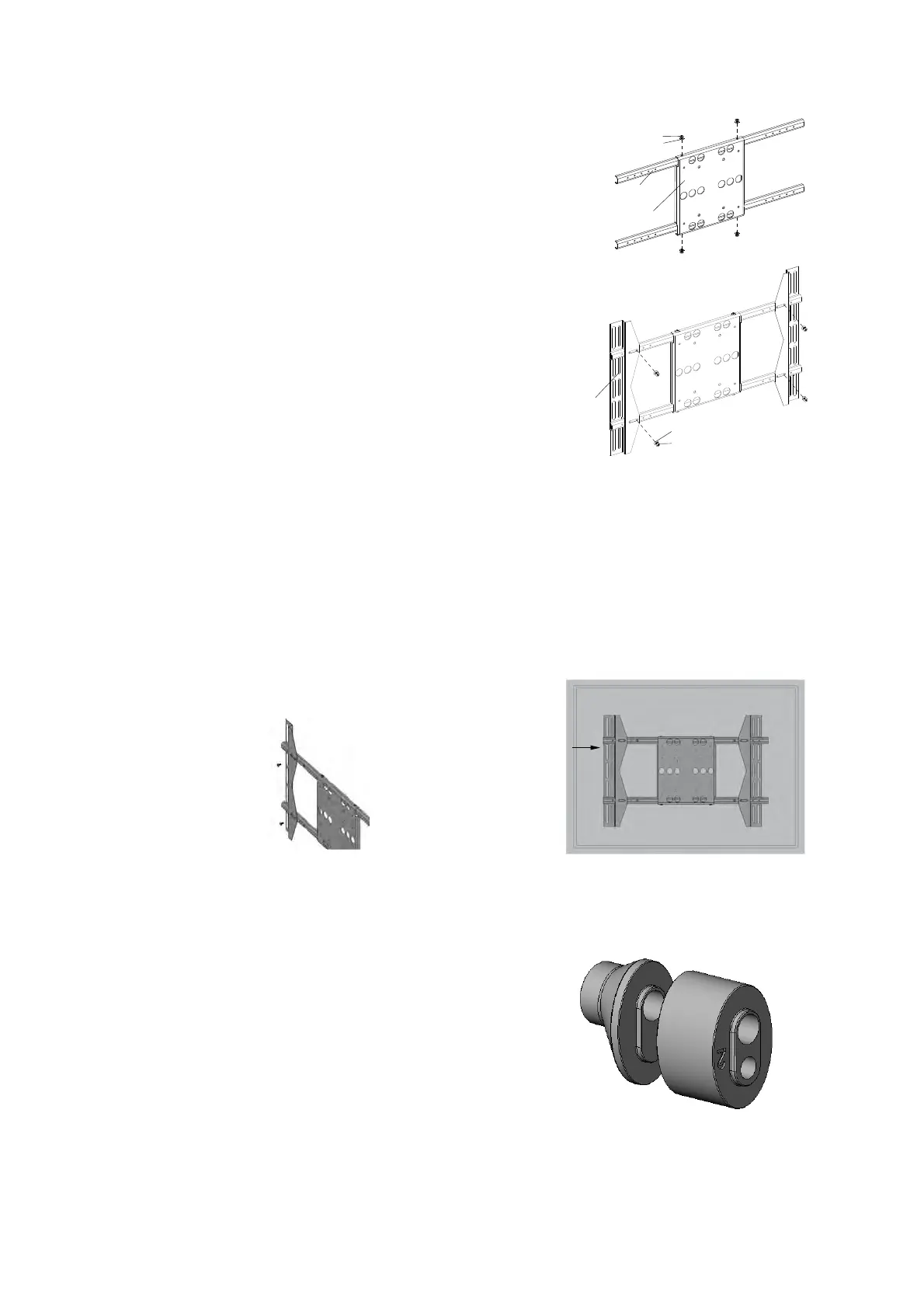
Attach the adapter panel to the adapter bars using four screws
and four metal washers (Fig.5.1.).
Attach the adapter brackets to the adapter bars using four
screws and four metal washers (Fig.5.2).
NOTE:In order to accomodate various panel sizes there are
five positions in which the brackets can be attached.
The adapter plate is of a universal design, and can be
attached to a wide range of flat panel display mounting
patterns up to VESA 400x600.
The easiest way to check for fit is to simply place the
adapter on the back of the display, with one mounting
bracket aligned with a set of vertical mounting holes (Fig.6.1).
Then, using the adapter's revolutionary rack and pinion self-
centering system, simply slide the other mounting bracket in
or out until it aligns with the second set of vertical mounting
holes (Fig.6.1). The adapter should now be horizontally
centered on the back of the flat panel display. In order to achieve
VESA 300mmx300mm mounting paterns, invert the mounting
brackets so that the mounting holes are on the inside.
Proceed to step 7 when the brackets are correctly aligned to
the mounting holes (Fig.6.2).
Fig.6.2
Adapter
Panel
Adapter
Bracket
Adapter
Bar
M6 Screw
Metal Washer
(¢6*¢10*1.2)
M6 Screw
Metal Washer
(¢6*¢13*1.2)


 To Next Page
 Loading...