5
4
Button Instruction Function overview
ON / OFF Switch on and switch o. Play or pause DAB or FM radio
Volume + To increase the volume level.
Volume - / Lock To decrease the volume level, to lock and unlock the radio.
Previous Button To select language
Scan for the available DAB or FM radio stations.
Choose the previous DAB or FM radio stations.
Adjust FM frequency. Set the clock.
DAB / FM / ( ) As an enter button.
To choose language mode
To choose either DAB mode or FM mode.
Save the favourite DAB radio station.
Adjust FM frequency manually.
Next Button To select language
Scan for the available FM radio stations.
Choose the next DAB or FM stations.
Adjust FM frequency.
Set the clock.
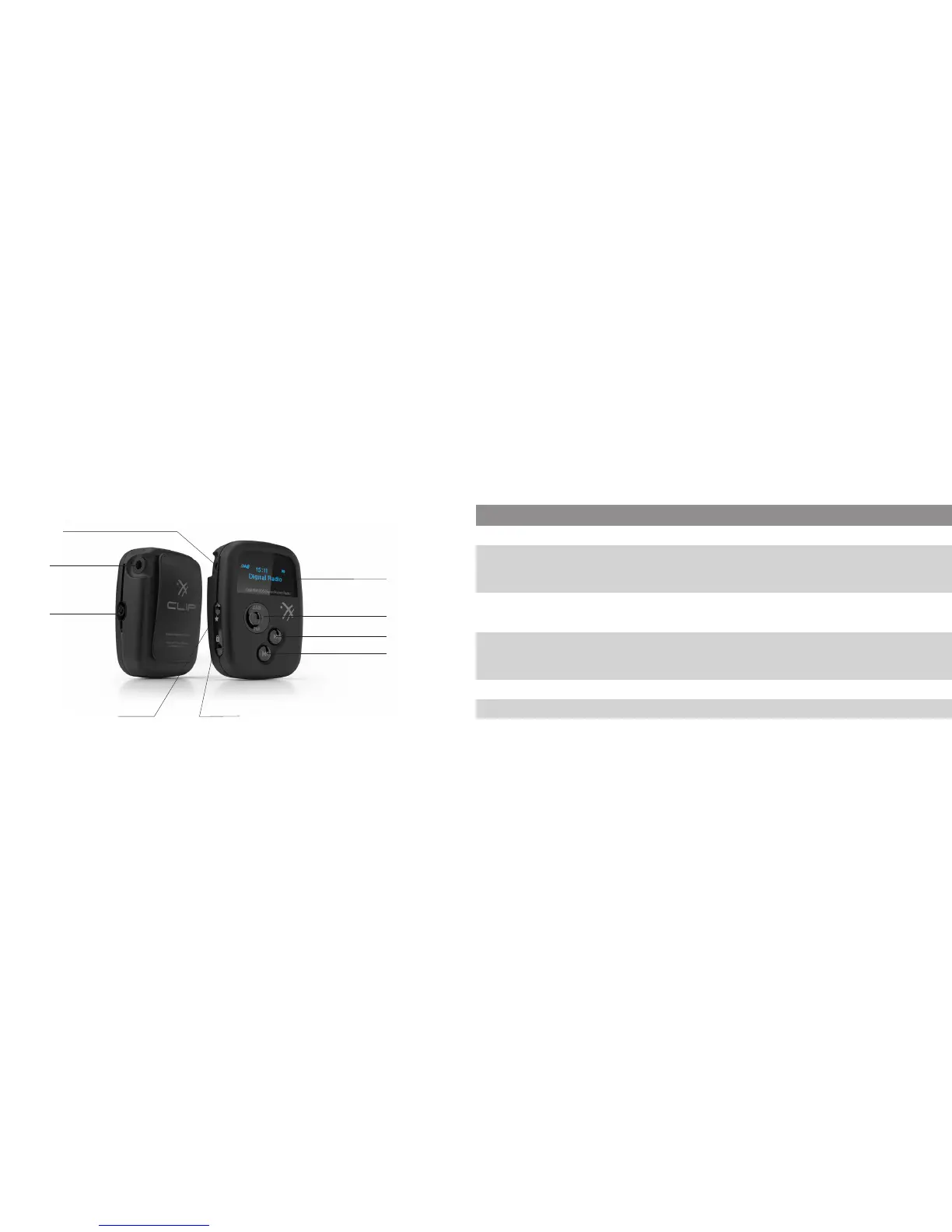
Controls, connectors and components Functions
Charging socket
Headphone socket
ON/OFF
Volume + Volume - / Lock
Previous button
Next button
DAB / FM / Save / Enter
OLED Display



 To Next Page