9
8
Operation Language Setting
First Time Using or After Reset the Clip Radio
For the rst time, user has to choose and set the operation language, OLED displays “Select Language” automatically, press DAB/FM to conrm, then press or for
dierent languages (English, German, French, Italian, Norwegian, Danish , Swedish and Spanish), such as choosing “Deutsch” (German), then press “DAB/FM” to conrm. If
no specic language has been chosen by user, DAB-Clip will set the default language as English automatically after 10 seconds.
Operation Language Setting
Changing Language While Using Clip
On the other hand, during idle situation (showing clock), press and hold DAB/FM to enter the “Select Language” menu, then press once again DAB/FM to conrm, and
press or to choose dierent languages, press once again DAB/FM to conrm the chosen language. Wait for 10sec, the Clip will automatically return to standby mode.
If accidentally entered the menu mode, simply press or and choose “Exit” to exit.
Press DAB/FM to
conrm.
Press DAB/FM to
conrm.
Then press to
select
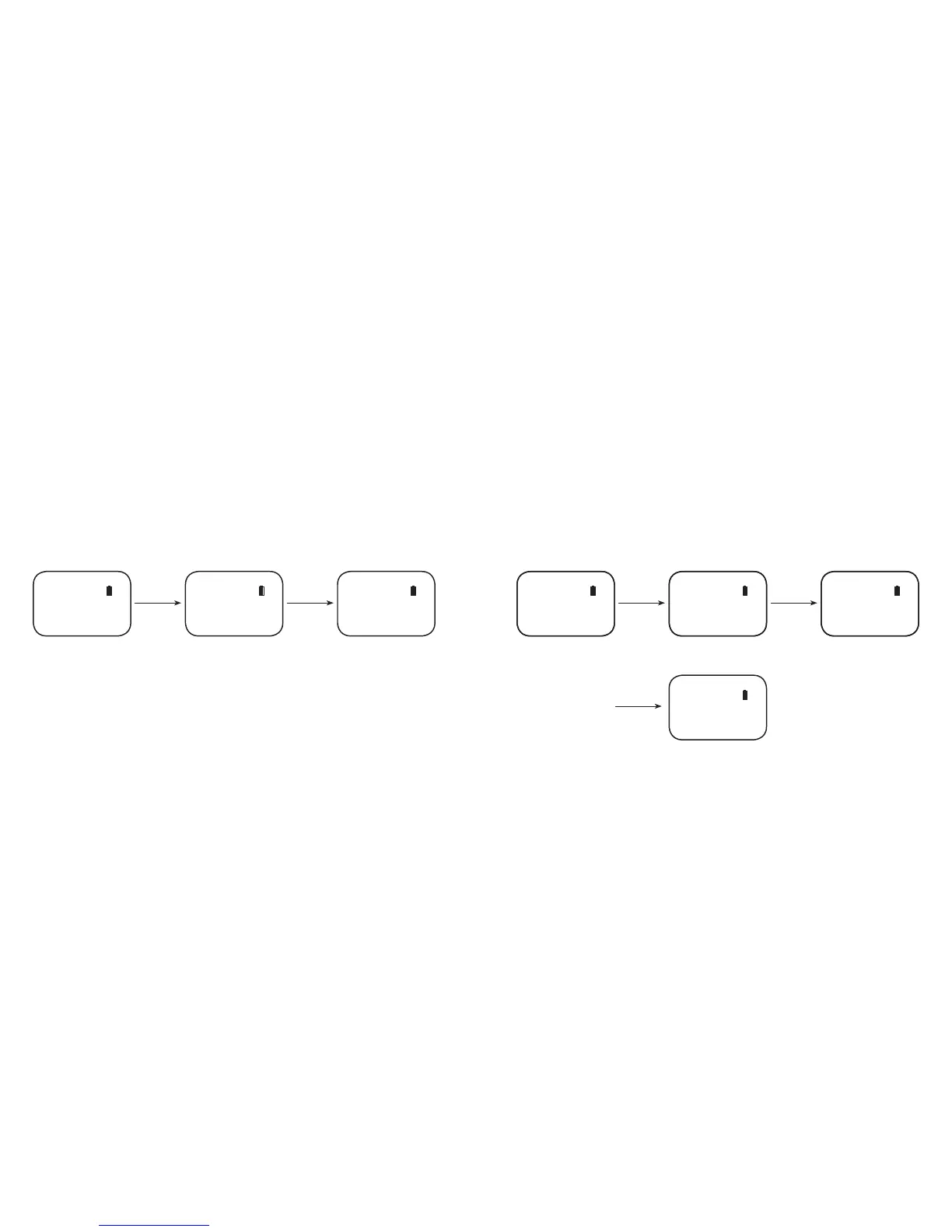
First use to select language Choose 'English' Auto Loading DAB Radio
DAB
Select Language English DAB Loading.......
Press & hold
DAB/FM for 2sec
Press DAB/FM to
conrm.
Press DAB/FM to
conrm.
Then press to
select
Idle mode showing clock Choose "Select Language" Choose "German"
When it completes it shows back
Digital Radio
Digital Radio
Select Language Deutsch
DAB 12:00
DAB 12:00



 To Next Page