17
16
Manual tuning
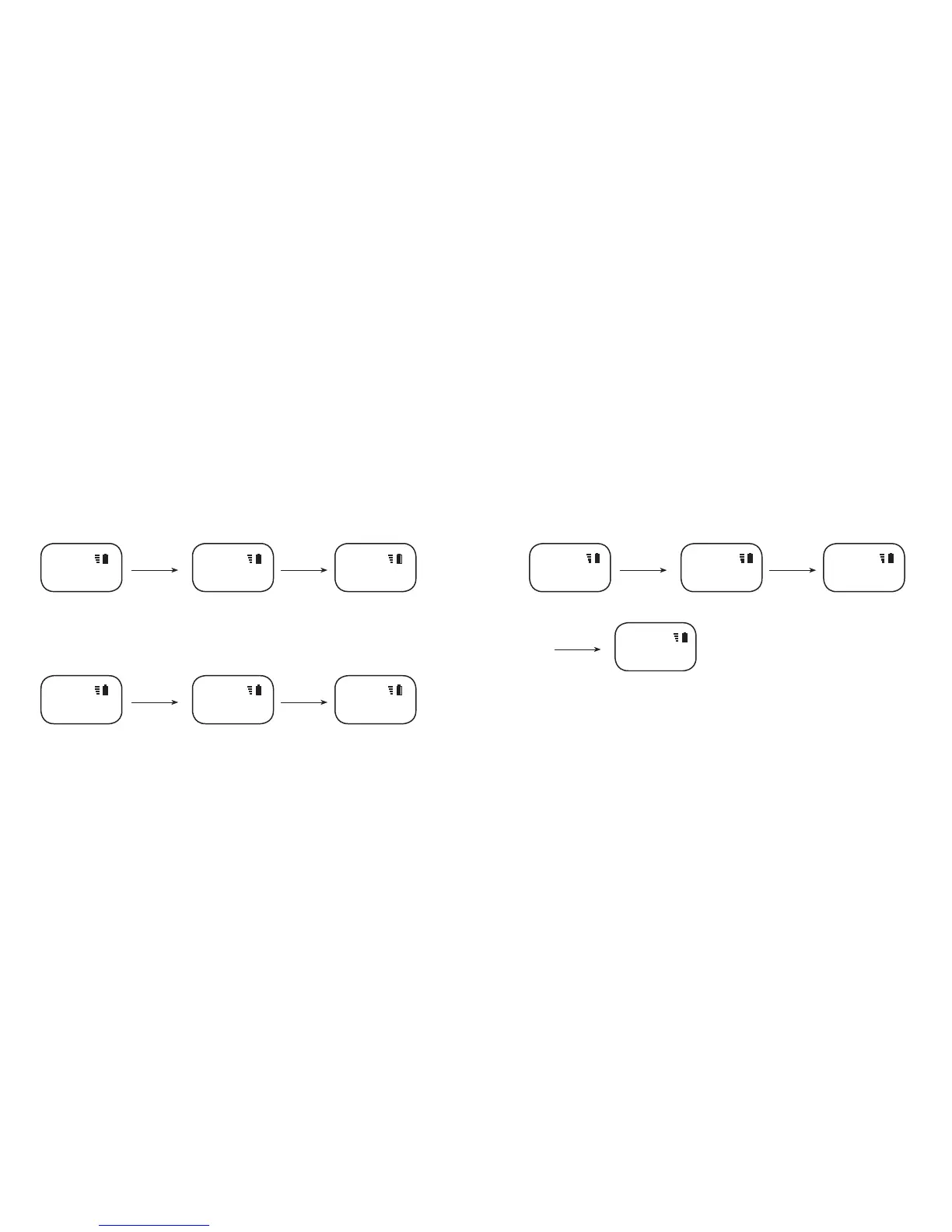
In FM radio mode, press and hold the DAB/FM button for 2 seconds until “Manual Tune” is shown on the OLED screen, the “FM TUNE” will be shown on the rst line, press
the and buttons to adjust the radio frequency, to nish manual tuning, press DAB/FM once to conrm.
Pause or Play FM-radio
In FM radio mode, press the ON/OFF button once to pause the radio. Then, the time clock will appear on the OLED screen. To resume the radio, press the ON/OFF button
again.
Press & hold
DAB/FM for 2sec
M0 Frequency
channel
Entering manual tuning mode Turn while "TUNE"
M0 88.0MHZ Manual Tune M0 88.0MHZ
FM FM FM TUNE
FM RADIO Operation
Listen to FM radio
In DAB mode, press the DAB/FM button once to change to FM mode. The OLED will show “FM Loading…” then The FM radio frequency will appear on the OLED screen
such as M0 88.0MHz.
Press for previous channel and press for the next channel.
Scan FM radio station
In FM radio mode, press and hold button for 2 seconds to scan the previous strongest signal FM station, press and hold for 2 seconds to scan the next strongest
signal FM station. The OLED will show “FM Scanning…”, it will store to the current position after scan.
Loading FM Stations Play the 1st stored station
FM Loading... M0 87.5MHZ M1 91.4MHZ
FM FM FM
Press & hold
for 2 sec
Frequency under M7
Channel
Scanning for the next strongest
signal FM stations
M7 107.4MHZ FM Scanning... M7 108.0MHZ
FM FM FM
Press to choose
next channel
Found frequency 108.0 MHZ
and saved to M7
Press or to
adjust frequency
Frequency tuned as 89.3 MHZ
FM
M0 89.3MHZ
then press DAB/FM
to conrm
Press & hold
DAB/FM to
conrm



 To Next Page