11
10
Clock Setting
In DAB station mode, the clock is normally synchronized with the DAB stations. If the clock does not show the correct time, follow the instructions below to adjust it:
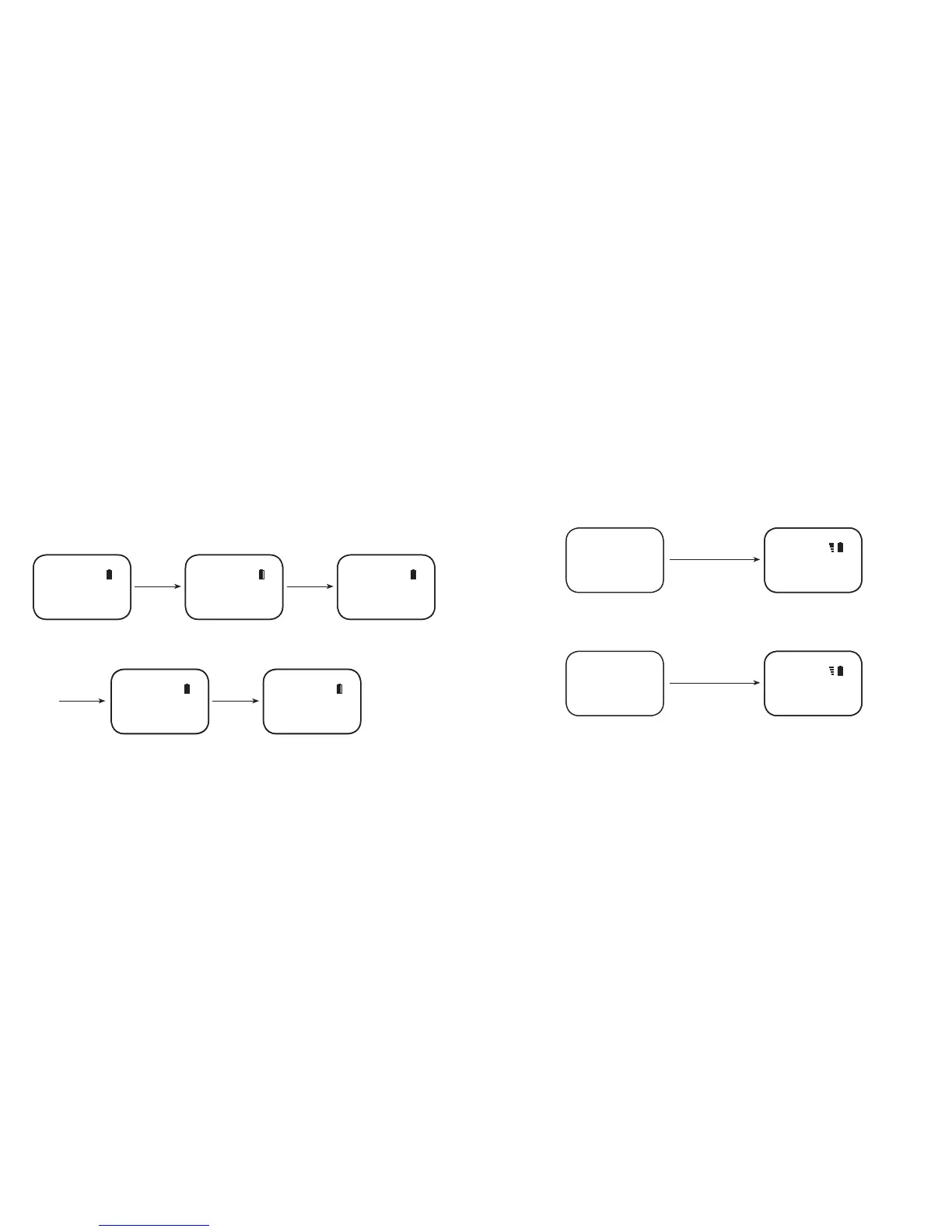
In standby mode press and hold the DAB/FM for 2 seconds , and press or to choose “Set Time” for setting time, then press DAB/FM to conrm the time setting mode,
OLED will display “Set Time” and hours will ash, press the or button to adjust the hour, conrming by pressing DAB/FM once again. And then it will show “Set Time”
and minutes will ash, press the or button to adjust the minute, conrming and nishing by pressing DAB/FM again. Wait for 10 seconds and the Clip will return to
standby again.
Press & hold
DAB/FM for 2sec
Press or for
setting
Press or for
setting
Press DAB/FM to
conrm.
Then press to
select
Then press DAB/
FM to conrm.
Wait 10sec
Then press DAB/
FM to conrm
Standby Mode
Minute Setting Mode
Time setting mode
Done!
Hour setting mode
Digital Radio
Set Time
Set Time
Digital Radio
Set Time
DAB 12:00
12:10
DAB 12:10
12:00
Key Lock
To enable key-lock: Press and hold the Volume – button for 2 seconds, the word “LOCKED” will scroll on the OLED screen.
To disable key-lock: Press and hold the Volume – button for 2 seconds, the word “UNLOCK” will scroll on the OLED screen.
Press & hold “–“ for 2 sec
Shows it's locked
Any situation Locked
DAB
Press & hold “–“ for 2 sec
Shows it's unlocked
Any situation Unlock
DAB



 To Next Page