13
12
DAB Radio Operation
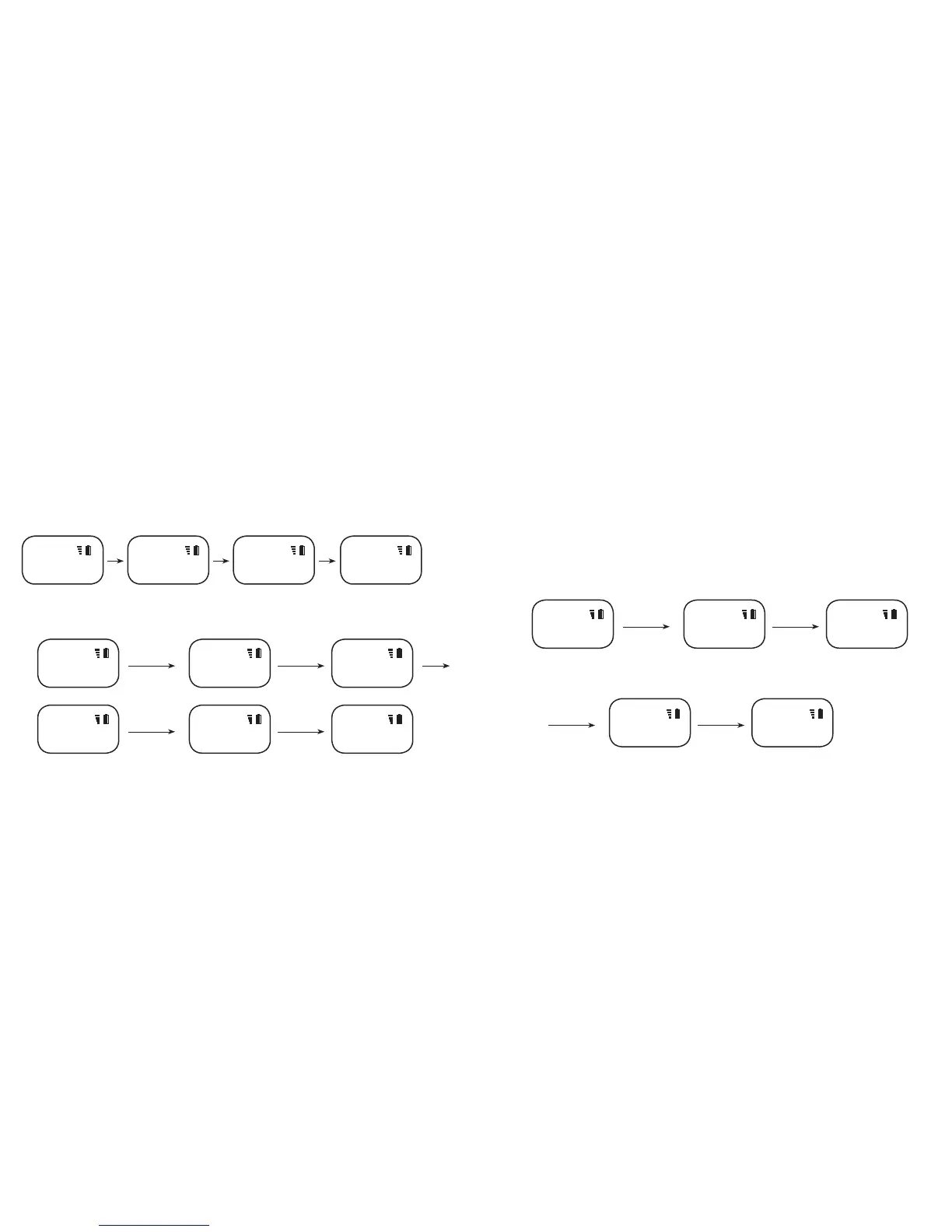
Auto Scan
For the rst time, when you switch on the radio, the OLED screen will display the words “DAB Loading”, it will automatically scan for local DAB radio stations, then it will
show “DAB Scanning…”
Manual Scan
In DAB radio mode press and hold the DAB/FM for 2 seconds, to enter "Store Mode", press or and choose “"Rescan" and press DAB/FM to conrm”, it will then show
“DAB Scanning…”When scanning is completed, the OLED screen will display the number of the available DAB radio stations (eg. “FOUND: 04”). After that, it will play the last
available DAB radio station. If no stations are found, the words “NO Signal” will appear on the OLED screen.
When it is completed, the OLED screen will display the number of the available DAB radio stations (eg. “FOUND: 04”). After 5 seconds, it will play the last available radio
station. If no stations are found, the words “NO SIGNAL” will appear on the OLED screen.
Listen to the DAB radio
When the scanning is completed, DAB-Clip radio will play the last available DAB radio station through searching. Press the button to choose the previous station or
press the button to choose the next station. The name of the DAB radio station will appear on the OLED screen, (eg: “01DBC)
Save your favourite list of the DAB radio stations
If you listen to certain stations regularly, you can save these as your favourite stations. There are 10 favourite stations that you can save. In DAB radio mode, press the
or button to choose the station that you want to save, press and hold the DAB/FM button for 2 seconds, the words “ Store Mode” will appear on the OLED screen, then
press DAB/FM button once to select the stored position and OLED will show “Store TO FX?” (X is a number, from 0 to 9), then press or to select the favourite list (F0-
F9), after that press the DAB/FM button once to complete the saving, the word “Stored” will appear on the OLED screen. Repeat these steps to save other favourites
Loading DAB stations Found 04 DAB StationsScanning stations Playing DAB 01DBC Channel
DAB Loading... Found 04DAB Scanning... 01DBC
DAB DAB DAB DAB
Press & hold
DAB/FM for 2sec
Press DAB/FM
again to conrm
To save “01DBC” station as a
favourite channel
Enter Store Mode Asking station saving
position
01DBC Store Mode Store to F0?
DAB + DAB DAB
Press & hold
DAB/FM for 2sec
Press or to
choose
DAB playing Enter Menu Mode Enter Rescan Mode
02DBC Store Mode Rescan
DAB DAB DAB
Scan DAB Stations Found 4 DAB Stations Play "01DBC" Channel
DAB Scanning... Found: 04 01DBC
DAB DAB DAB
Press to select
position
Press DAB/FM
again to conrm
Choose “ F1” as the
storing position
“01DBC” station have been
saved to “F1”
StoredStore to F1?
DAB DAB
Press
DAB/FM
to conrm



 To Next Page