20 21
2. LOad PrOfile
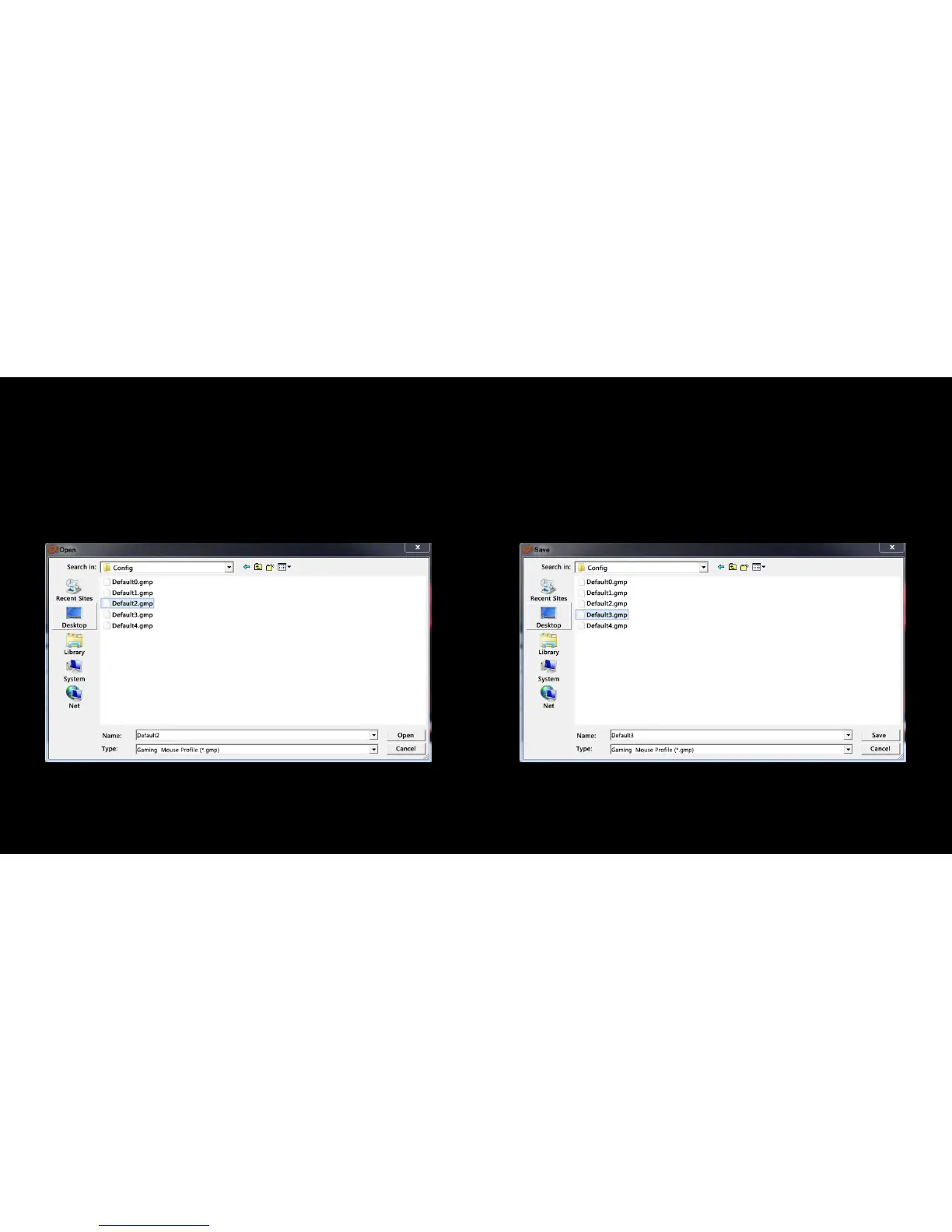
1. Click “Load Profile” to execute a previous setting of a certain profile
2. Select the profile to be imported and click “Open” in the pop-up
window
3. Click “APPLY” to apply the changes
3. SAVE PrOfile
1. Select the profile that you want to save and click “Save Profile”
2. In the pop-up window, give a personalized name to the profile and
click “Save”
3. Click “APPLY” to apply the changes



 To Next Page