16 17
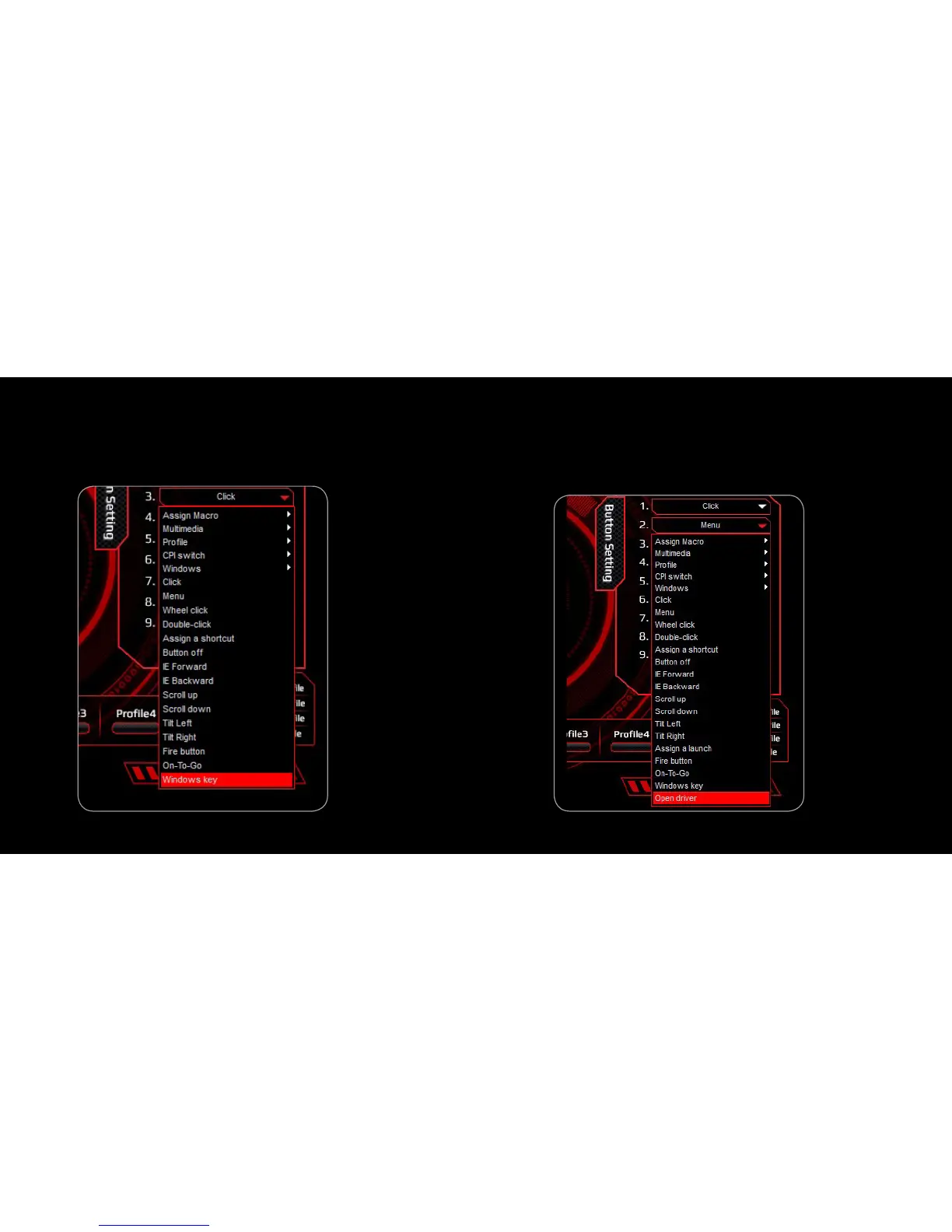
10. WindOws Key
1. Select a button and click ”Windows Key” from the menu
2. Then, click “APPLY” to confirm the setting
11. OPEN DRIVER
1. Select a button and click ”Open Driver” from the menu for quick
access to the Mouse Configuration Driver
2. Then, click “APPLY” to confirm the setting



 To Next Page