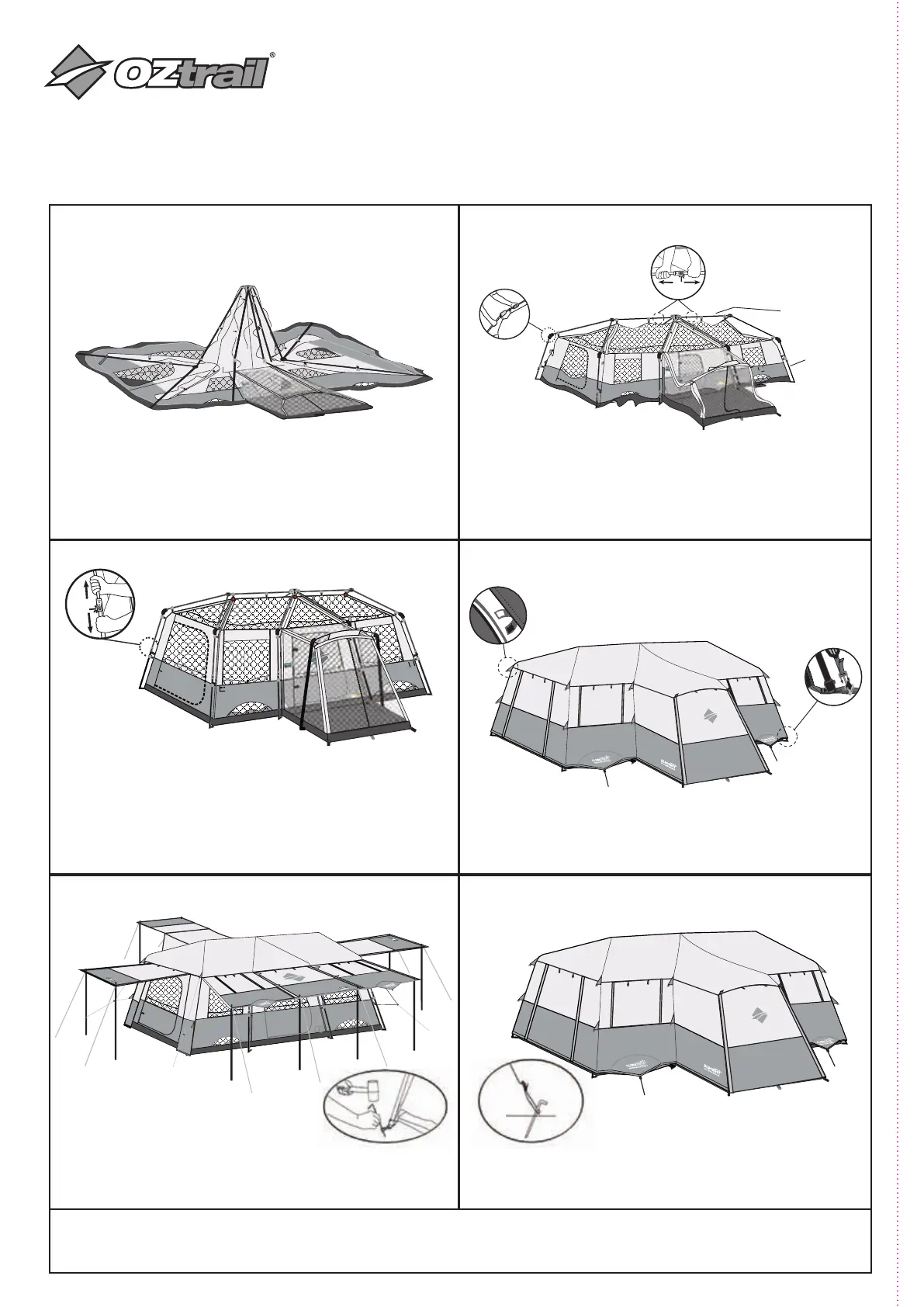
STEP 2: RAISE THE ROOF
STEP 4: SECURE FLY TO INNER TENT
STEP 6: ALWAYS PEG OUT AND USE
GUY ROPES
STITCH LINE
TENT OWNERS MANUAL
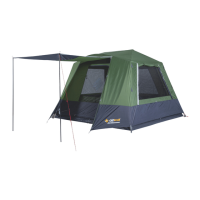
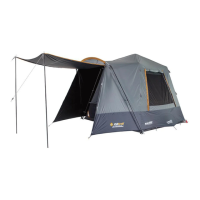
LUMOS FAST FRAME 12 PERSON
STEP 1: LAYOUT THE INNER TENT
STEP 3: ERECT THE TENT
• Unfold the inner tent and outstretch over a flat, clear area
• Arrange the door so it is facing your desired area for entry & exit
• Fold leg poles away from the center of the tent, so the roof
framing stands up
• Extend the vertical frame legs until they click into position
• Repeat on the legs in the center and other corners of the tent
• Install Front Vestibule Pole by placing through sleeve located above the
door on Front of the screen room front
• Insert Vestibule pole into black plastic molding
• Insert Steel Portico Pole into opposite side of black molding
• Connect base of Portico Pole to ring and pin on Grey Webbing stitched
to Inner tent corner
• Secure rain fly to tent with Velcro tabs located on underside
of rain fly
• Connect the fly to the tent using red and grey buckles on
tent corners
• Locate roof poles and lift upwards from base, to the
horizontal position.
• The leg poles will angle at joints and partially stand up
• BEFORE raising the legs:
Lengthen the roof poles by extending Horizontally until
they Click into Place
STEP 5: ASSEMBLE THE AWNINGS
• Use the awning poles and additional ropes to suspending the
door panel overhead
• Peg out the tent and fly around the perimeter
• In windy and rainy conditions, awnings must be
dismantled, and doors must be closed, and guy ropes
must be set out
PACK UP: REMEMBER TO REMOVE BATTERY BOX PRIOR TO PACKING
TO TAKE DOWN THE TENT, REVERSE PREVIOUS STEPS
REMEMBER TO COMPLETELY LOWER LEGS BEFORE COLLAPSING HORIZONTAL ROOF POLES
AUSTRALIA
Designed & Imported by:
Adventure Trading Australia Pty Ltd
71 Charles Ulm Place,
Eagle Farm, QLD 4009
Roof P
Legs
CLICK
CLICK


 To Previous Page