Column Shifter
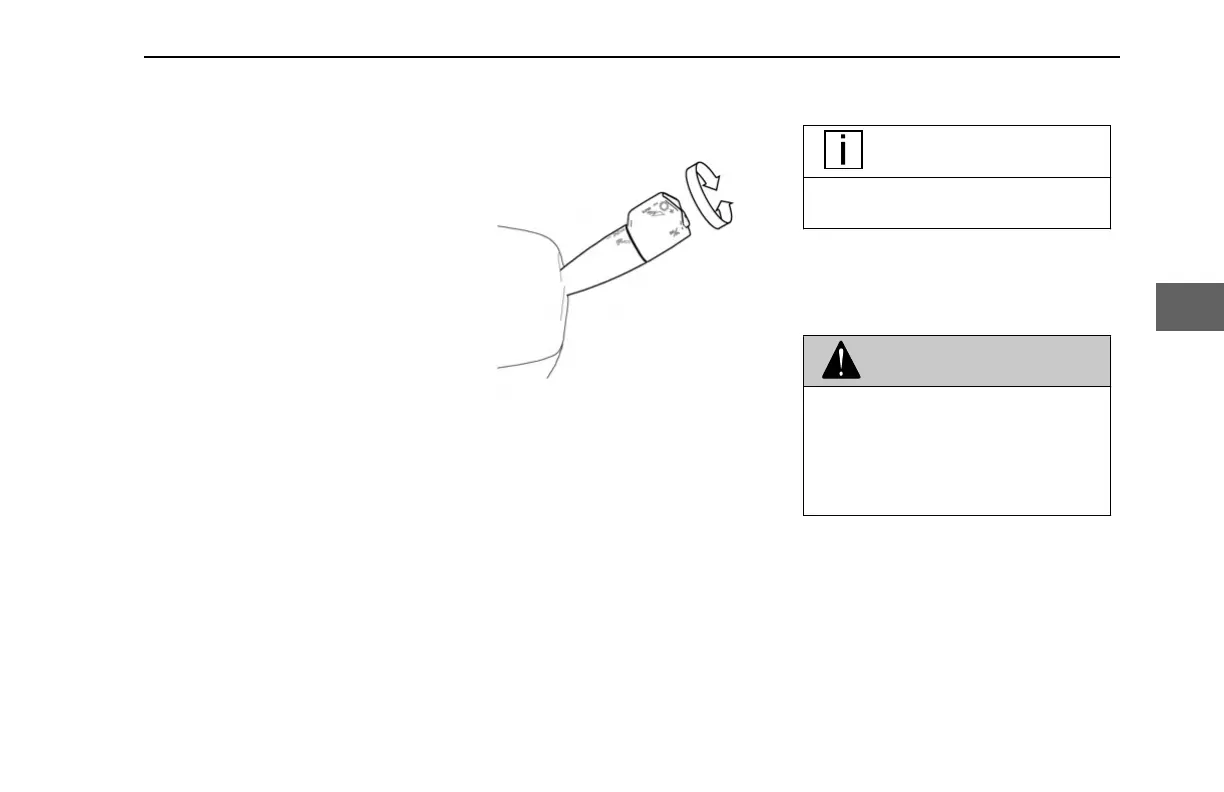
The column shifter, located on the right-
hand side of the steering column, lets the
operator perform the following transmission
functions:
• Switch transmission modes
• Upshift and Downshift
• Activate Manual mode
• Activate Hold Mode (option)
• Activate Low mode
• Activate MAX mode
Transmission Modes
Select the transmission mode by rotating
the shifter outer knob. There is a position
for Drive (D), Neutral (N), Reverse (R).
Rotating the knob to the Reverse (R)
position while moving forward, or to the
Drive (D) position while moving backward,
will not change the transmission mode to
those selections.
The Digital Display will indicate the
corresponding mode.
NOTE
Selector (the transmission) must be in
Neutral (N) to start the truck.
Neutral Mode
• Selects Neutral.
•
Initial Gear position after Start-Up.
WARNING
Apply parking brake and follow vehicle
manufacturer parking instructions. Fail-
ure to follow these instructions could
cause unintended vehicle movement re-
sulting in death, serious injury or dam-
age to property
.
CONTROLS - Column Shifter
Y53-1349-1A1 (02/2022) 27
4



 To Next Page