14 Chapter 2 Installing the Gateway
Connecting an IPTV set-top box
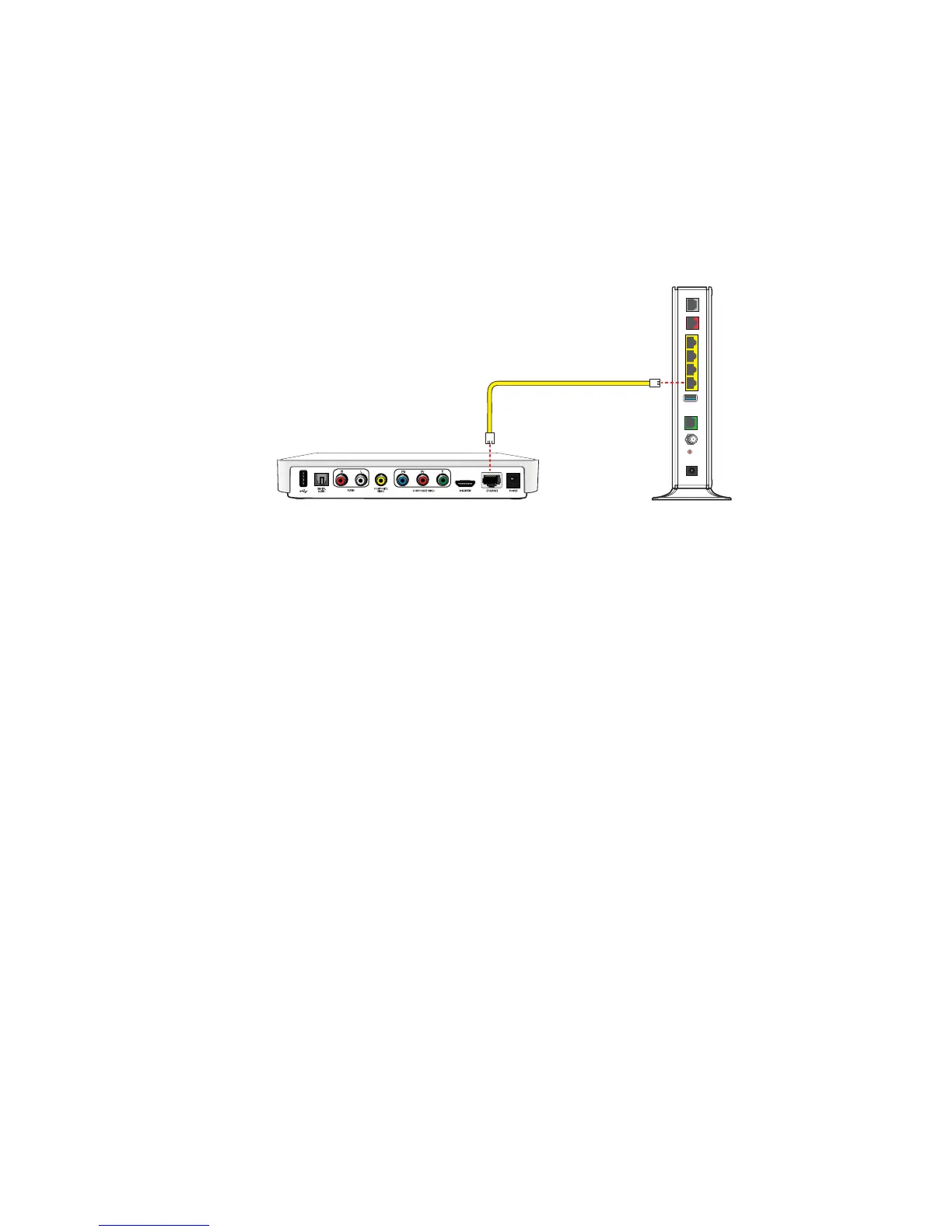
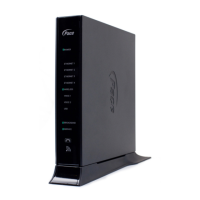
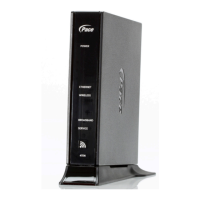
With some models, you can connect an IPTV set-top box for IPTV service.
1. Connect one end of the Ethernet cable to an available Ethernet port on the
gateway.
2. Connect the other end of the cable to the Ethernet port on the set-top box.
After the gateway recognizes the set-top box, the associated Ethernet light turns
steady green, and blinks when the set-top box starts transferring data with the
gateway.
Note: For more information, see the instructions that came with the set-top box.
LOCAL ETHERNET
USB
VOICE 1 & 2
POWER
RESET
CABLE
432
1
DSL
ETHERNET
BROADBAND
Ethernet cable
IPTV set-top box
Gateway


 To Next Page