15
Connect the receiver to the home network
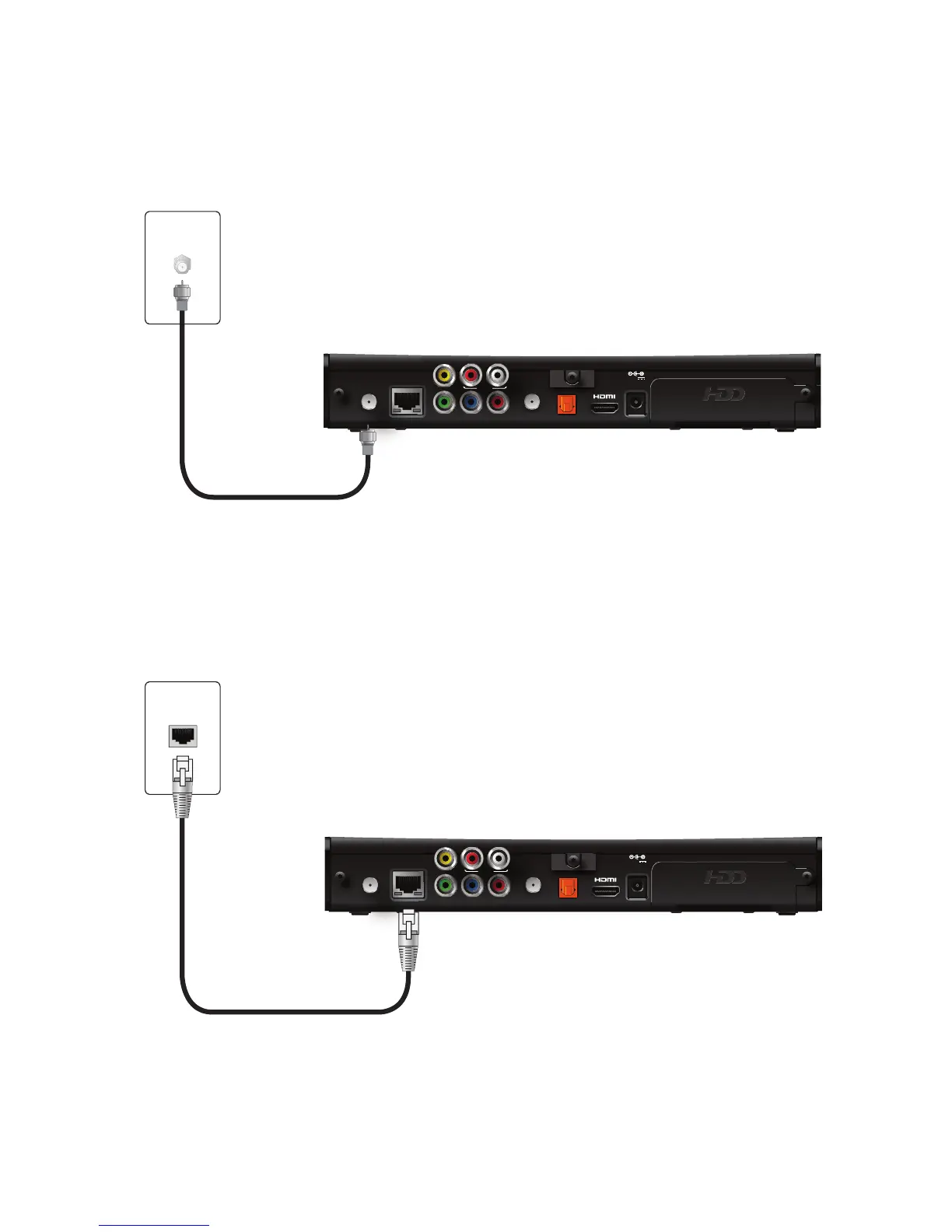
If you connect to your IPTV signal from your HPNAv3 in-home network over coaxial
cable, use the TO WALL (VIDEO IN) connector on the back panel of the receiver to
connect to the HPNAv3 in-home network through a coaxial cable.
If you connect to your home network with an Ethernet (CAT-5) cable, use the
NETWORK connector on the back panel of the receiver to connect to the home
network Ethernet port.
Note: Use only one of these connections to access your home network.



 To Next Page