26
Plug in the receiver
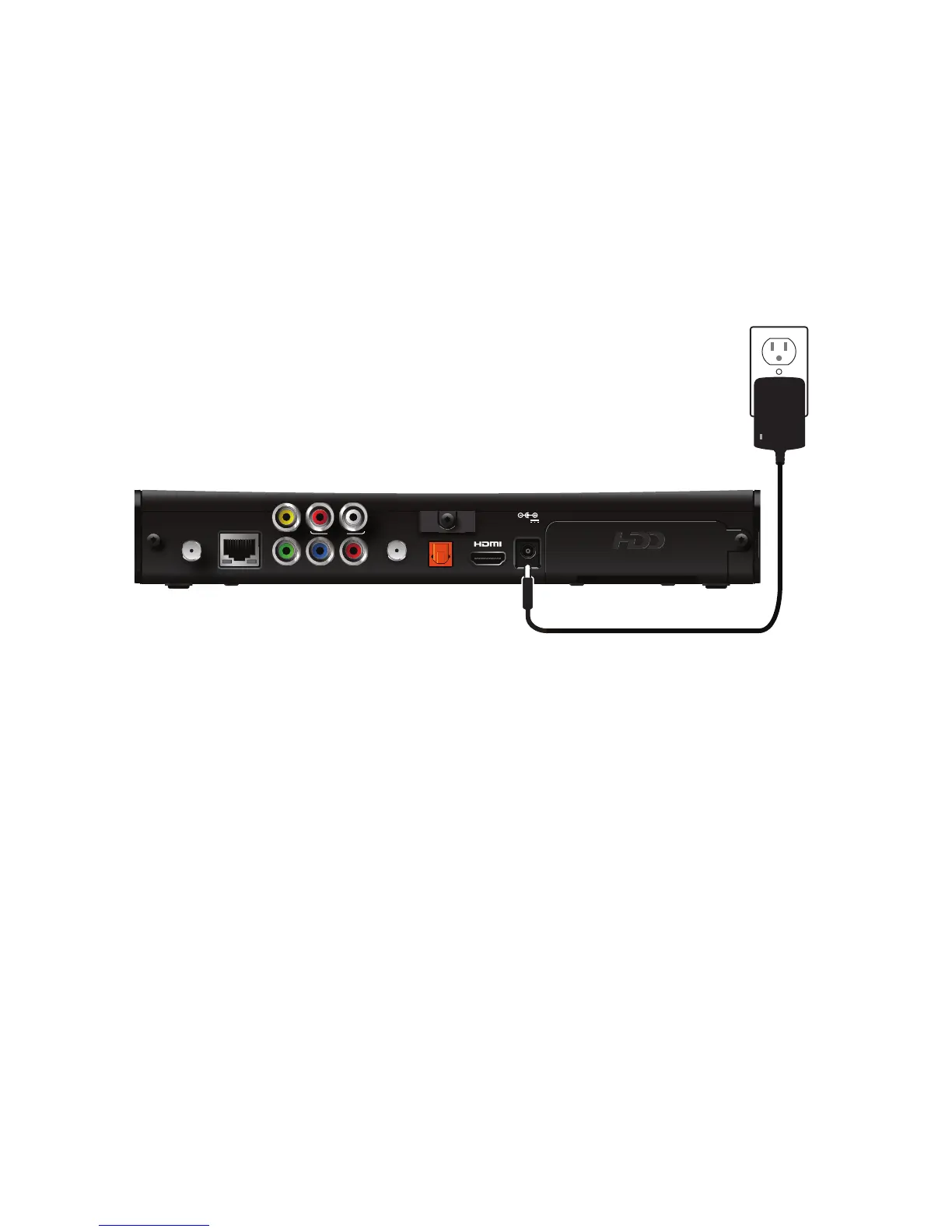
Use the power adapter included in the container to provide AC power to the receiver.
To connect the receiver to a power supply:
1. Insert the 12 volt connector into the POWER connector on the receiver.
2. Insert the AC power adapter into an AC electrical outlet.
3. Verify that the LED on the AC power adapter lights green when the receiver is
receiving power from the wall outlet.
Connecting to the AC power supply
To avoid possible damage to the apparatus or to a connected TV or component, all AC
power cords must be plugged into properly wired outlets. As with all electrical
products, connection to faulty or defective components, or the failure to connect the
apparatus to a properly wired outlet, may cause sparking, property damage, or
damage to any TV or other component connected to the apparatus and pose a fire
hazard.
If you are in any doubt about the power supply lead, its plug or its connection, or are
not certain that the electrical outlets you are using are properly wired and grounded,
consult a qualified electrician before proceeding any further.



 To Next Page