11
PX022ANx USER GUIDE Draft 15/01/13 (501-341930X)
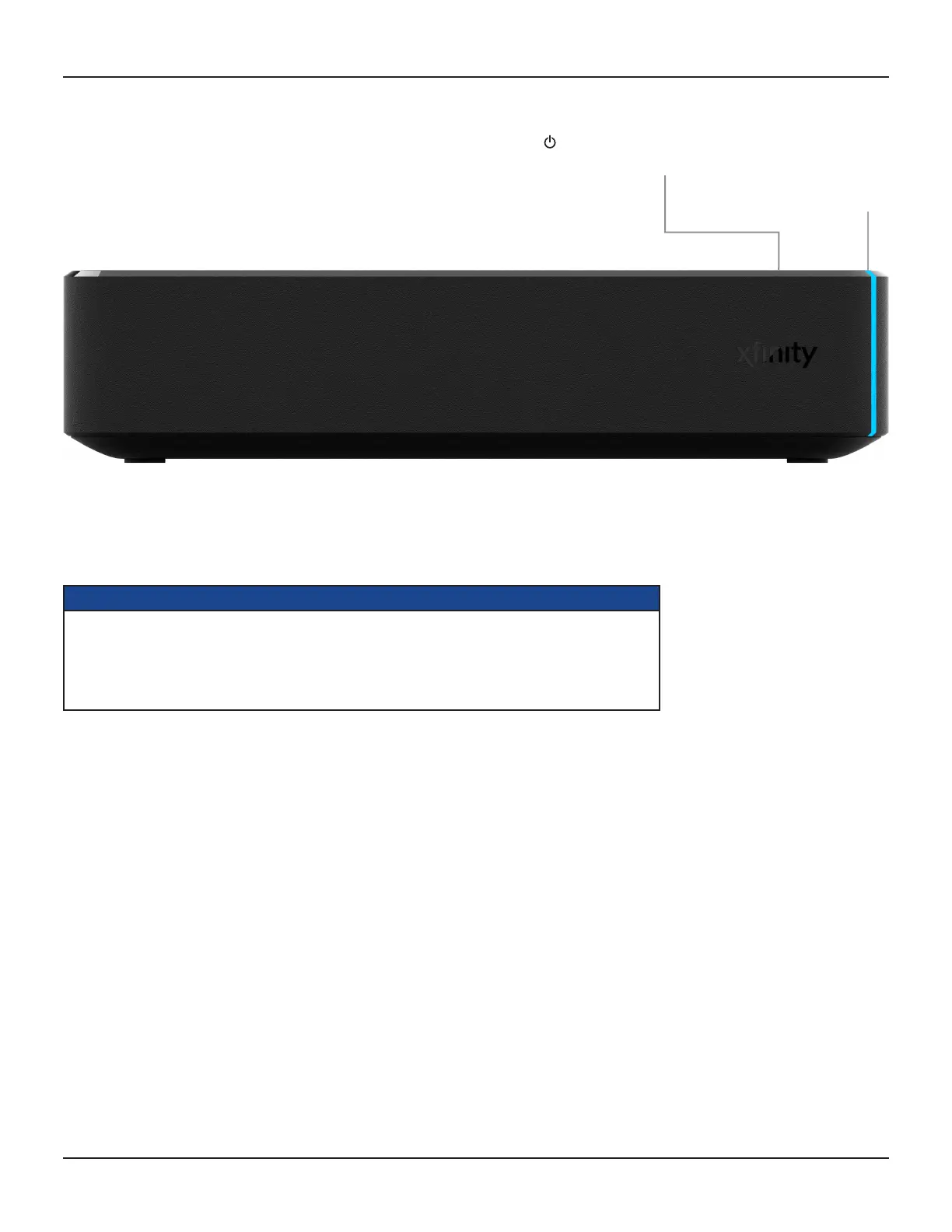
FRONT PANEL
Power button (on top cover)
To turn your set-top box on/off.
Power light
Lights blue when your set-top
box is on and lights red when
your set-top box is in standby.
NOTES
Your cable TV service-provider determines the digital channels, services, and screen information that you
see on your TV when you use your set-top box and its remote control.
Consult the information supplied by your cable service-provider for details on how to make the most of the
digital cable services. Also read the operating instructions that are supplied with your remote control.



 To Next Page