Copyright© 2003 Pacific Digital Corporation Page 13
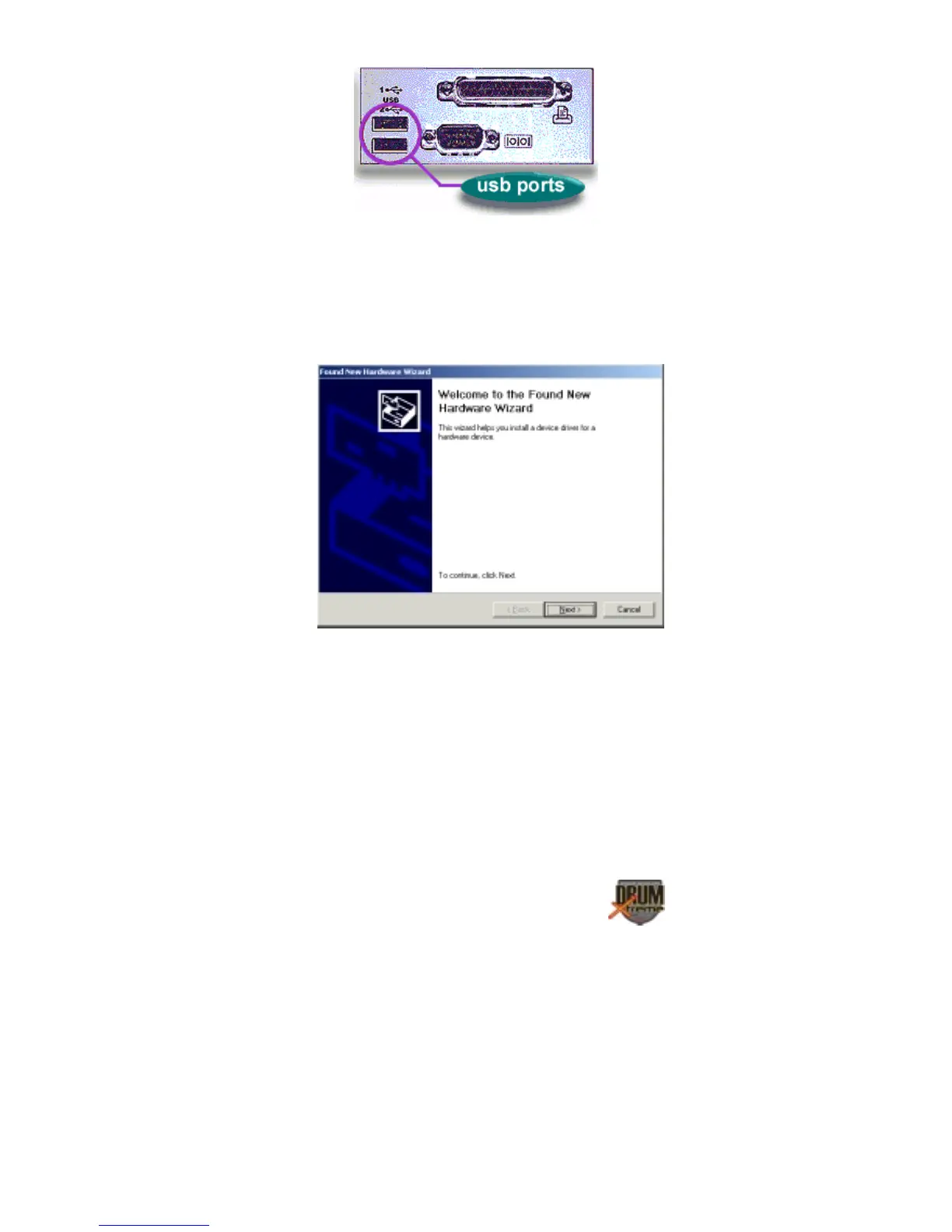
Figure 10 – Connecting DrumXtreme to PC
After connecting, the Windows® Hardware Wizard will detect the
connection of the DrumXtreme USB port. When the Hardware Wizard
begins, the following screen will be displayed:
Windows Hardware Found Wizard
Click “Next” to begin installation. The next step is INSTALL
HARDWARE DEVICE DRIVERS.


 To Next Page