Copyright© 2003 Pacific Digital Corporation Page 5
4.2
Registration & Your Product Serial Number
Please record the model and serial number to keep for reference. These
are required for Product Registration and the web-Update function. Also
record the Product ID number from the bar-coded label on the back of
your manual (this Product ID number is required for Technical Support).
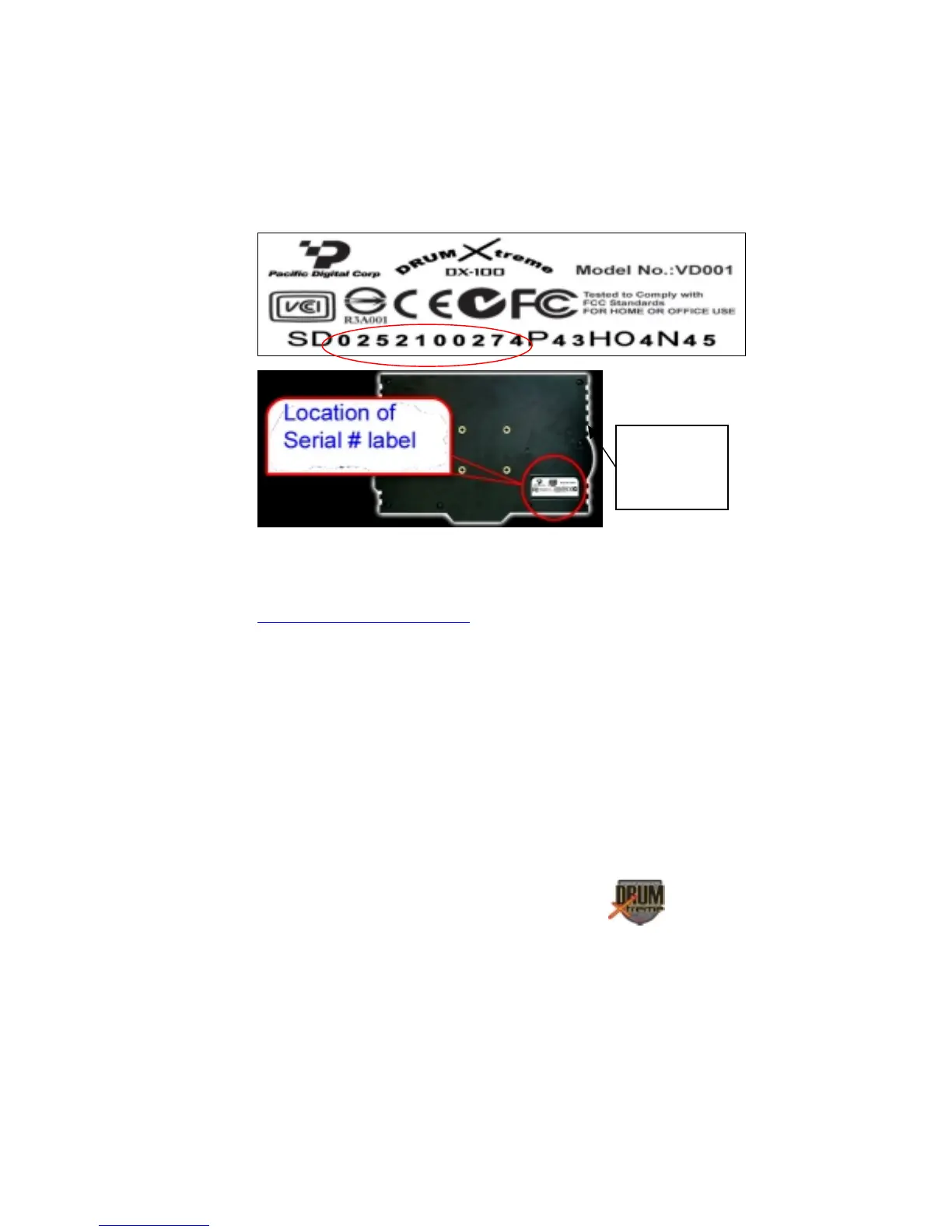
This information is printed on a label on the rear of the Master Controller
(SV-BOX). The serial number is circled in the label shown in Figure 1.
Figure 1 – Product Serial Number Label
In order to receive technical support, you should register online at:
http://www.PacificDigital.com
soon after your purchase date.
4.3 Assembly of DrumXtreme™
This section provides step-by-step instructions on assembling your
DrumXtreme. Installation starts at the bottom of the stand and works
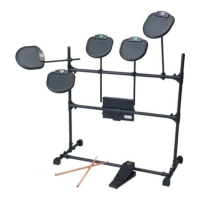
upward towards the top. Figure 2 below shows a fully assembled drum
set.
Master
Controller
Box


 To Next Page