Copyright© 2003 Pacific Digital Corporation Page 18
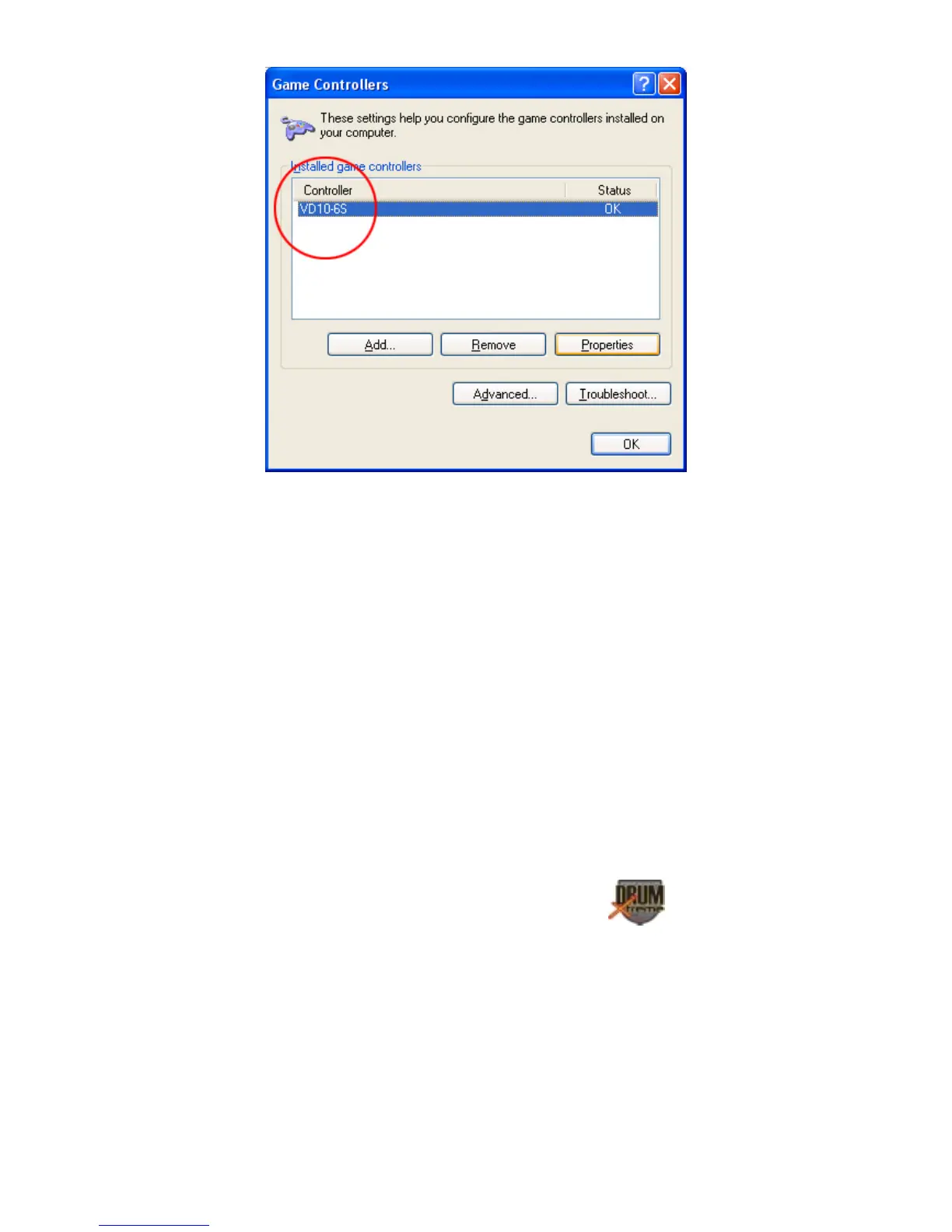
This indicates that the DrumXtreme device was successfully found by
your computer. If a gaming controller is not shown, please remove the
USB cable from your system and re-insert one more time to re-invoke
the Hardware Found Wizard.
6. Installing Digital Drum PC Software
Place the software CD-ROM (labeled “Digital Drum & Music Game”)
that comes bundled with DrumXtreme in your PC’s CD-ROM drive. If
your Windows® PC is configured to auto-run, the install software menu
should automatically display within one minute.


 To Next Page