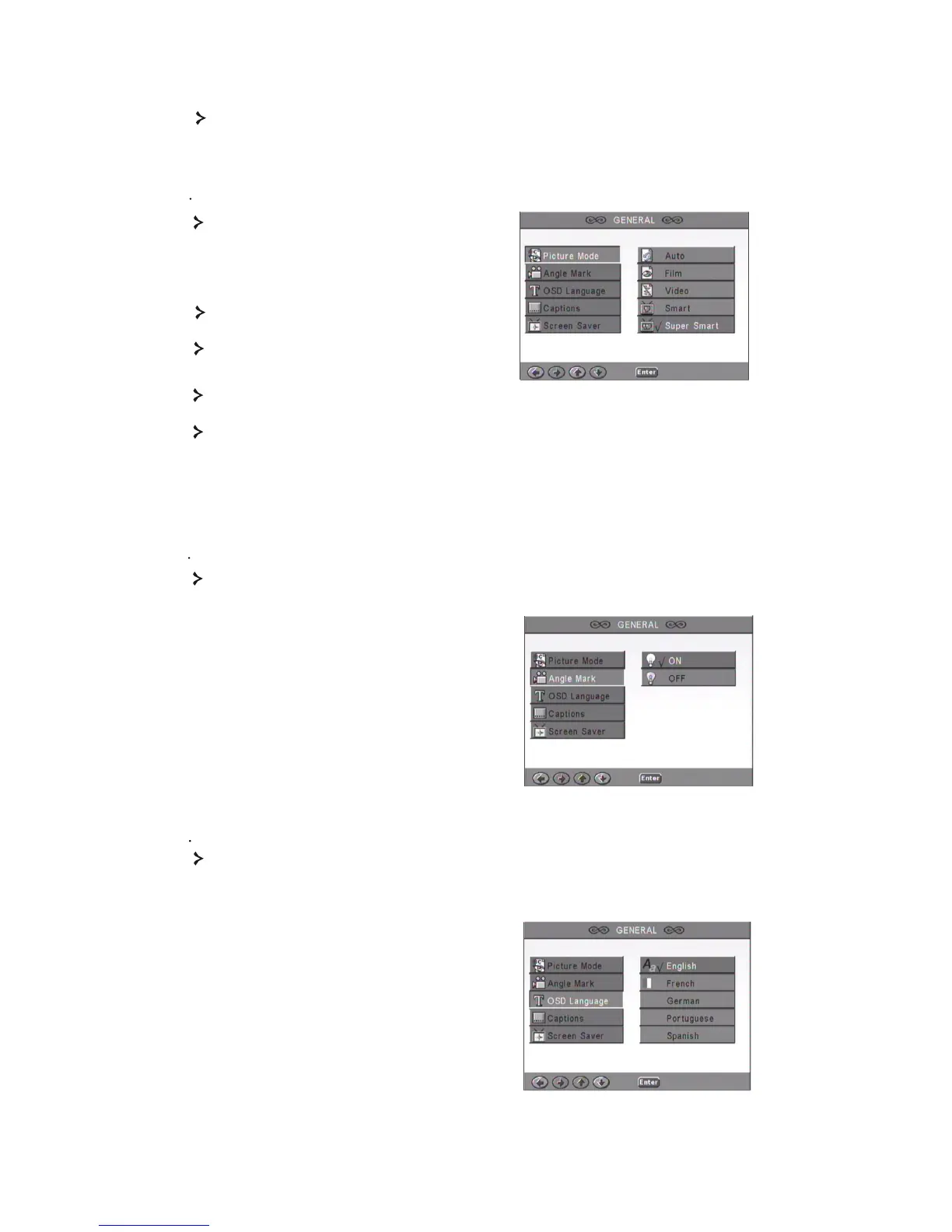
12 Angle Mark
If supported by the disc, you can set the Angle mark as ON or OFF.
15
1. Main page
1 1 Picture Mode
Set video functions: Picture Mode, Angle mark, OSD Language, Captions and
Screen Saver.
13 OSD language
Select one of the available OSD languages.
Auto - Selects Bob or Weave based on
'flags' that are embedded in the DVD
bitstream indicating that the original
program was from an interlaced or a
progressive video source.
Film-Ignores the embedded flag information
and uses the weave technique.
Video-Ignores the flag information and uses
the bob technique.
Smart-Same as Film Mode with additional multitap vertical filtering to reduce the side
effects of the weave method on motiom.
Super Smart (default )-Combines flag reading with pixel-based motion adaptive
processing which dynamically changes the parameters according to the instantaneous
picture content, This is the best mode for deinterlacing virtually all source material.



 To Next Page