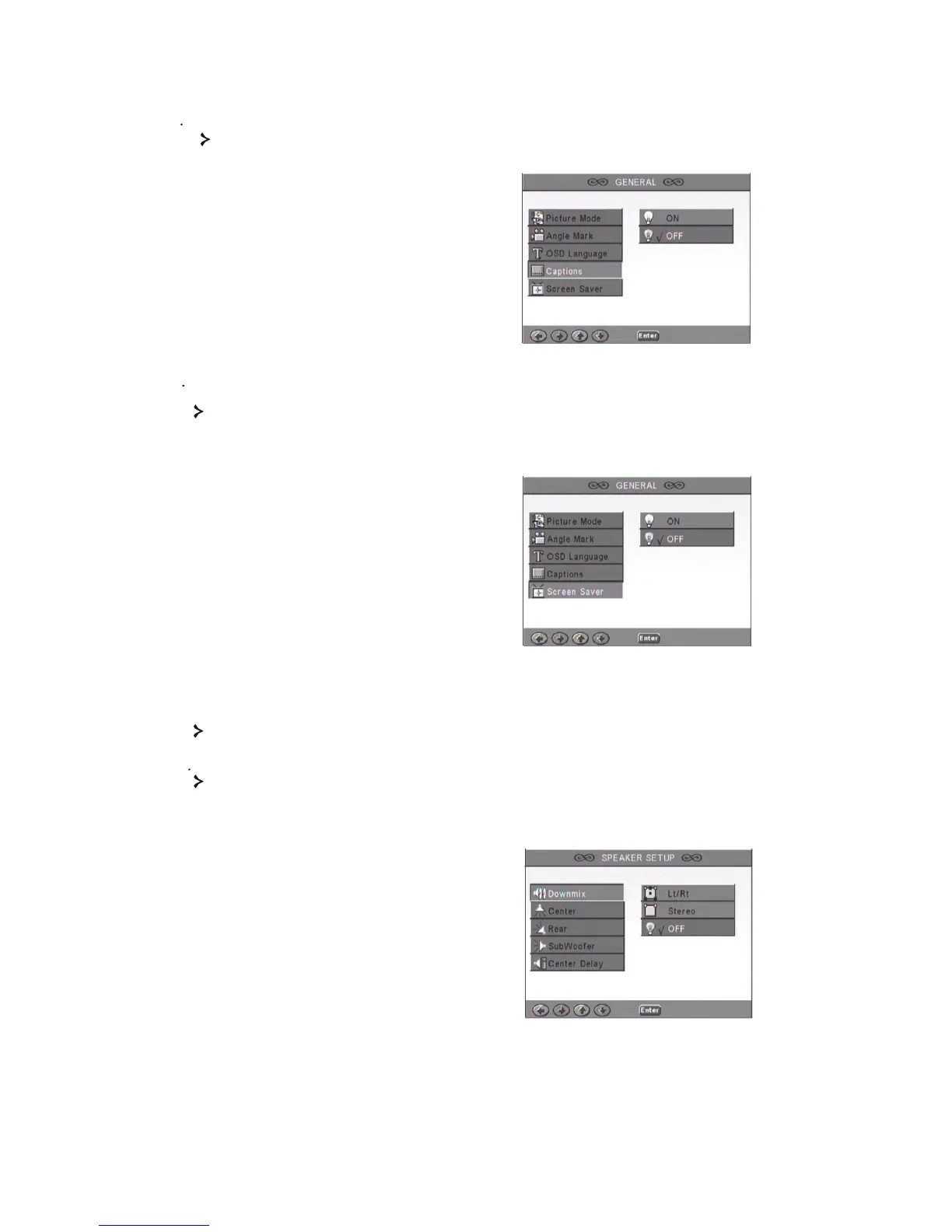
14 Captions
16
Switch captions on or off.
1 5 Screen Saver
The unit automatically activates a 'bouncing ball' screensaver after a few minutes of
inactivity. This protects your TV screen.
2. Speaker Setup
SPEAKER SETUP includes Downmix, Center, Rear, Subwoofer, Center Delay, Rear
Delay and Test Tone.
2 1 Downmix
If you have connected a stereo amplifier, you should select Stereo, if your amplifier is
5.1 please set as 5.1 CH.



 To Next Page