18
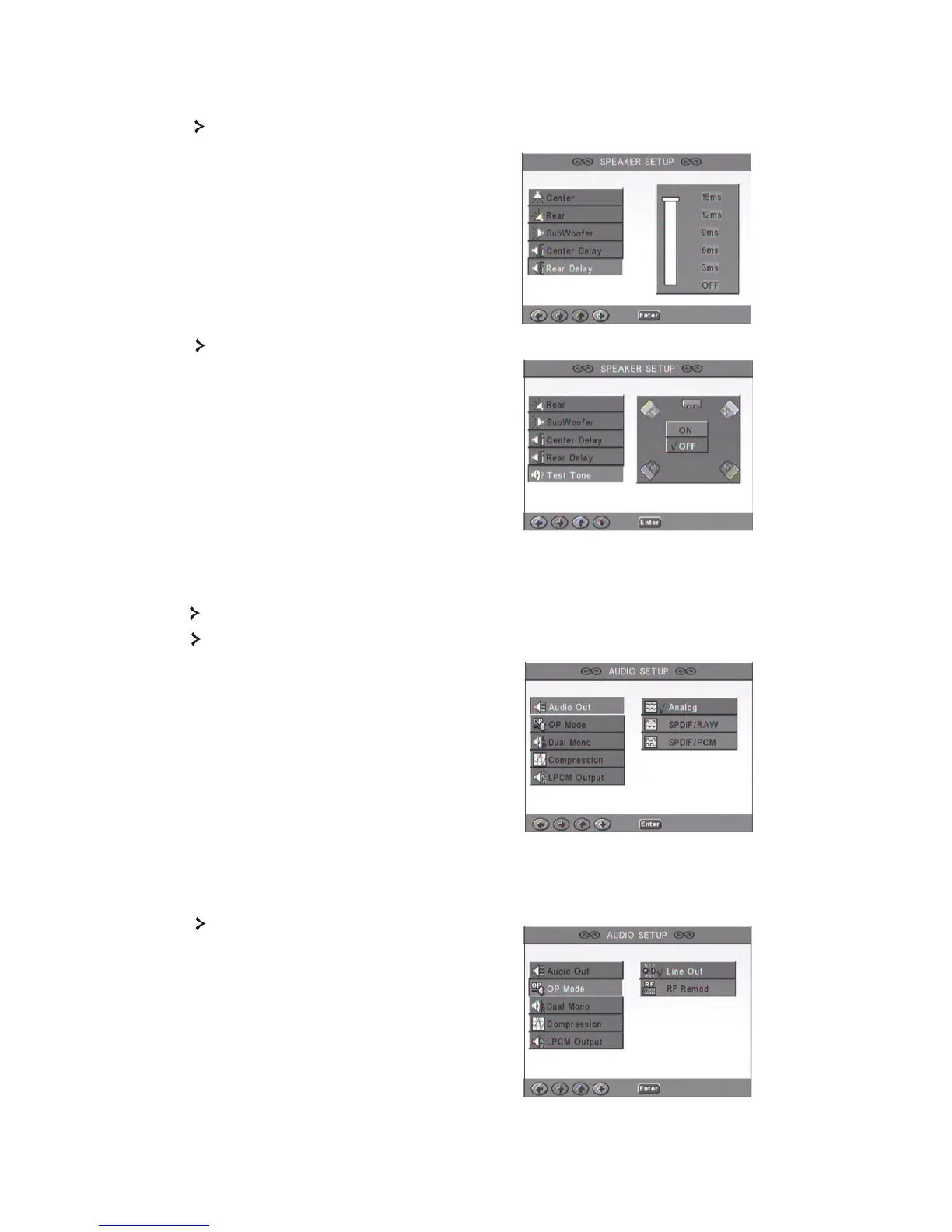
2.6 Rear Delay
Allows delaying rear speaker output.
2. 7 Test Tone
Choose the corresponding speaker layout.
A sound will be sent to each speaker.
3.1 Audio Out
Selects an audio output mode: Analogue, SPDIF/RAW or SPDIF/PCM.
Notes:
1. This unit supports both Dolby digital
or analogue audio. The karaoke function
can only be used with analogue audio.
2. If your unit doesn't support DTS mode,
you should select SPDIF/RAW or
SPDIF/PCM to play DTS discs.
3.Some models support Dolby AC-3 and
DTS. The unit sets the corresponding mode
automatically.
3. Audio Setup
3.2 OP Mode
Switch between RF and Line Out mode.



 To Next Page