19
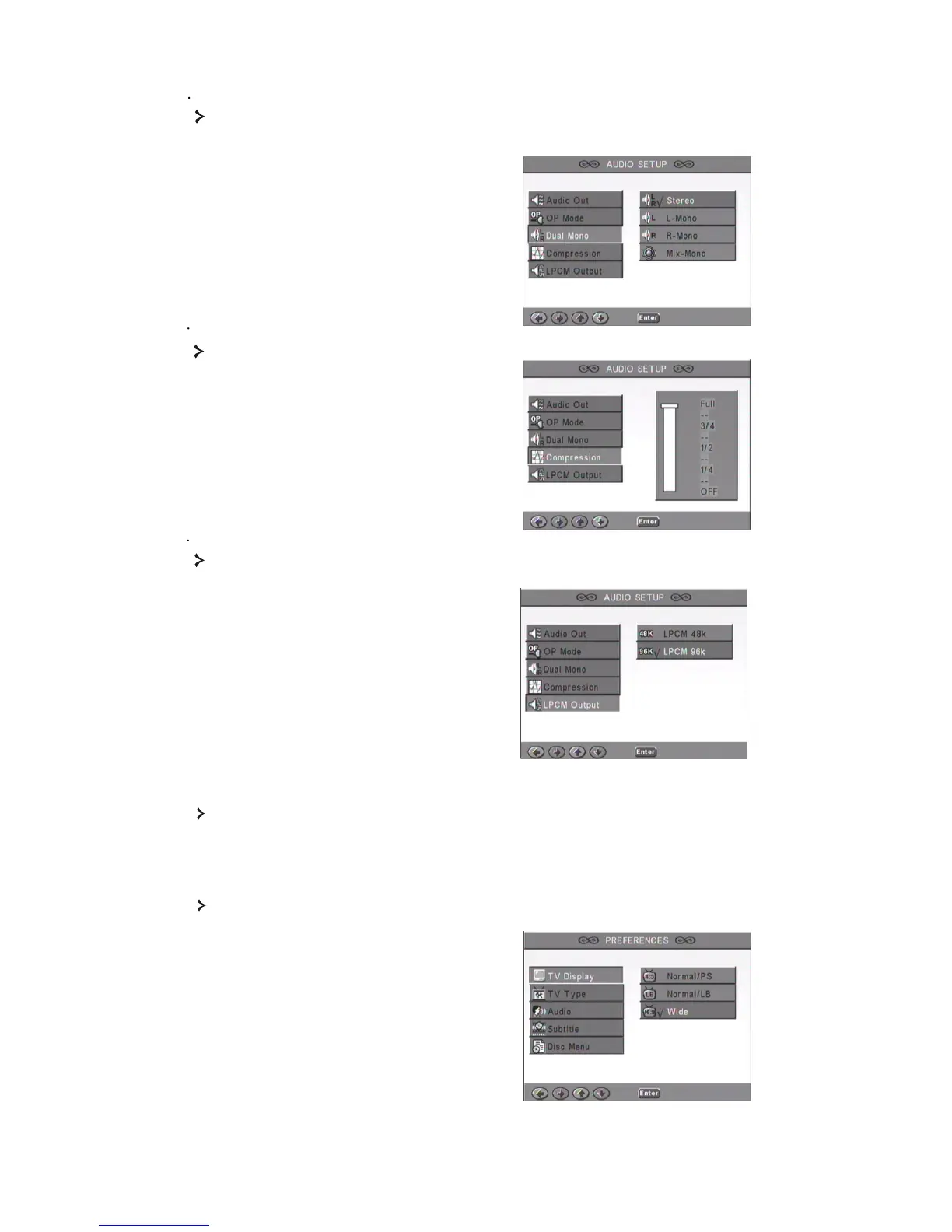
3 4 Compression
3 5 LPCM output
You can select 48k or 96k audio encoding
modes.
3 3 Dual Mono
If your amplifier/decoder already supports Dolby Digital output, you can select
Stereo, L-mono, R-mono, MIX-mono for your amplifier/decoder.
To adjust the sound dynamic range.
4. PREFERENCES SETUP
Not accessible during display. The Preferences page includes TV type, Audio, Subtitle,
Disc menu, Local, Parental, Password and Defaults.
4.1 TV display
If you have a widescreen TV (16:9 Aspect Ratio) select WIDE. Use one of the NORMAL
options for any other screen type.



 To Next Page