Software -
37
SOFTWARE
USING WINDOWS AND YOUR SOFTWARE
Packard Bell computers include software to help you use your
computer; the programs and categories available on your computer
depend on the model purchased. Most of this software is ’pre-
installed’ and ready to be used; however some software may be
provided on a CD or DVD and must first be installed if you wish to use
it. To do so, insert the installation CD or DVD. An installation wizard
will start automatically and all you have to do is follow the
instructions on the screen.
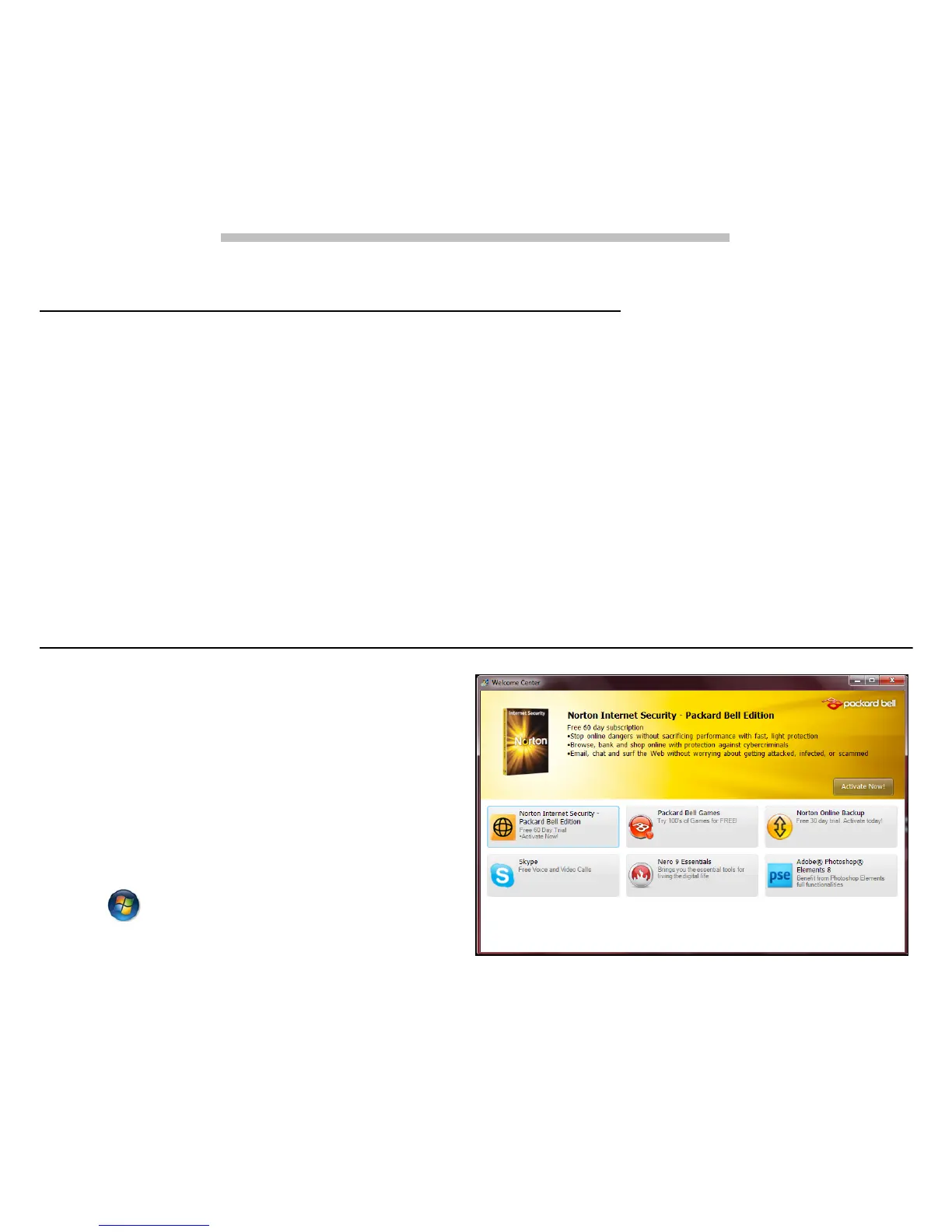
Welcome Center
The first time you turn on your
computer, the
Welcome Center
window opens. The
Welcome
Center
introduces you to the
new features and tools of
Windows. You can access the
Welcome Center
later by clicking
Start > Getting Started.









 To Next Page