4
ENGLISH
3. INSTALLING THE MONITOR
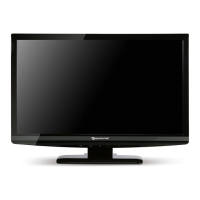
3-1. Packing List
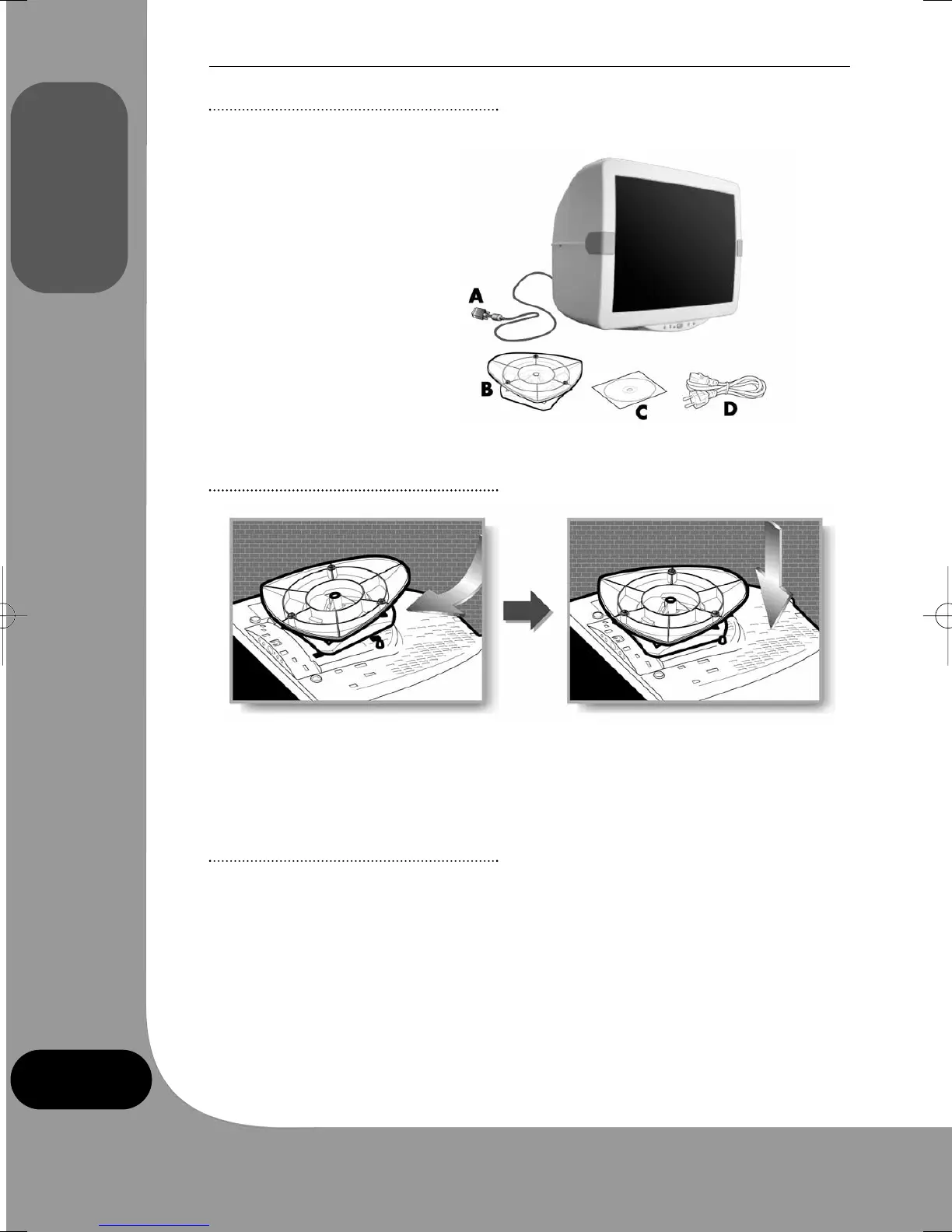
The following items should be found in the packaging.
A: Attached signal cable
B: Tilt and swivel stand
C: Compact disk*
D: Power cord
*Optional
3-2. Connecting the swivel and tilt base
• Place the base against the bottom of the monitor so that the base connecters are aligned
with the corresponding slots.
• Push the base towards the front of the monitor until the latch locks into position.
3-3. Selecting a suitable location
• 30cm from other electrical or heat-emitting equipment and allow at least 10cm on each
side for ventilation.
• Place the monitor in a position where no light shines directly onto or is reflected on the
screen.
• To reduce eyestrain, avoid installing the display unit against a bright background such as
a window.
• Position the monitor so that the top of the screen is no higher than eye level.
• Position the monitor directly in front of you at a comfortable reading distance (45 to
90cm approx).
monitor_guide_6908470000.qxd 27/05/03 15:55 Page 4



 To Next Page