Install the Megabit Modem CRA-C
Megabit Modem CRA-C User Manual 9
Identify LEDs and Connectors
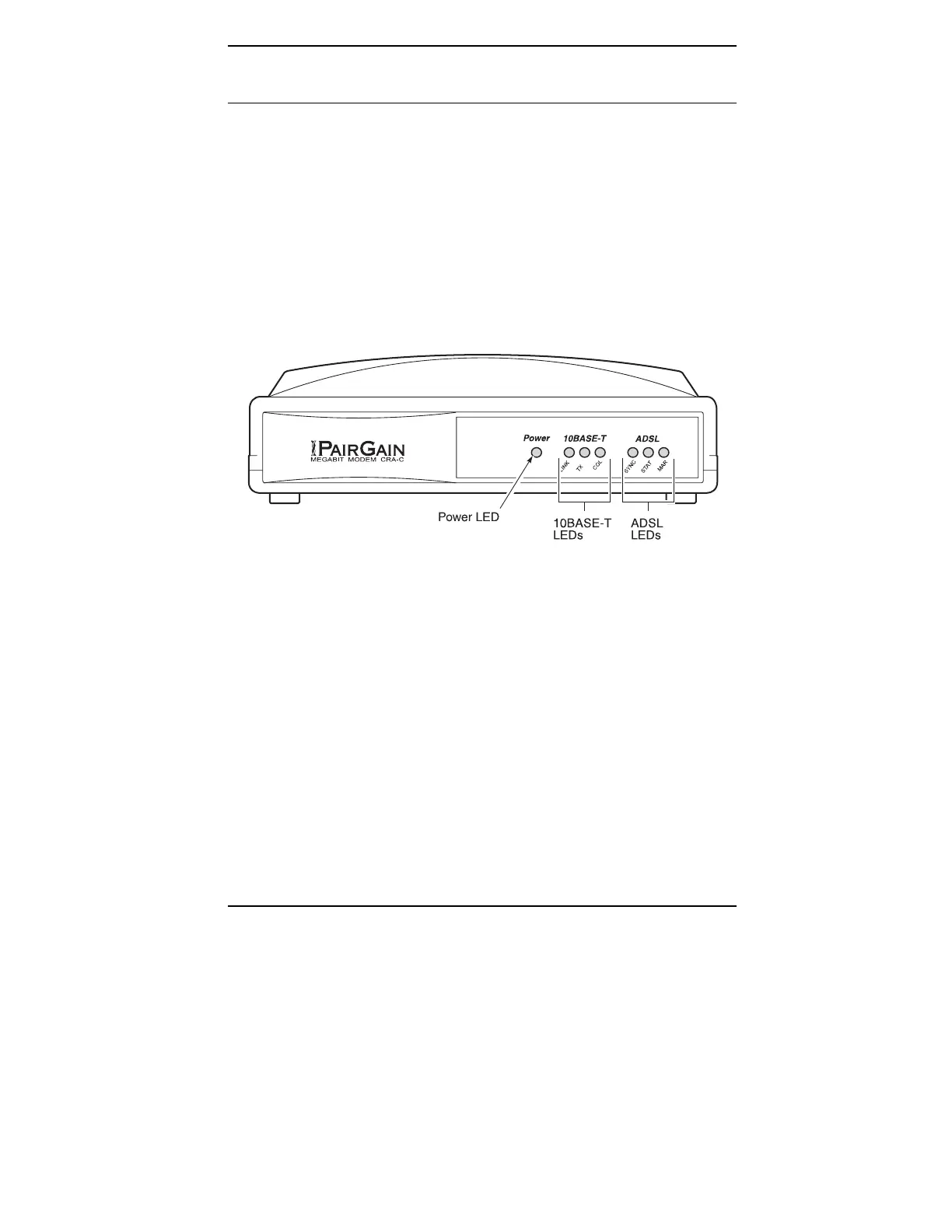
The Megabit Modem CRA-C front panel has LEDs that show status for power
and data transmission. The rear panel has external interface connectors and a
power switch.
Front Panel
Figure 2 and Table 2 describe the LEDs on the Megabit Modem CRA-C
front panel.
Figure 2. Megabit Modem CRA-C Front Panel



 To Next Page