Install the Megabit Modem CRA-C
Megabit Modem CRA-C User Manual 15
Connect to the data network using either the black straight-through cable or the
yellow cross-over cable:
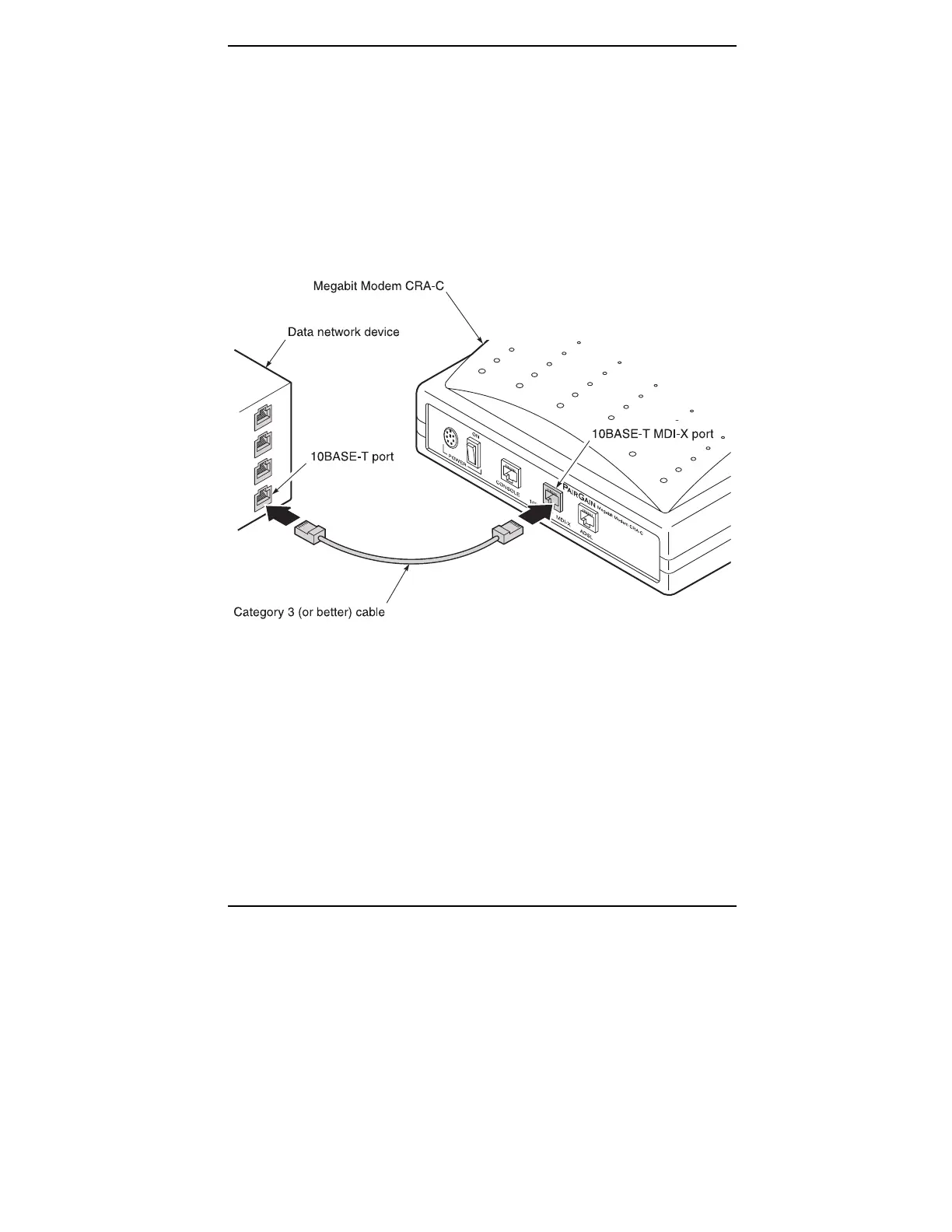
1 Plug the RJ-45 connector of the Category 3 cable into the
10BASE-T MDI-X connector on the Megabit Modem CRA-C
rear panel (Figure 6).
2 Attach the other end of the Category 3 cable to the 10BASE-T
port of your data network.
Figure 6.
Connecting to the Data Network



 To Next Page