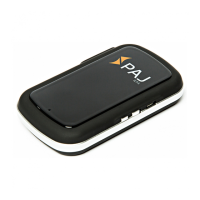
POWER Finder v.1.2ENG
© PAJ UG (haftungsbeschränkt)
8
watch for a correct position of the SIM
Card. Introduce the SIM Card until it clicks.
Step 4: Launching for the first time
Turn on the POWER finder by turning the
switch under the rubber seal to "on". Then
the LED lights turn on. As soon as you
receive GPS reception, the blue LED
flashes.
Meaning of the LED lights:
GREEN
GPRS / GSM status
BLUE
GPS status
RED
Battery status



 To Next Page