24/7 PHONE SUPPORT 252-316-0108
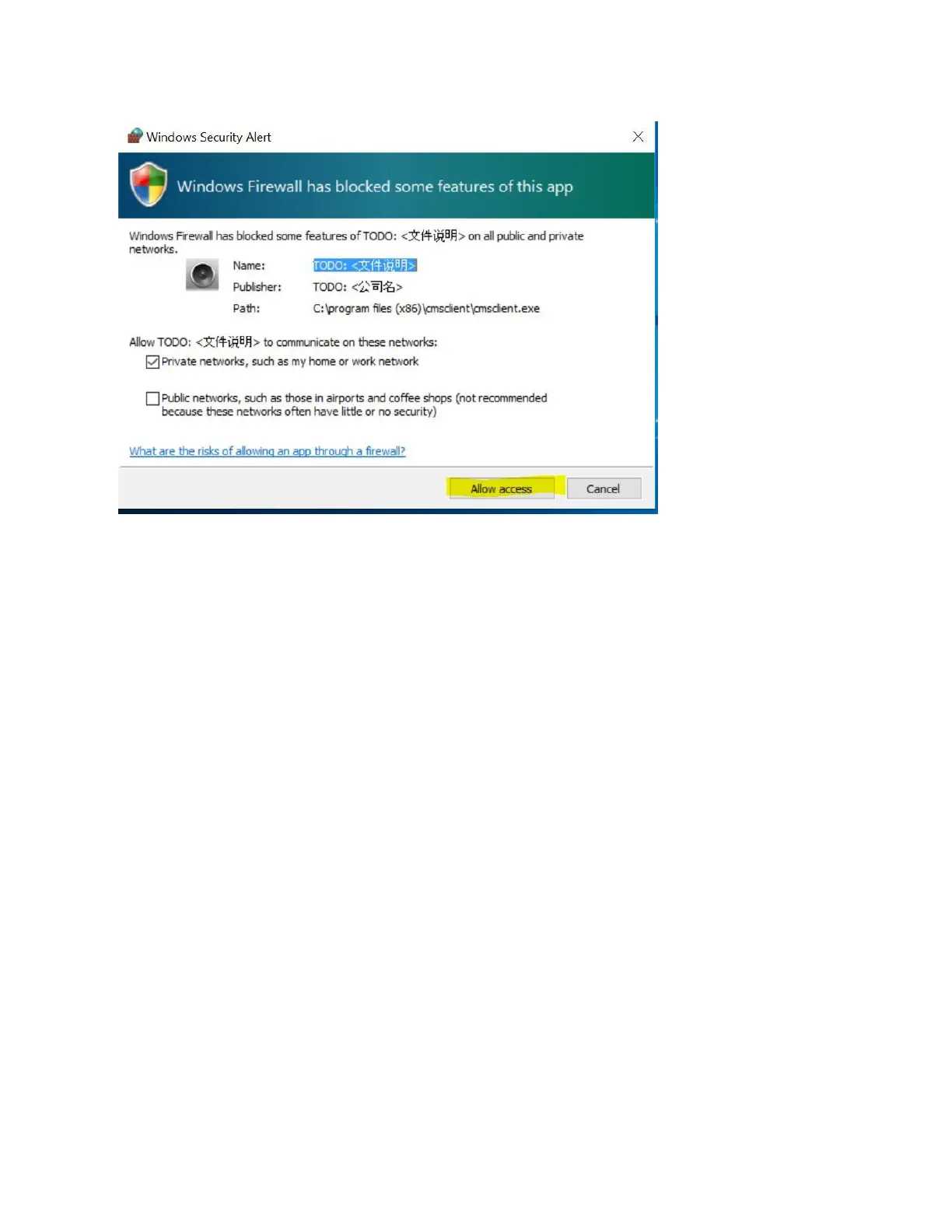
3. You will be prompted to set the username and
password, and add the camera.
Use the default codes - User name: admin, and Password:
00000000
The user name and password for remote access is same
as the mobile APP.
Select your Language and click OK.


 To Next Page