24/7 PHONE SUPPORT 252-316-0108
Note: For "CMS" support to add a device by LAN search,
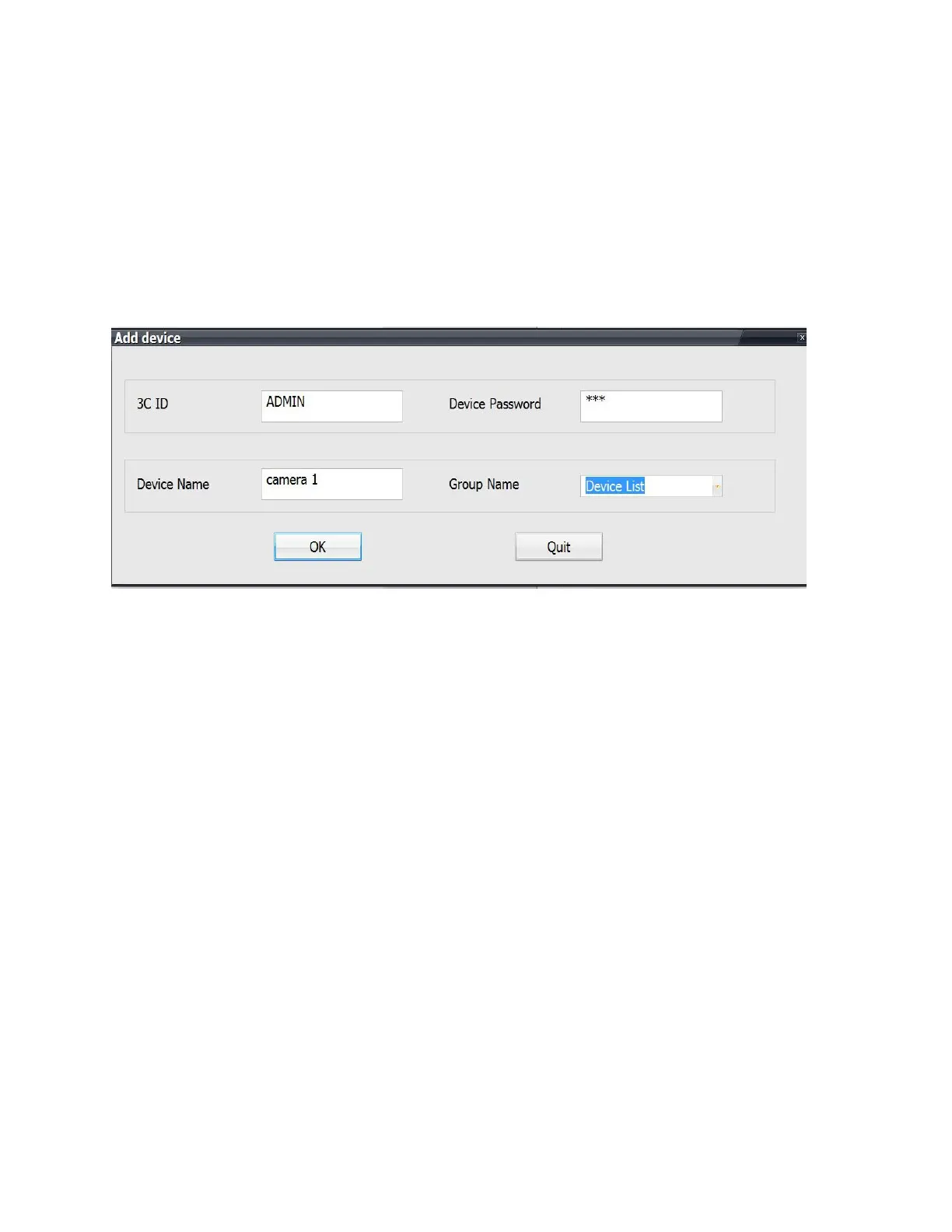
you can also manually enter the 3C ID and password to
add the camera.
Locate your 7-digit 3C ID on the bottom of the camera.
Enter this and the default password "123". Click OK.
Your camera picture will appear and you can adjust
angles by using the 4 compass arrows.


 To Next Page