21
Your messages
Messaging
Before You Begin:
Consult AT&T for pricing and availability of text and
multimedia messaging services. AT&T recommends that you have a messaging
plan if you plan to send frequent text, Instant Messaging, or multimedia
messages. If you want to send a multimedia message, make sure you have a
picture or video on your device (see "Take pictures and videos" on page 36).
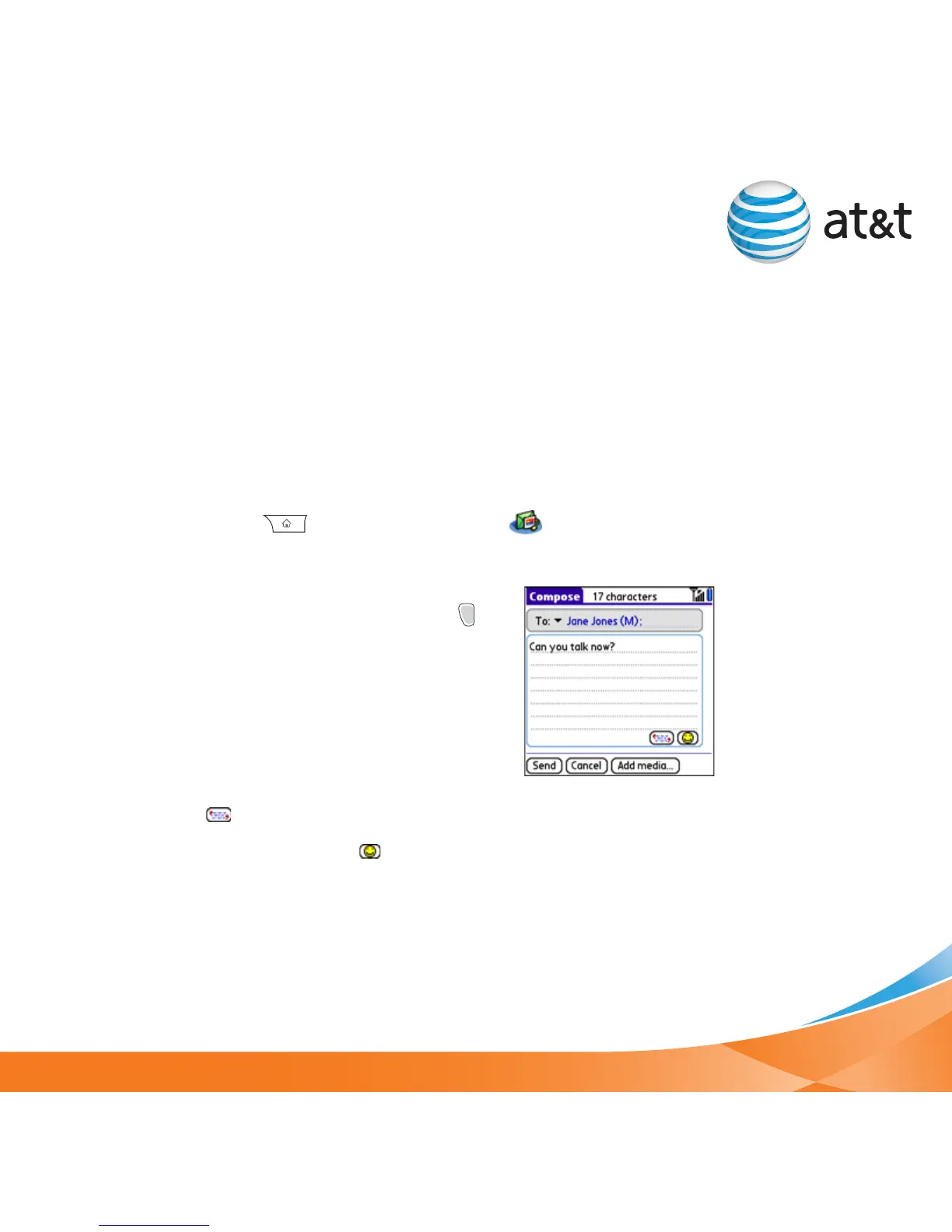
Send a text or multimedia message
1. Press Applications and select Messaging .
2. Select New.
3. Select the To field and enter the recipient’s mobile
phone number or email address. Press Option
twice to enter numbers. (Later, when you have
entered contacts, you can simply enter a name and
select the number.)
4. Enter your message.
5. (Optional) Do any of the following:
• Insert predefined phrases by selecting
QuickText .
• Insert emoticons by selecting .
• Insert pictures, videos, and sounds to create a multimedia message by
selecting Add media.
6. Select Send.
Takes? 3 minutes
Steps? 6
Tip
When typing, if you
see numbers
instead of letters (or
the reverse), you
need to turn Option
Lock on by pressing
Option twice or
turn it off by
pressing Option
once.
Tip
Sending text
messages to land-
line phones may not
be supported.


 To Next Page