29
Your contacts and calendar
Contacts
Enter names and phone numbers
1. Press Phone .
2. Select the Contacts tab.
3. Press Menu .
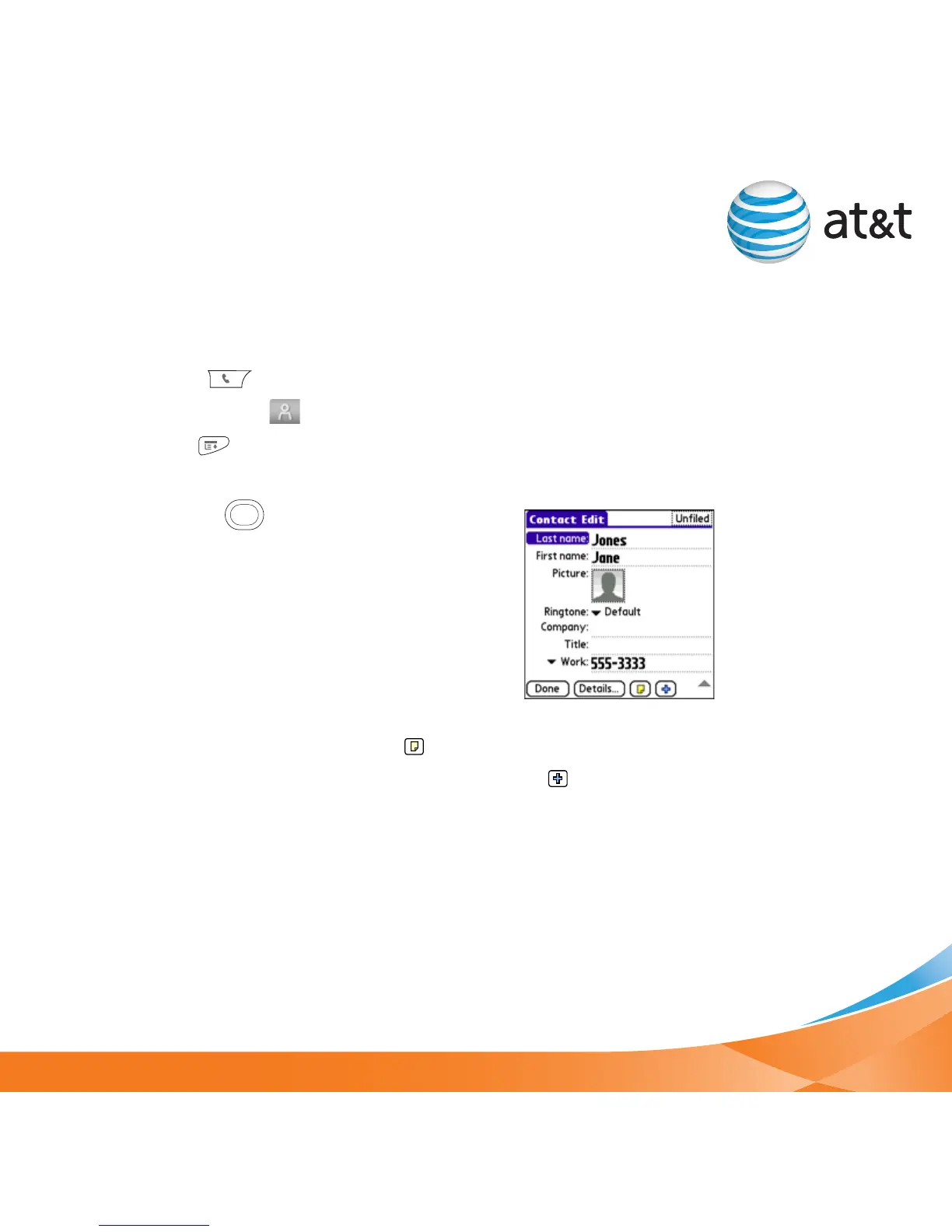
4. Select New Contact from the Record menu.
5. Use the 5-way to move between fields as
you enter info.
6. Do any of the following:
Add a caller ID photo: Select the Picture box and
select Camera to take a photo, or select Photos
and select an existing photo.
Add a caller ID ringtone: Select the Ringtone
pick list and select a ringtone for this contact.
Add a note to an entry: Select Note .
Display additional fields for this contact: Select Plus .
7. After you enter all the info, select Done.
Tip
You can import
contacts from your
SIM card. In the
Contacts list, open
the Record menu
and select Import
from SIM.



 To Next Page