EasyManua.ls Logo

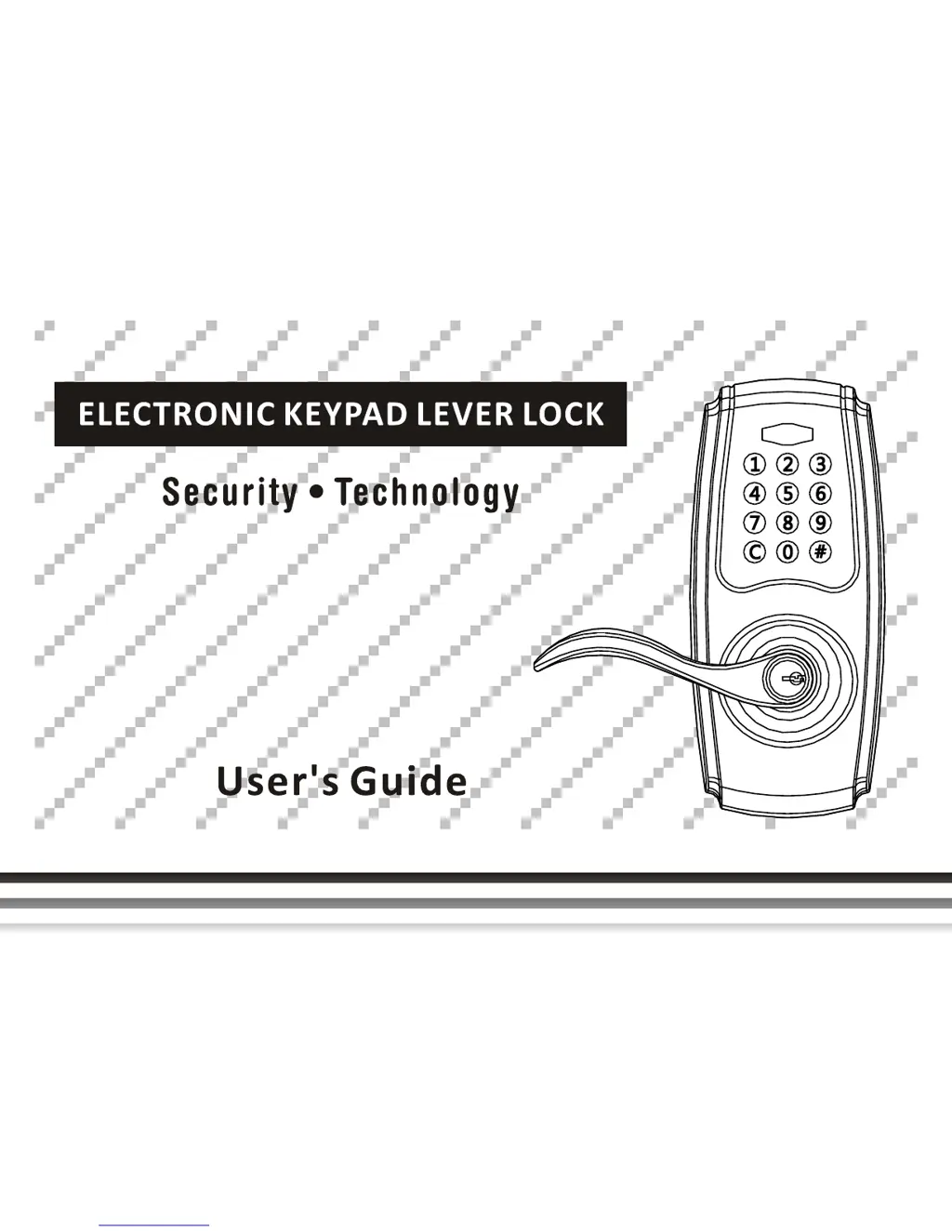
Pamex FKL - User Manual

Default Icon
42 pages
Print Icon
To Next Page IconTo Next Page
Loading...

Questions and Answers

  • H
    Holly GravesAug 7, 2025
    How to fix a Pamex FKL Door locks keypad that is not responding?
    • M
      Michelle IrwinAug 7, 2025
      If the keypad on your Pamex Door lock isn't responding, first ensure the batteries are correctly installed. If the indicator is flashing, it means the battery is low and should be replaced. Also, verify that the cable is securely connected to the port.
  • E
    eric93Aug 11, 2025
    Why is the yellow indicator on my Pamex FKL Door locks?
    • M
      Mrs. Brittany Harvey DDSAug 11, 2025
      If your Pamex Door lock's yellow indicator is on or keeps flashing, it means the batteries are getting low. You should replace all the batteries, and make sure to use alkaline batteries only.
  • D
    Dennis HamiltonAug 15, 2025
    Why is my Pamex Door locks beeping?
    • R
      Robin GrayAug 15, 2025
      If the yellow indicator keeps flashing or the Pamex Door lock keeps beeping after unlocking, it means the batteries are running low. Replace all batteries, and use alkaline batteries only.
  • C
    Christina GarciaAug 20, 2025
    What to do if Pamex FKL Door locks won't open with correct code?
    • R
      Richard HernandezAug 20, 2025
      If you can't open the door with your Pamex Door lock after entering the correct code, double-check that you've entered the user code correctly. Also, see if the indicator is flashing, which means the batteries need to be replaced. If the latch seems jammed, ensure the strike plate is installed correctly.
  • M
    Mark WashingtonAug 25, 2025
    Why is the red indicator flashing on my Pamex FKL?
    • J
      Julian JuarezAug 25, 2025
      If the red indicator on your Pamex Door lock keeps flashing and beeping when you try to program the lockset, ensure that you've entered the correct programming code. Also, make sure the lever is completely horizontal.
  • A
    Andrew LewisAug 29, 2025
    Why can't I add a new user code to my Pamex Door locks?
    • B
      bushelizabethAug 29, 2025
      If you can't add a new user code to your Pamex Door lock, make sure all codes are entered within 10 seconds and that you've entered the correct programming code. Note that the new user code will not be accepted if 100 user codes are already stored in the memory.
  • K
    Kathleen WillisSep 1, 2025
    What to do if Pamex FKL Door locks lever lock cannot be auto-locked?
    • M
      melindafergusonSep 1, 2025
      If the lever lock on your Pamex Door lock cannot be auto-locked after closing the door, make sure the arrow of the thumbturn is directed to LOCK and that the key is withdrawn from the lock.

Pamex FKL Specifications

General IconGeneral
CategoryDoor Locks
BrandPamex
ModelFKL
Backset60 mm
Door Thickness35-45 mm