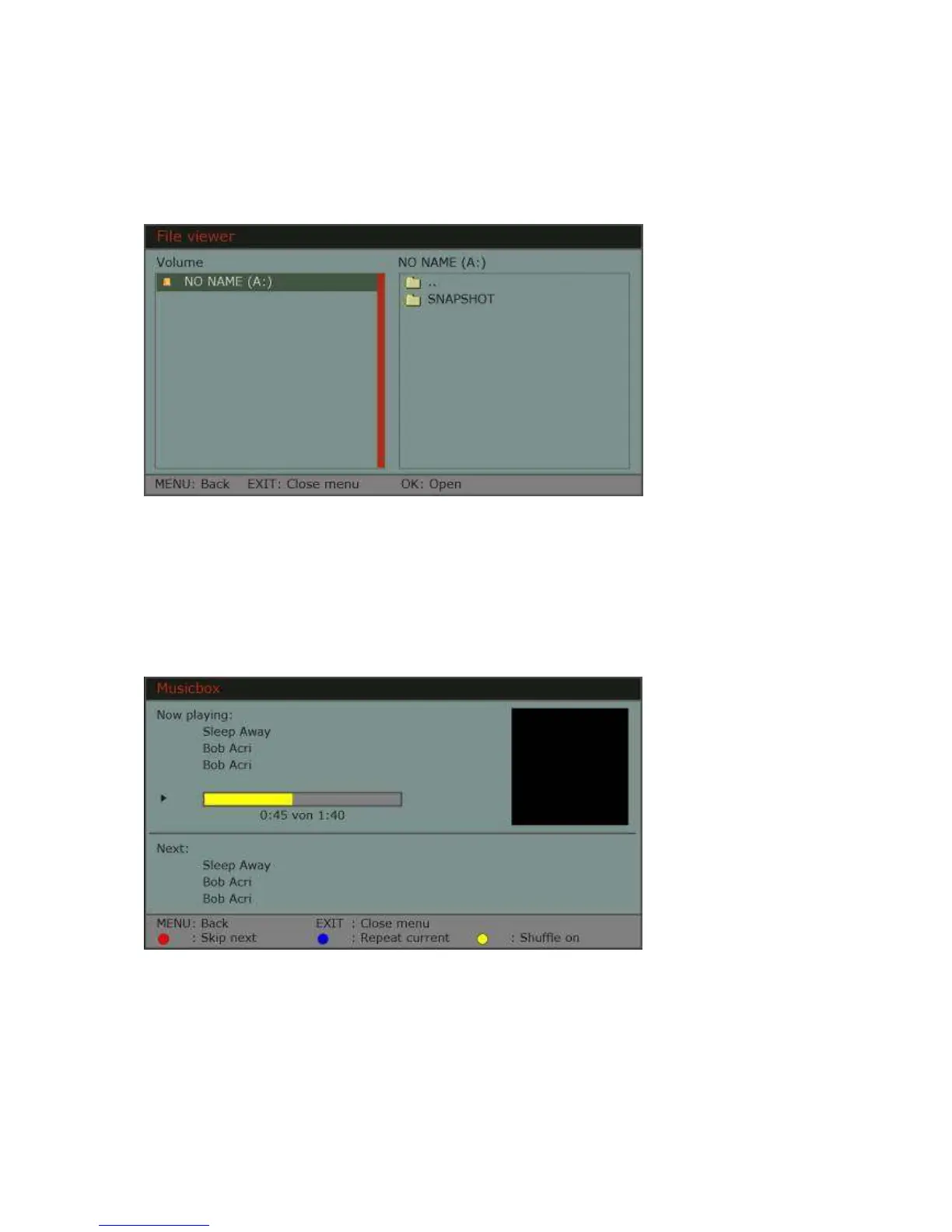
File viewer
File viewer shows you all the data that is on the disk. You can navigate between files
and folders the way you do it on PC. You can also start playing each of them by
clicking “OK” on them.
MP3 Player
If there are some MP3 files (music) on the disk, so you can start MP3 player by
clicking „OK“ when one of the titles is marked and so confirm it. Now MP3 player
window will be opened. You can see there the name of the song, the singer and
other information. In the bottom of the window you get hints on how to navigate. You
can change the volume if MP3 player is active by pressing the Skip buttons.


 To Next Page