EasyManua.ls Logo

Panasonic 800 Series - User Manual

Panasonic 800 Series
281 pages
Print Icon
To Next Page IconTo Next Page
Loading...
Operating Instructions
(Household use)
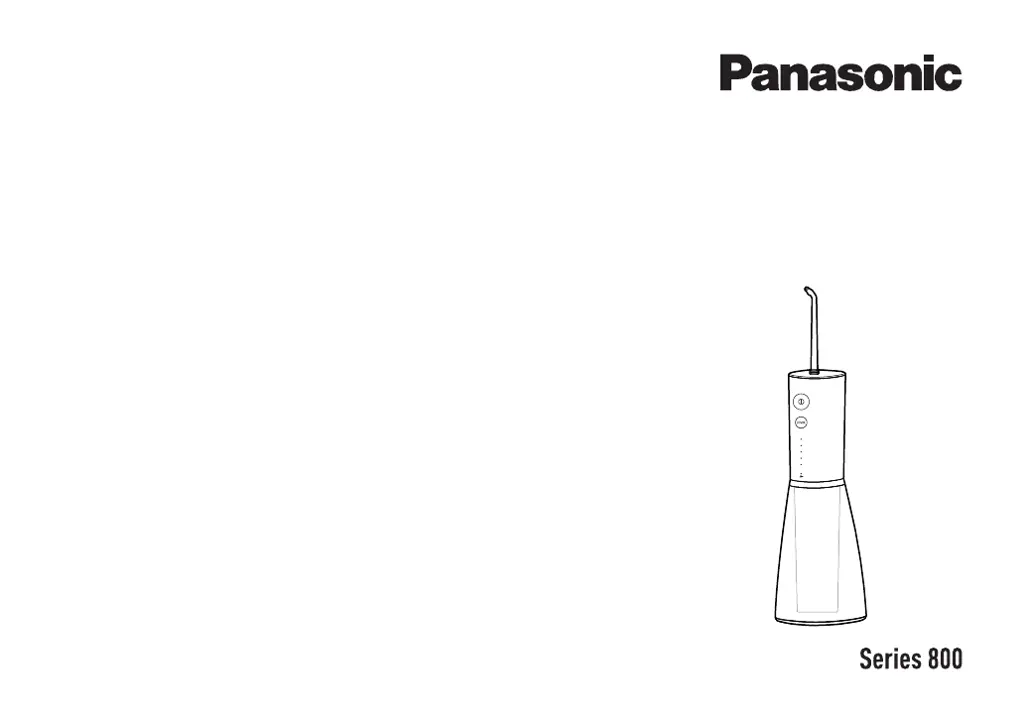
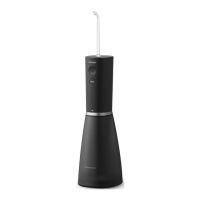
Rechargeable Oral Irrigator
Model No.
EW-DJ86

Questions and Answers

  • M
    Mary MartinezJul 29, 2025
    Why does my Panasonic Personal Care Products run for only a few minutes after being fully charged?
    • E
      Emily DavisJul 29, 2025
      If your Panasonic Personal Care Product only works for a few minutes after a full charge, ensure the USB cable is fully inserted into both the main unit and the power supply, verifying that the charging status indicator is on. It is also possible that the battery has reached the end of its life (approximately 3 years).
  • J
    Joseph GonzalesAug 3, 2025
    How to fix poor water jet on Panasonic Personal Care Products?
    • R
      Richard WilliamsAug 3, 2025
      If the water jet in your Panasonic Personal Care Product is weak, the nozzle may be clogged or the outlet of the nozzle may be squashed. Replace the nozzle with a new one. Also, the filter might be clogged; remove any dirt from the filter.
  • D
    dmillerAug 8, 2025
    Why does the charge status indicator not light on for my Panasonic 800?
    • C
      Catherine WilliamsAug 8, 2025
      If the charge status indicator on your Panasonic Personal Care Product doesn't light up, especially after purchase or a period of inactivity, continue charging it; the light should appear after some time. Also, ensure the USB cable is fully connected to the USB power adapter. If the socket is wet or has foreign objects, disconnect the power, inspect, and clean the socket.
  • K
    Kevin DuncanAug 13, 2025
    What to do if the charge status indicator flashes rapidly on my Panasonic 800?
    • A
      Aaron CardenasAug 13, 2025
      If the charge status indicator on your Panasonic Personal Care Product flashes rapidly, it could be due to the ambient temperature being too low or too high during charging. Ensure you charge the device within the recommended temperature range of 10 °C to 35 °C.
  • J
    Jeffrey HoganAug 18, 2025
    Why no water comes out of my Panasonic 800?
    • J
      James GreenAug 18, 2025
      If no water is coming out of your Panasonic Personal Care Product, ensure the main unit is upright during use. If that doesn't work, put water into the nozzle port, install the nozzle, and turn on the power switch.
  • M
    Mark LambAug 23, 2025
    What to do if water leaks from the bottom cover of my Panasonic Personal Care Products?
    • M
      Michael MaldonadoAug 23, 2025
      If water leaks from the bottom cover of your Panasonic Personal Care Product, the rubber ring of the bottom cover might be cocked or misaligned. Ensure it is properly installed.

Summary

Safety Precautions

Explanation of Symbols

Explains symbols used for hazard levels in the manual.

Preventing Accidents

Provides advice on preventing accidents and injuries during use.

USB Power Adaptor and Cable Safety

Safety guidelines specific to the USB power adaptor and cable.

Abnormality or Malfunction

Instructions for actions to take in case of appliance malfunction.

Product-Specific Safety

Safety precautions related to the product's built-in battery and construction.

Handling Removed Battery Disposal

Charging the Oral Irrigator

Step 1: Connect USB Cable to Main Unit

Instructions for connecting the USB cable to the main unit's socket.

How to Use the Oral Irrigator

Filling the Water Tank

Step-by-step guide on how to fill the water tank correctly.

Installing the Nozzle

Instructions on how to select and securely install a nozzle.

Selecting Water Pressure Level

How to use the level switch to adjust water pressure.

Rinsing Teeth

Procedure for placing the nozzle and starting the water jet.

Cleaning the Oral Irrigator

Troubleshooting Guide

Charge Indicator Not Lighting

Possible causes and actions when the charge indicator is off.

Rapid Flashing Charge Indicator

Troubleshooting for a charge indicator flashing rapidly (twice a second).

Short Operating Time After Charge

Addresses issues with the appliance operating for only a few minutes.

Charging Not Normal

Troubleshooting for charging issues when the indicator does not flash.

Poor Water Jet

Diagnoses and solutions for a weak water jet issue.

No Water Output

Possible causes and actions when no water comes out.

Appliance Not Operating

Solutions for when the appliance fails to operate.

Battery Life and Removal

Removing Built-in Battery for Disposal

Step-by-step instructions for removing the battery before disposal.

Battery Disposal Safety

Emphasizes safe battery disposal at designated locations.

Panasonic 800 Series Specifications

General IconGeneral
Product CategoryPersonal Care Products
BrandPanasonic
Series800 Series
Wet/Dry UseYes
Charging Time1 Hour
Cordless UseYes
WaterproofYes
Travel LockYes
LCD DisplayYes
Product TypeShaver

Related product manuals