- 72 -
Playing back still pictures by date
The still pictures recorded on the same day can be played back in succession.
≥ Change the mode to and touch the play mode select icon.
Then, set [VIDEO/PICTURE] to [PICTURE]. (l 65)
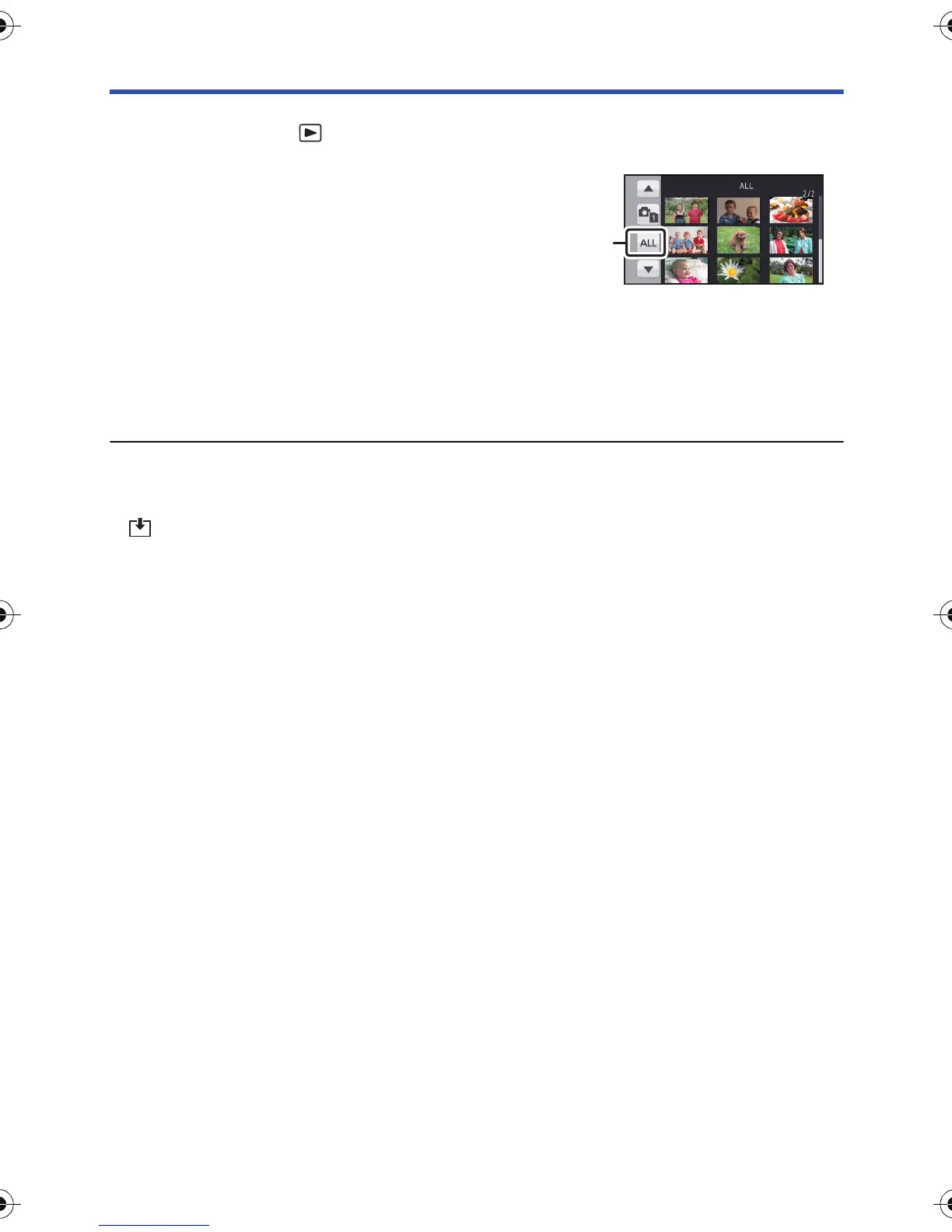
1 Touch the date select icon.
2 Touch the playback date.
The still pictures recorded on the date selected are displayed as thumbnails.
3 Touch the still picture to be played back.
≥ It will return to display all by turning off the unit or operating the mode switch.
≥ Even if still pictures are recorded on the same day, they are grouped separately when the number
of still pictures exceeds 999.
≥ is displayed after the date in the list by date for the still pictures created from the motion
picture. (l 70)
AG-AC90-VQT4M99_mst.book 72 ページ 2012年9月25日 火曜日 午後12時6分












 To Next Page