E-7
Volume2 (CD)
Contents (continued)
Shooting
Shooting in progressive mode
Shooting techniques for different targets
Adjusting the shutter speed
Switching Audio Input
Using scene files
Saving scene files and other settings on
SD Memory Cards
Clip metadata
Using the Counter
Charging the built-in battery/
Setting the time code
Playback
Basic playback operations
Thumbnail screen
Playback settings (PLAY SETUP)
Thumbnail operations
Useful playback functions
Editing
Connecting external units
Nonlinear editing
Displays
Screen displays
Menu
Setup menu list
Reference
Before calling for service
Updating the firmware incorporated into
the unit
Cleaning
Storage Precautions
How to handle data recorded on
SD Memory Card
*1: Please note that this extended warranty is not available in some countries/regions. *2: Not all models eligible for extended warranty coverage.
*3: The basic warranty period may vary depending on the country/region. *4: Not all repair work is covered by this extended warranty.
Purchase
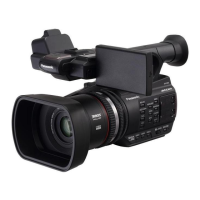
AVCCAM product
Register online
within 1 month
“Registration Notice”
e-mail sent
Details about user registration and the extended warranty: http://panasonic.biz/sav/pass_e
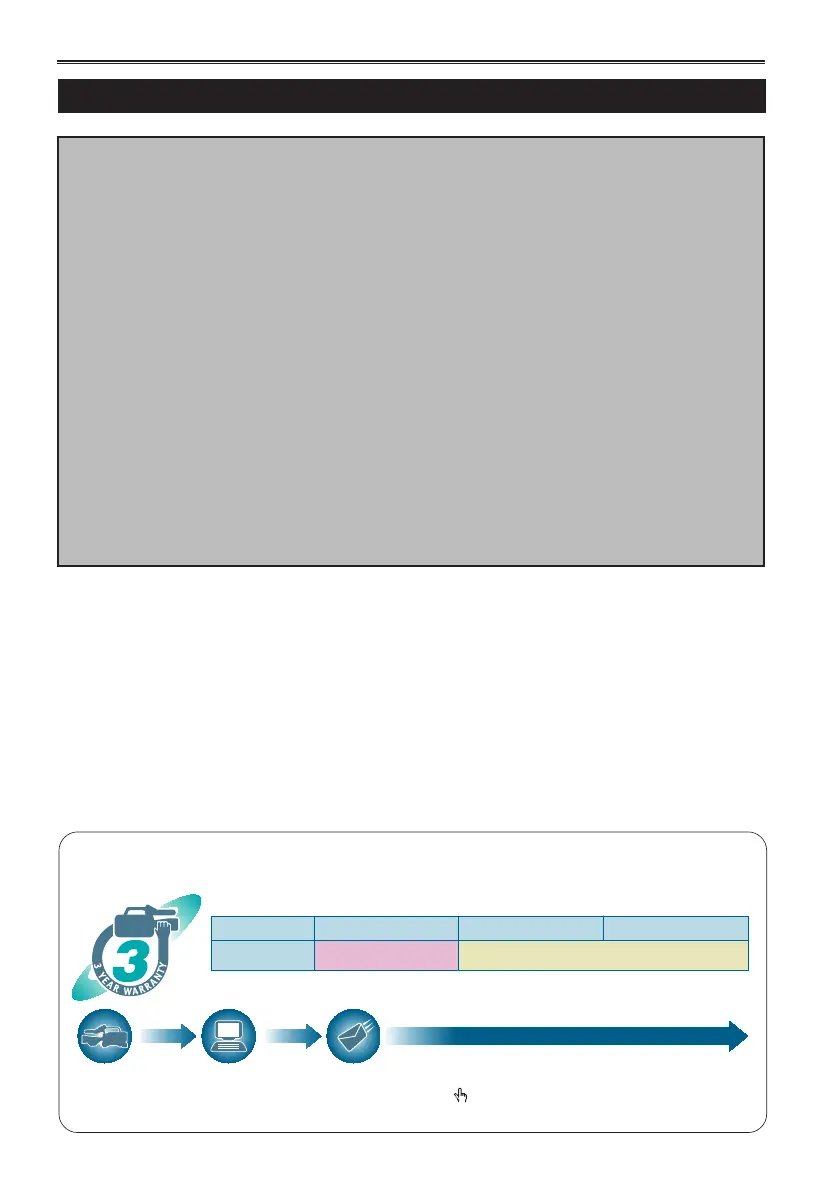
Free 3 years of Warranty Repairs
Customers who register as users on the website will receive an extended warranty repair valid for up to
three years.
AVCCAM 3 Year Warranty Repair Program*
1
Thank you for purchasing this Panasonic AVCCAM device.
Register as a user for this device to receive a special service warranty up to three years of free warranty repairs.
Make sure to save the “Registration Notice” e-mail
during the warranty period.
Please note, this is a site that is not maintained by Panasonic Canada Inc. The Panasonic Canada Inc. privacy policy does not apply and is not applicable in relation to any
information submitted. This link is provided to you for convenience.
1
st
year 2
nd
year 3
rd
year
AVCCAM device
*
2
Basic warranty
*
3
Extended warranty repair
*
4
How to open the operating instruction manual PDF files
Discontinue installation if the installation screen of the software opens as a result of inserting the
CD-ROM.
When [INDEX.pdf] on the CD-ROM is opened, a list of the operating instruction manuals will be
displayed.
Click on the document name of the manual to be opened.
Adobe
®
Reader
®
is required to read PDF files.
It can be downloaded from the home page of Adobe Systems.





 To Next Page