EasyManua.ls Logo

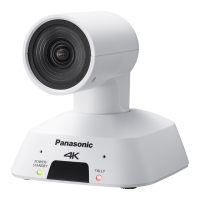
Panasonic AW-UE20WED - User Manual

Panasonic AW-UE20WED
126 pages
Print Icon
To Next Page IconTo Next Page
Loading...
DVQP2657YA
W0222AM1042 -AV-PS
ENGLISH
Model No.
AW-UE20KP
Model No.
AW-UE20WP
Model No.
AW-UE20KE
Model No.
AW-UE20WE
Model No.
AW-UE20KED
Model No.
AW-UE20WED
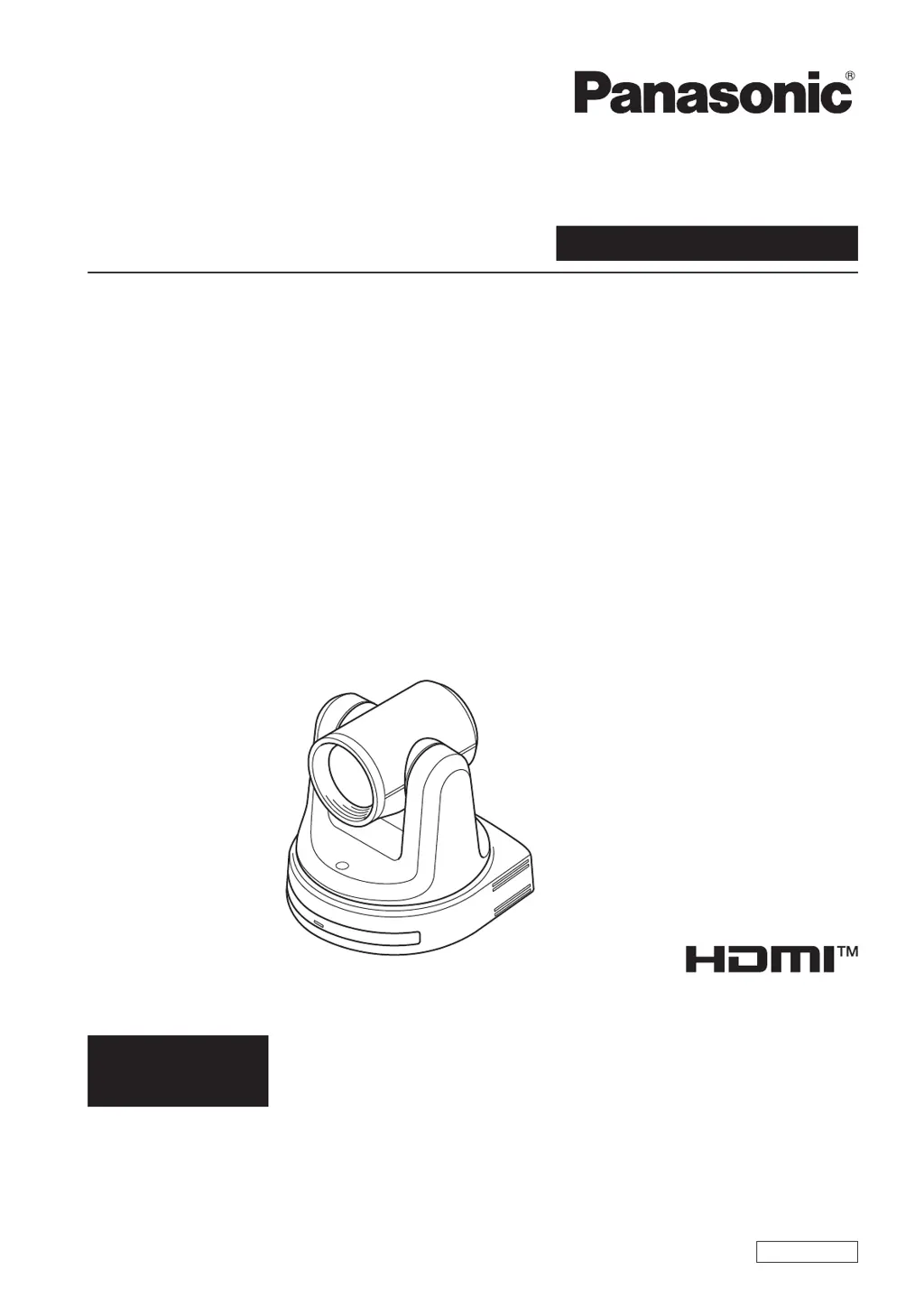
Operating Instruction
Operations and Settings
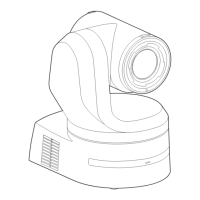
4K Integrated Camera
Operations and Settings
Operating Instructions
This "Operations and Settings" describes how to operate the unit and how to
establish its settings.
For more information on how to perform basic operation and installation, refer to
the Operating Instructions "Basics".

Table of Contents

Other manuals for Panasonic AW-UE20WED

Questions and Answers

  • D
    Deborah WolfeAug 8, 2025
    Why Panasonic Digital Camera has no power?
    • D
      Darrell BrownAug 8, 2025
      First, ensure the AC adapter is securely connected to the AC outlet and that the power plug of the AC adapter is properly connected. If using PoE+ (IEEE802.3at), verify the network cable is correctly connected. Note that power may not be supplied if the total power limit is exceeded on power supply devices with multiple PoE+ terminals. Also, if connected to a controller, check that the unit is properly connected. For controller details, consult its operating instructions.
  • S
    Sheri WeberAug 13, 2025
    What to do if Panasonic AW-UE20WED Digital Camera cannot operate using the wireless remote control?
    • A
      Ashley DavisAug 13, 2025
      If the status display lamp doesn't blink when operating the remote near the signal light-sensing area, the batteries may be depleted; replace them. Ensure the Wireless ID is correctly set. Also, check if a fluorescent light or plasma monitor is interfering with the signal. Finally, verify that wireless control is not set to 'Off' in the web screen menu; a rapidly flashing orange power status indicator (5Hz) indicates it is.
  • C
    Carol WatsonAug 18, 2025
    How to fix Panasonic Digital Camera that cannot operate (common to wireless remote control, controller)?
    • A
      April MccarthyAug 18, 2025
      First, check if the power is on. If the unit’s status display lamp is off or lights up orange, it means that the unit’s power is not on. Also, verify that the specific unit you're trying to control is correctly selected.
  • F
    fhobbsAug 23, 2025
    What to do if Panasonic AW-UE20WED unit turns in the opposite direction?
    • K
      Kristine ZhangAug 23, 2025
      Ensure that the 'Install Position' setting has been correctly configured. If the unit is connected to a controller, the reversal setting might have been established there; refer to the controller's operating instructions for further details.
  • V
    Valerie MyersAug 28, 2025
    Why Panasonic Digital Camera cannot access from a web browser?
    • E
      Evelyn LopezAug 28, 2025
      Ensure a LAN cable of category 5e or above is connected to the LAN connector for IP control. Check if the [LINK] LED of the LAN connector is lit; if not, there may be a connection issue or network problem. Also, verify that the unit is powered on; if the status display lamp is off or orange, the unit is not on.
  • C
    Cody ThomasSep 1, 2025
    What to do if Panasonic Digital Camera cannot operate using the controller?
    • S
      smithsaraSep 2, 2025
      Ensure the unit is properly connected to the controller. It might be necessary to upgrade the controller's version to support the unit. For upgrade details, visit the support page on the Panasonic website: https://pro-av.panasonic.net/

Panasonic AW-UE20WED Specifications

General IconGeneral
BrandPanasonic
ModelAW-UE20WED
CategoryDigital Camera
LanguageEnglish

Related product manuals